How can we help?
-
Getting Started
-
Files & Folders
-
Workflows & Automation
-
Metadata & Forms
-
Admin Tools
-
Access Management
-
User-level Tools
-
Business-level Tools
-
Reports
Duplicating Folders
To duplicate a folder with everything in it — either an empty folder structure or with files, you have two options:
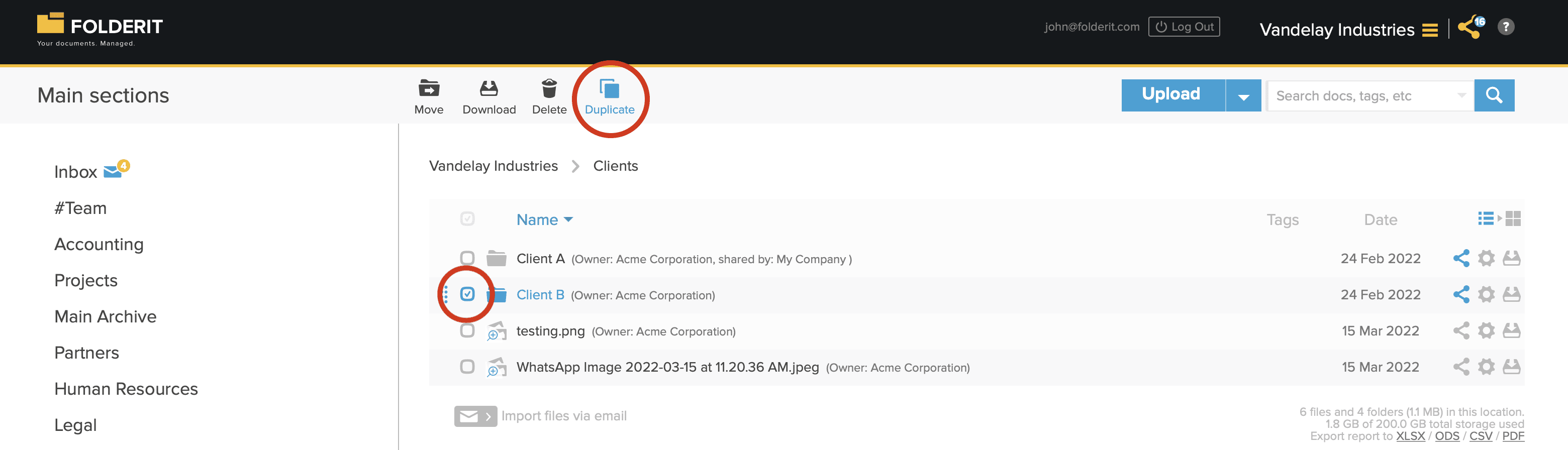
1. Select the folder(s) with check-marks and choose ‘DUPLICATE’ from the toolbar.
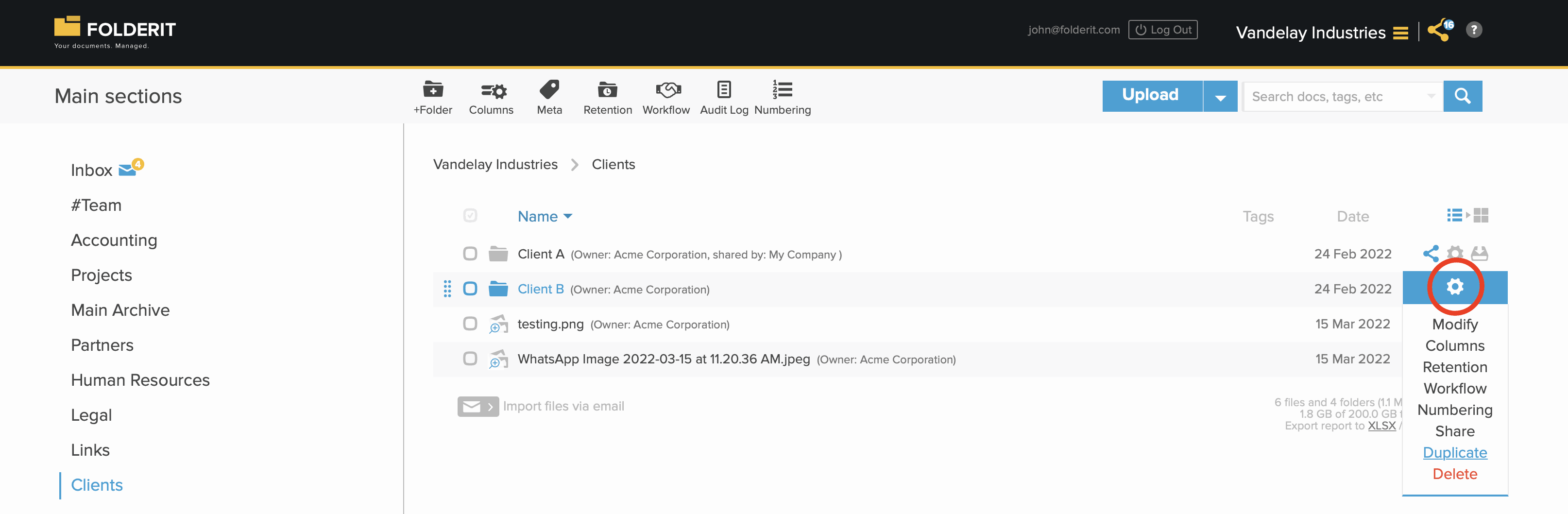
2. Click on folder’s Settings (gear) icon and choose ‘DUPLICATE’ from the dropdown list.