Dashboard and Reports
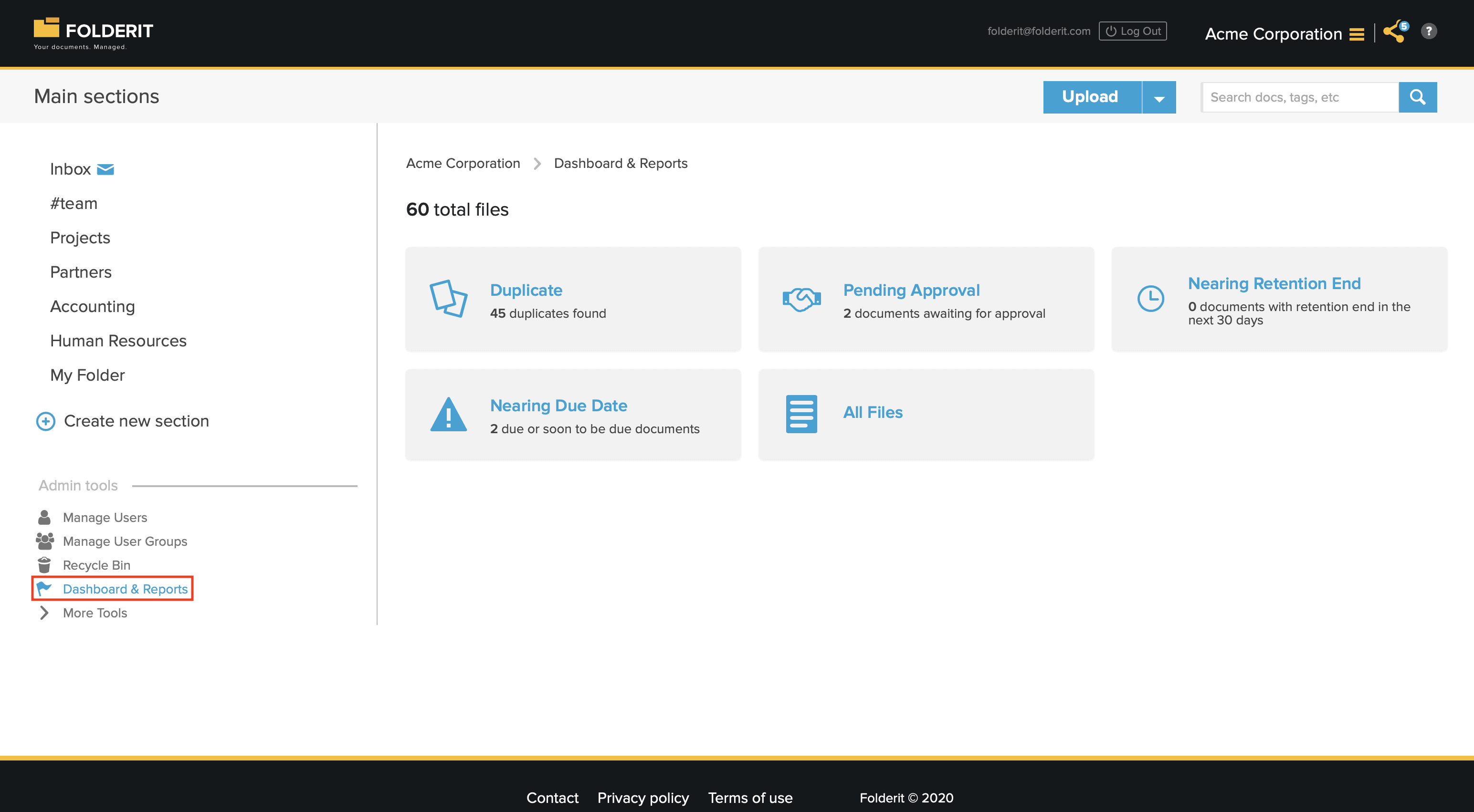
Account administrators can access ‘Dashboard & Reports‘ view to have an overview of all files in the system and their status.
From Admin Dashboard you can see:
– Duplicate Report: Instantly identify and manage duplicates report based on hash comparison, ensuring data integrity and optimizing storage space.
– Documents that are pending approval: Track documents that are currently awaiting approval, enabling swift action to expedite the workflow.
– Documents that are nearing their retention end
– Due Documents: documents whose Due Date is overdue or falls within the next 30 days. This report uses the document’s Due Date metadata, not task or workflow deadlines. The document field is also visible in the document detail view and in list view when its column is enabled. A workflow’s Due By field is separate.
– Total report of all your files in the system: Access a comprehensive report summarizing all files within the system, providing a clear snapshot of your document inventory.
All reports can be exported as .XLSX, .CSV and .ODS files. To access the dashboard log in with any admin user.