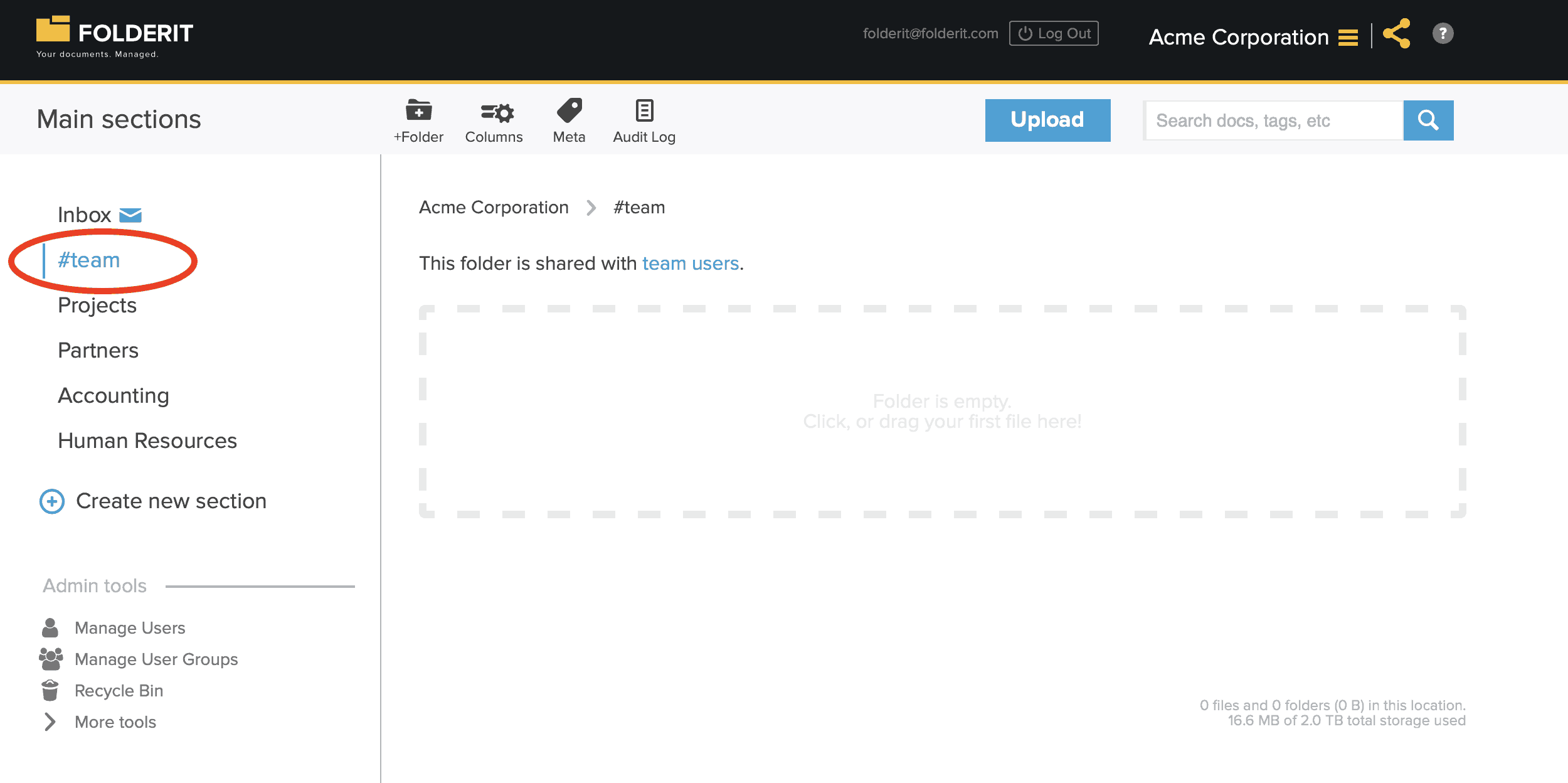
#Team Section
The #Team folder is the only Main Section that is visible to newly added team members by default. This ensures that users have at least one shared resource available when they first sign in.
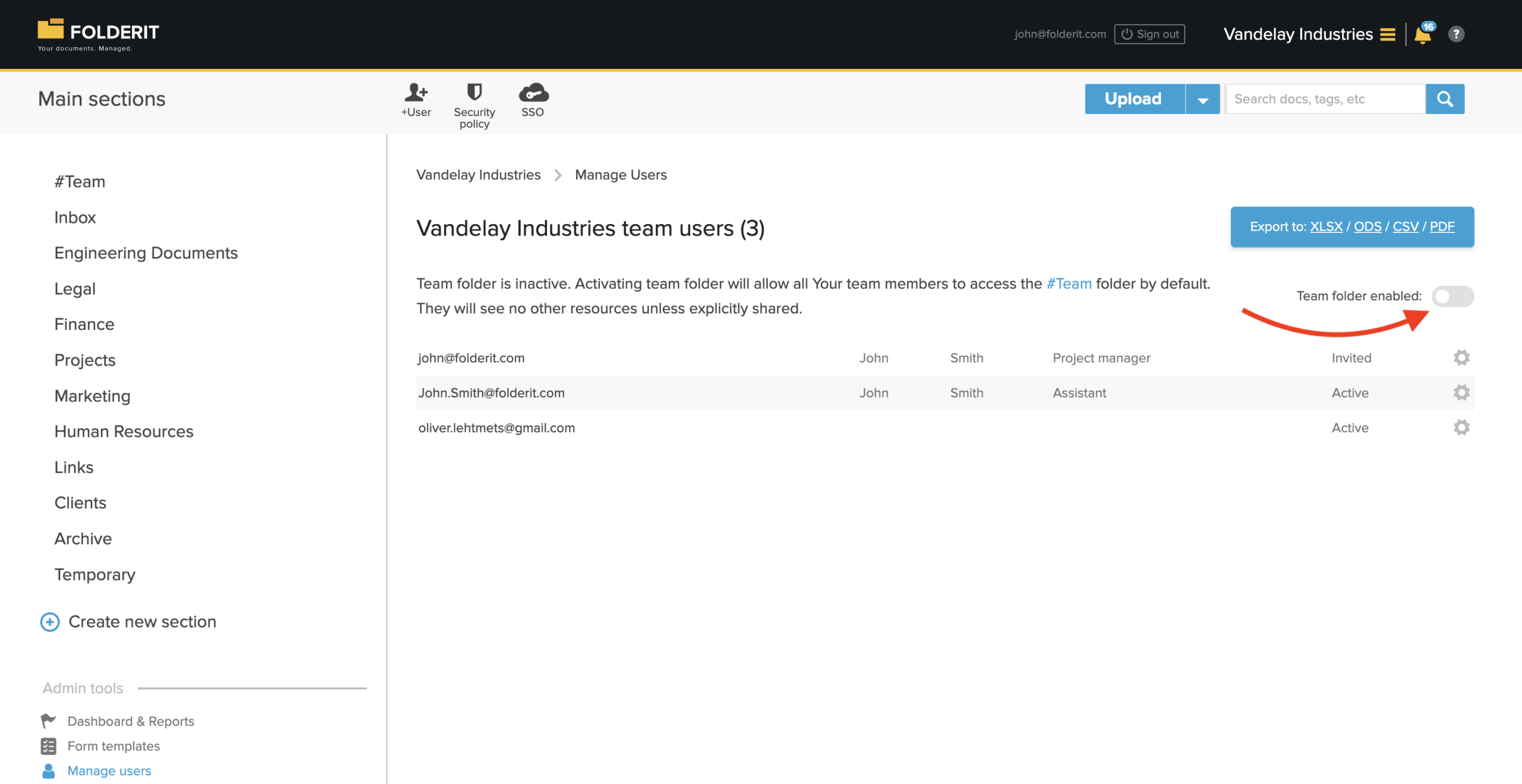
You can disable access to the #Team section if you do not want to use it.
You may leave the folder empty, or use it to share information that should be available to everyone, such as:
- a welcome document;
- company policies;
- document management guidelines;
- onboarding instructions;
- commonly used templates.
By default, all team members can access the contents of the #Team section with Editor permission. This means they may be able to add, edit, move, or remove content, depending on the available actions and your account settings.
No other folders, sections, or documents are automatically available to team members. Access to all other resources must be granted separately.
Important
Only place content in the #Team section if it is suitable for all team members to see and edit.