The best healthcare document management software depends on which documents you manage. DocuWare and Hyland suit hospitals and health systems that need documents connected to EHR and diagnostic systems. Radar Healthcare and isoTracker focus on controlled documents and version history. Folderit fits small and mid-sized healthcare organisations that need approval workflows, audit trails and HIPAA-aligned security without an enterprise implementation.
Healthcare document management software holds the policies, procedures, contracts, staff records and administrative files that surround patient care, and records who changed, approved and read each one. This guide compares eight tools, explains where each one fits and where it falls short, and sets out what to check before you buy, whether you run a single practice, a multi-site outpatient group or a home health agency.
The 8 Best Healthcare Document Management Software Tools: At a Glance
Healthcare document management software falls into three broad groups:
- Clinical content platforms that connect to the EHR
- Healthcare-specific quality and compliance tools that include document control
- General document management systems that support healthcare compliance frameworks.
The right choice depends on whether your main problem is patient records, controlled policies or back-office paperwork.
| Tool | Best For | Standout Feature | Pricing |
| Folderit | Compliance-led small and mid-sized healthcare organizations | Built-in approval, acknowledgement and retention workflows, with BAAs available | From $55/month, per plan rather than per user |
| DocuWare | Hospitals, labs and pharmacies | HL7 integration with diagnostic and radiology systems | Contact for pricing |
| Hyland | Health systems working inside the EHR | OnBase integration with 36 Epic applications | Contact for pricing |
| Radar Healthcare | Providers managing risk, quality and compliance together | Document control inside a risk and incident platform | Contact for pricing |
| Content Central | Patient administrative paperwork | Records indexed by patient name and MRN | Contact for pricing |
| Square 9 | Finance and HR back-office teams | Prebuilt AP, AR, HR and contract applications | Contact for pricing |
| isoTracker | ISO 9001 document control | Reminders for upcoming and overdue document reviews | From $984.27/year for 5 users |
| Connecteam | Frontline staff and daily operations | Documents, chat, forms and training in one mobile app | Free for up to 10 users |
The 8 Best Healthcare Document Management Software Tools: Our Top Picks
1. Folderit: Best for Compliance-Led SMB Healthcare Organisations
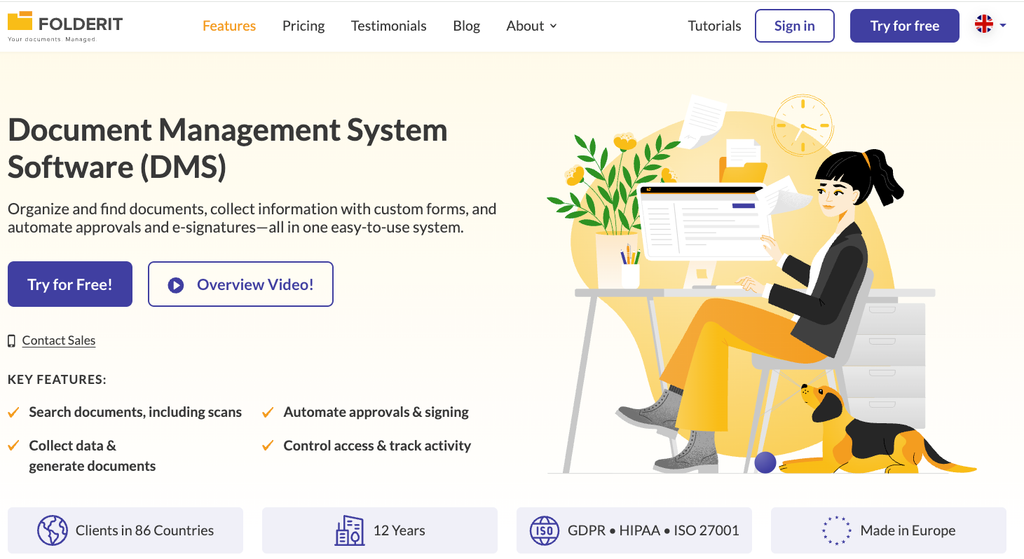
What makes it different: Folderit’s medical document management software gives healthcare organizations one controlled repository for policies, procedures, contracts and staff documents, with approval workflows, acknowledgement tracking, automated document numbering, retention policies and version history included rather than sold as add-ons. Every upload, edit, approval, share and download appears in a timestamped audit trail, and the help center guide to document and folder audit trails shows how this works in practice. Folderit was named the most user-friendly DMS by Capterra based on ease-of-use benchmarking, which matters when practice managers and quality leads run the system without help from IT specialists.
Key capabilities for healthcare teams:
- Business Associate Agreements: Folderit offers customizable BAAs, and its HIPAA compliance overview sets out the security, access control and incident response practices behind them.
- Acknowledgement workflows: Policies and procedures go out for mandatory acknowledgement, and Folderit records who received, viewed and acknowledged each one.
- Granular permissions: Access levels such as preview-only access for sensitive files let staff read a document without printing or downloading it.
- In-app editing: Teams can create and edit Word, Excel and PowerPoint files inside the platform through the Folderit Microsoft 365 integration.
- Security as standard: 256-bit AES encryption, SSL/TLS, two-factor authentication, SSO via Entra ID, Okta or Google, IP restrictions and triple-redundant backups stored at least 100 km (about 62 miles) apart.
Folderit supports HIPAA, GDPR, ISO 27001 and 21 CFR Part 11 requirements. Pricing is per plan rather than per user, starting at $55 per month for the Mini plan, which keeps costs more predictable when clinical staff, contractors and part-time employees all need read or acknowledgement access to the same policies, although costs step up as you add seats and storage. A free trial is available without a credit card.
Best for: Clinics, outpatient groups, diagnostic providers, home health agencies and healthcare service companies of roughly 20 to 250 people that need HIPAA, GDPR or ISO 27001-aligned document control without a months-long ECM project.
What to consider: Folderit sits alongside the clinical record rather than inside it. It does not integrate natively with EHR systems the way DocuWare and Hyland do, although its REST API supports custom integrations, so hospitals that need documents inside clinician workflows should look at those platforms first. Its standard cloud is hosted in the EU, so US organizations with specific data location requirements should confirm hosting with Folderit or consider the single-tenant and on-premises options.
2. DocuWare: Best for Hospitals, Labs and Pharmacies Digitizing Administration
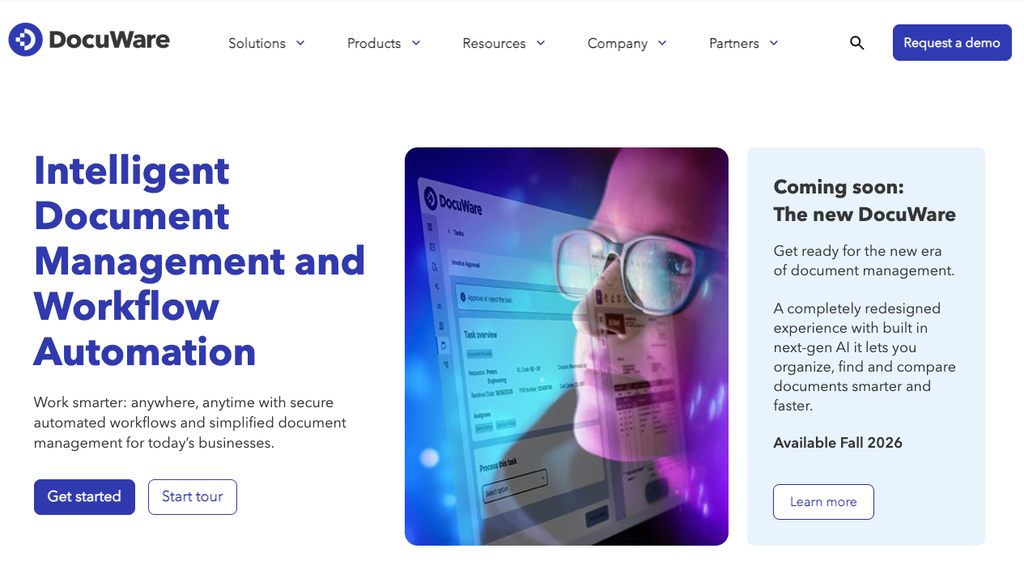
What makes it different: DocuWare gives healthcare organizations one protected store for clinical and administrative documents, supported by automatic versioning, audit trails and full-text search. Its HL7 integration links diagnostic and radiology systems, so staff can reach reports, physician notes and medication plans from within the EHR. On the administrative side, AI-powered data capture reads incoming invoices and digital workflows route approvals across multiple locations.
Best for: Hospitals, long-term care facilities, labs and pharmacies that want to digitize workflows from patient intake to invoice processing on one platform.
Where DocuWare falls short: DocuWare does not publish pricing, and deployments are typically sold and supported through its network of authorized partners, so total cost and implementation quality depend on the partner you choose. Its clinical integration strengths also assume an existing EHR or hospital information system to connect to, which smaller practices may not need.
3. Hyland: Best for Health Systems Working Inside EHR Workflows
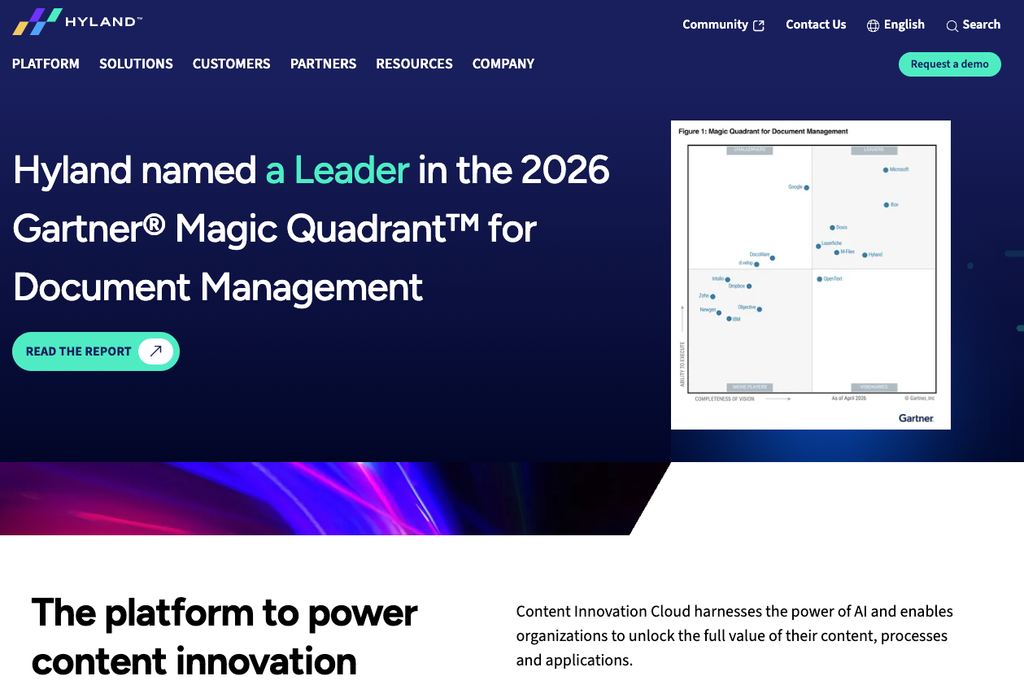
What makes it different: Hyland’s healthcare portfolio is used by more than 3,000 health systems to capture, process and integrate documents and medical images within the EHR. Its OnBase content services platform integrates with 36 core Epic applications and with MEDITECH, so clinicians can view scanned records, EKGs, photos and physician notes from multiple sources without leaving the chart. Health systems also extend OnBase beyond clinical content into accounts payable, HR, legal and supply chain records.
Best for: Health systems and hospital networks running Epic, MEDITECH or another established EHR that want content services embedded in clinical workflows.
Where Hyland falls short: OnBase is an enterprise content services platform, and deployments of that scope generally involve a dedicated implementation project and ongoing administration. Hyland does not publish pricing, and much of its value depends on deep EHR integration, which smaller providers without an enterprise EHR are unlikely to use.
4. Radar Healthcare: Best for Healthcare-Specific Document Control
What makes it different: Radar Healthcare combines document control with incident reporting, risk registers, audits, action planning and workforce compliance in one platform built specifically for health and care providers. Teams can track key documents, policies and procedures alongside the incidents and audit findings that prompt changes to them, and analytics highlight trends across one or multiple locations.
Best for: Care providers that want document control as part of a single risk and quality management system from a vendor focused exclusively on healthcare.
Where Radar Healthcare falls short: Document management is one module within a broader risk, quality and compliance platform, so organizations that only need document control may pay for capability they will not use. The vendor’s customer base and much of its compliance content center on UK health and social care, including NHS organizations, so US providers should confirm how its frameworks map to HIPAA and accreditation requirements.
5. Content Central: Best for Patient Administrative Paperwork
What makes it different: Ademero’s Content Central for Healthcare handles the administrative side of patient care, including intake forms, insurance verifications, referrals, consents, explanations of benefits and release authorizations. Records are indexed by patient name and medical record number, access is controlled through role-based permissions and every action is audit-logged, with the system designed to run alongside the EHR rather than inside it. Content Central is available in the cloud or on-premises.
Best for: Practices and front-desk teams that handle high volumes of patient paperwork and want it organized by patient and MRN outside the clinical chart.
Where Content Central falls short: Content Central is priced by custom quote based on users, storage and deployment, so budgeting requires a sales conversation. Its healthcare configuration centers on patient administrative records, so organizations whose main need is policy control and staff acknowledgement should test those workflows specifically.
6. Square 9: Best for Healthcare Back-Office Automation
What makes it different: Square 9’s GlobalSearch Business Essentials provides prebuilt applications for accounts payable, accounts receivable, human resources and contract management, designed to get teams running quickly without building processes from scratch. The platform supports document versioning, audit trails, encrypted storage and OCR-assisted indexing that reduces manual data entry, and healthcare and senior living customers use it for contracts, HR onboarding and invoice processing.
Best for: Finance and administration teams in healthcare organizations that want to automate invoice, HR and contract paperwork.
Where Square 9 falls short: Square 9 sells primarily through its office equipment dealer channel, so pricing, implementation and support come through a local reseller. At launch, the company positioned workflow automation and web forms as optional add-ons to Business Essentials, so buyers should confirm which capabilities their package includes.
7. isoTracker: Best for ISO-Focused Document Control
What makes it different: isoTracker’s Document Control module provides cloud-based version control for electronic documents, and its version 4.0 upgrade introduced a mobile-optimized design, reminders for upcoming and overdue document reviews, and support for up to two Super Admins. isoTracker publishes its pricing, with the document management module starting at $984.27 for five users over 12 months, which makes budgeting straightforward.
Best for: Healthcare organizations running an ISO 9001 quality management system that want transparent, package-based pricing.
Where isoTracker falls short: SSL encryption is charged separately at a fixed $188.30 per package, and pricing scales by named-user package, so costs rise with every additional user who needs access to controlled documents. Other quality modules such as audits or corrective actions are also licensed separately.
8. Connecteam: Best for Managing Frontline Healthcare Staff
What makes it different: Connecteam is a workforce management app that combines employee documents with scheduling, time tracking, team chat, forms, training and a company knowledge base. Employees can upload required documents directly from their phones, and administrators control who can view documents and employee details through a permissions center. Connecteam is free for up to 10 users, with paid plans for larger teams.
Best for: Clinics and home care providers that manage shift-based staff mainly from mobile devices.
Where Connecteam falls short: Document management is one hub within a broader workforce app, centered on employee files such as certifications and tax forms rather than controlled policy lifecycles with formal approval routes. The free plan’s 10-user limit counts both active and archived users, which high-turnover healthcare teams can reach quickly.
What Features Should Healthcare Document Management Software Have?
Healthcare document management software should securely store each document and prove who accessed, changed and approved it. Regulators and auditors ask for evidence. A shared drive can hold the files, but it usually cannot produce that evidence on demand.
Check for these capabilities before you shortlist:
- Role-based access control: Separate permissions for clinical, HR and finance documents, including preview-only and upload-only levels.
- Complete audit trails: A timestamped log of every view, edit, approval and download. Our explainer on how audit trails provide accountability covers what a useful log records.
- Version control and approval workflows: Staff should only see the current approved version of a procedure. Superseded versions should remain archived instead of being deleted.
- Acknowledgement tracking: Records showing which employees have read and accepted a new policy.
- Retention automation: Rules that flag or dispose of records when their retention period ends.
- OCR search: Full-text search across scanned forms and images, not just file names.
- Encryption and data residency: Encryption at rest and in transit, plus a clear answer about where the provider hosts your data.
Approval and review cycles are where most manual systems fail. Many teams still track them in spreadsheets. A document tracking system that replaces Excel-based workflows removes the associated chasing.
Hosting deserves a separate question during evaluation. Providers handling patient-adjacent data should read about cloud storage privacy issues SMBs should watch for before signing a contract.
Do You Need a Document Management System If You Already Have an EHR?
Most healthcare organisations need both. An EHR manages the clinical record, including diagnoses, treatment notes, prescriptions and results. A document management system handles everything that governs how care is delivered. This includes clinical policies, SOPs, staff credentials, supplier contracts, incident reports, training records and inspection evidence.
Some platforms blur the line. DocuWare and Hyland connect documents to EHR workflows, which suits hospitals where clinical documents and administrative content need to move together. A smaller clinic or care group often faces a different problem. Its EHR works well, but its policies live in email attachments and nobody can prove who signed off the latest safeguarding procedure.
That second problem becomes clear during an audit. Our guide to how document management systems help with audit preparation explains how a controlled repository can shorten evidence gathering from weeks to days.
Software does not make an organisation compliant on its own. It makes compliance manageable and provable because evidence accumulates as people work, without requiring teams to reconstruct it before an inspection.
How We Chose These Tools
We assessed each tool against the problems healthcare organisations raise most often: controlled access to sensitive records, audit-ready evidence, version control and ease of use for non-technical staff. We relied on each vendor’s product documentation and published pricing where available. We did not use third-party roundup articles as sources for product claims.
We grouped tools by fit instead of ranking them on a single score. A 2,000-bed hospital network and a 40-person physiotherapy group need different things, so a single ranking would mislead both. Where a vendor does not publish pricing, we list it as “Contact for pricing” instead of estimating.
For a broader comparison beyond healthcare, see our roundup of the best online document management systems.
FAQs
What is the best document management software for healthcare?
No single tool suits every provider. DocuWare and Hyland fit hospitals that need documents linked to EHR and diagnostic systems, Radar Healthcare and isoTracker handle document control within quality and compliance programs, and Folderit suits small and mid-sized healthcare organizations that need approval workflows, acknowledgement tracking, audit trails and a signed BAA with fast deployment and per-plan pricing.
Is healthcare document management software HIPAA compliant?
Software alone cannot make an organization HIPAA compliant, because HIPAA obligations apply to covered entities and their business associates. What a system can do is support compliance through encryption, access controls and audit logs, backed by a vendor that will sign a Business Associate Agreement. Our guide to HIPAA-compliant document management software covers what to check in more detail.
Is Folderit right for healthcare organizations?
Folderit suits healthcare organizations of roughly 20 to 250 people that need controlled policies, approval workflows, acknowledgement tracking and retention rules, and it offers customizable BAAs for US providers. It supports HIPAA, GDPR, ISO 27001 and 21 CFR Part 11 requirements, is available as multi-tenant cloud, single-tenant cloud or on-premises, and can be administered by business users without a dedicated IT team. Hospitals that need documents embedded inside the EHR should look at DocuWare or Hyland instead.