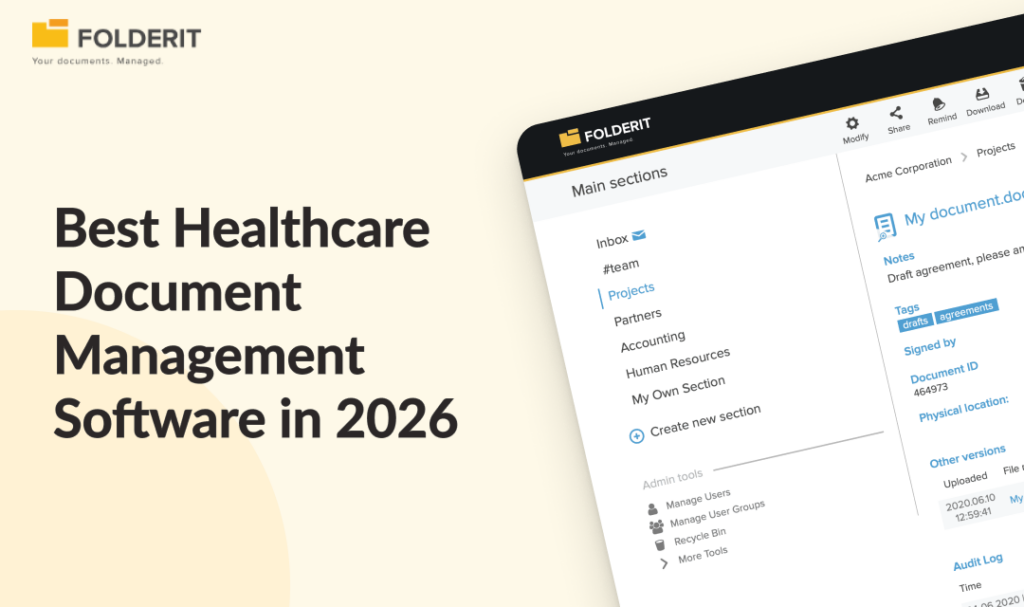
Folderit users can now send any file stored in the system directly to any email address. Open the document’s detail view, select Send by email, enter the recipient’s email address, and send the file as an attachment.
This is most useful when someone needs their own copy of a document but does not need access to Folderit or need to complete an approval, review, acknowledgement, or signing task.
The feature also removes a familiar manual process: downloading a file from Folderit, finding it on the computer, opening an email application, and attaching the correct file. The document can now be delivered directly from the place where it is managed.
Create, manage and deliver documents from one system
Sending files by email becomes particularly useful when combined with Folderit document generation.
For example, a team can:
- Create a document from a template in Folderit.
- Check its metadata and content.
- Complete any required approval or signing workflow.
- Send the finished document to a customer, employee, supplier, or other external recipient.
The document does not have to be downloaded and re-uploaded between these steps. The managed source remains in Folderit, while the recipient receives a conventional email attachment that they can open without a Folderit account.
This creates a practical connection between document creation, document control and external delivery.
When sending a file as an email attachment is useful
Delivering generated documents
A document created in Folderit can be sent as soon as it is ready.
A company could generate a customer letter, certificate, agreement, report, form, quotation or other standardized document and email it to the intended recipient from the document’s detail view.
This reduces the risk of attaching an older local copy or a similarly named file from a downloads folder.
Sending finalized documents after a workflow
Some documents must be approved, reviewed or signed before they leave the organization. Once that process is complete, the final file can be sent to the relevant external party as an attachment.
For example, a contract could complete an internal approval workflow before being emailed to a customer. The controlled document remains in Folderit together with its version history and workflow information, while the customer receives the finished copy.
Providing files to people who do not use Folderit
Not every recipient needs to become a system user.
A supplier may only need a specification. A customer may need an invoice. An external consultant may need a finalized report. Sending the file by email provides a straightforward one-way delivery method without granting the recipient access to folders or other documents.
Sending occasional documents quickly
Creating user access or starting a workflow would be unnecessary if the recipient simply needs one document and no further action is expected.
Email delivery is suitable for these routine, occasional handoffs. The sender can work from the document already stored in Folderit instead of creating another temporary copy on their computer.
Returning completed documents
After a document has been processed, approved or signed, the completed file may need to be returned to the person who originally requested it.
The sender can open the completed document in Folderit and email it as an attachment. This is useful for certificates, signed agreements, completed forms and other final deliverables.
Email attachment, public link or workflow invitation?
Folderit provides several ways to deliver or share a document. The right choice depends on what should happen after the recipient receives it.
| Method | Best used when | What the recipient receives | Main consideration |
|---|---|---|---|
| Send by email | The recipient needs a standalone copy | The file as an email attachment | The attachment becomes a separate copy outside Folderit |
| Public link | The recipient needs access without becoming a Folderit user | A link through which the document can be accessed | The link can be disabled or configured to expire |
| Workflow invitation | The recipient must complete a defined action | A request to review, approve, acknowledge or sign the document | The action and its status remain part of the workflow |
The distinction matters because sending and sharing are not always the same thing.
An email attachment is appropriate when the objective is delivery: “Here is your copy.”
Public link sharing is more suitable when the organization wants to provide access through Folderit instead of distributing another copy. A public link can be switched off or given an expiration time.
A Folderit workflow should be used when the recipient is expected to make a decision or complete a task. Sending a file as an ordinary attachment does not replace a workflow when an approval, acknowledgement, review or signature must be tracked.
When an email attachment may not be the right option
An attachment becomes an independent copy once it reaches the recipient’s mailbox. It cannot be withdrawn or updated through Folderit if the source document later changes.
Consider a public link or workflow invitation instead when:
- Access may need to be removed later.
- The recipient should access the document only for a limited period.
- The document may be revised after it is shared.
- The recipient must approve, review, acknowledge or sign it.
- The organization’s security policy requires access through a controlled environment.
- It is important to keep the recipient’s interaction connected to a formal document process.
This choice is especially important for confidential or frequently updated documents. The quickest delivery method is not automatically the most appropriate one.
A better way to manage outbound documents
Before sending a document, it is good practice to confirm:
- That the correct document and version have been selected
- That any required approval or signing process is complete
- That the recipient’s email address is correct
- That an attachment is permitted by the organization’s security policy
- Whether the recipient needs only a copy or must complete an action
These checks are simple, but they prevent common problems such as sending drafts, choosing the wrong recipient or using email when controlled access would be more appropriate.
Send the document without the download-and-attach routine
The Send by email option makes Folderit useful at the final stage of a document’s lifecycle as well as during its creation, organization and approval.
Users can create or upload a document, manage it in Folderit, complete the necessary workflow and then deliver the finished file as an email attachment—all from the same system.
To use the feature, open a file’s detail view and select Send by email.