The best M-Files alternatives for SMEs in 2026 are Folderit, DocuWare, SharePoint (configured as a DMS), Laserfiche, LogicalDOC, OpenText, Alfresco, and OpenKM. For businesses that need compliance-ready document control without enterprise complexity or per-user pricing, Folderit is the strongest choice.
M-Files is a capable document management platform, particularly for organisations that embrace its metadata-driven approach to filing and retrieval. But its per-user pricing, implementation timeline, and admin learning curve are genuine friction points — especially for businesses of 10 to 500 people that need compliance-ready document control without a multi-month project.
If you are evaluating M-Files competitors, this guide compares the strongest alternatives on features, total cost of ownership, compliance readiness, and ease of deployment.
Why Do Businesses Look for M-Files Alternatives?
M-Files is a well-regarded platform, particularly for its metadata search capabilities. The system uses a metadata-based architecture to organise documents by context instead of traditional folders, simplifying information management and retrieval. That strength is also a friction point for many teams.
The most common reasons businesses look for a document management system comparison against M-Files:
- Per-user pricing scales costs quickly for growing teams
- Setup requires technical expertise, which adds IT dependency and implementation time
- Admin learning curve for advanced metadata and workflow design, combined with UI inconsistency between desktop, web, and mobile clients
- No dedicated Mac application, meaning Mac users are restricted to the web browser only
- Cost at scale: for 10 users, M-Files can range from $600 to $1,000 per month, which is significant for an SME
The document management systems market is projected to reach $24.34 billion by 2032, up from $7.16 billion in 2024 (Fortune Business Insights). For buyers, that growth means more viable options at every price point than existed even two years ago. Here are the eight strongest.
The options available to buyers have never been stronger. Here are the eight best alternatives.
M-Files Alternatives Compared: Quick Reference
| Platform | Best For | Pricing Model | Deployment Speed | ISO-Ready Out of Box |
| Folderit | Overall and ease of use | Per plan (from $55/mo) | Days | Yes |
| DocuWare | Finance/AP document capture | Per user (from $375/mo for 5) | Weeks | With configuration |
| SharePoint | Microsoft 365 organisations | Included in M365 | Months (config) | No |
| Laserfiche | Government and process automation | Per user ($800+/mo for 10) | Months | With configuration |
| LogicalDOC | Simple version control | Free (Community) or commercial | Days to weeks | No |
| OpenText | SAP/ERP-integrated enterprises | Custom quote | Months | With configuration |
| Alfresco (Hyland) | Open-source flexibility | Free (Community) or commercial | Weeks to months | No |
| OpenKM | Cost-conscious teams with IT | Free (Community) or commercial | Weeks to months | No |
1. Folderit: Best Overall and for Ease of Use
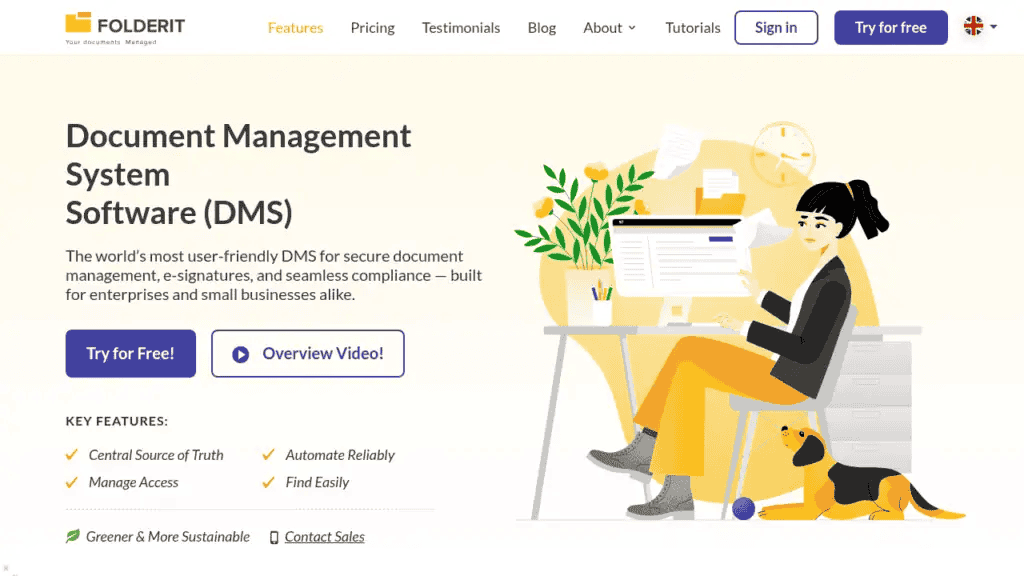
Why we picked it: Folderit delivers the document control features that compliance-conscious businesses actually need (approval workflows, audit trails, version history, retention automation, acknowledgement tracking) without the implementation project, per-user cost spiral, or IT dependency that comes with enterprise ECM platforms like M-Files.
Best for: Businesses of 10-500 employees in regulated industries (manufacturing, healthcare, legal, professional services, construction) that need ISO 9001, ISO 27001, GDPR, or HIPAA-aligned document control without a 6-12 month rollout.
Key differentiators:
- Named the most user-friendly DMS in the world by Capterra, based on task-completion time benchmarking
- Per-plan pricing (not per-user), making total cost predictable and significantly lower than M-Files at equivalent team sizes
- Compliance features built in as standard: automated document numbering, retention policy automation, full audit trails, approval workflows, and acknowledgement tracking require no custom configuration
- Deployed in days or weeks, not months. No implementation consultants required.
- 256-bit AES encryption, SSO (Entra ID, Okta, Google), two-factor authentication, IP restrictions, and triple-redundant backups all included as standard
- Available as cloud (EU-hosted on AWS), single-tenant cloud, or on-premises for organisations with data sovereignty requirements
- Microsoft 365 integration, Outlook Add-in, DocuSign integration, RESTful API, and OCR full-text search across all stored documents
For SME decision makers comparing document management like M-Files but without the complexity or cost, Folderit is the direct answer. You can explore Folderit’s document storage and collaboration capabilities or try it free without speaking to a sales team.
2. DocuWare: Best for Mid-Market Teams With Complex Capture Needs
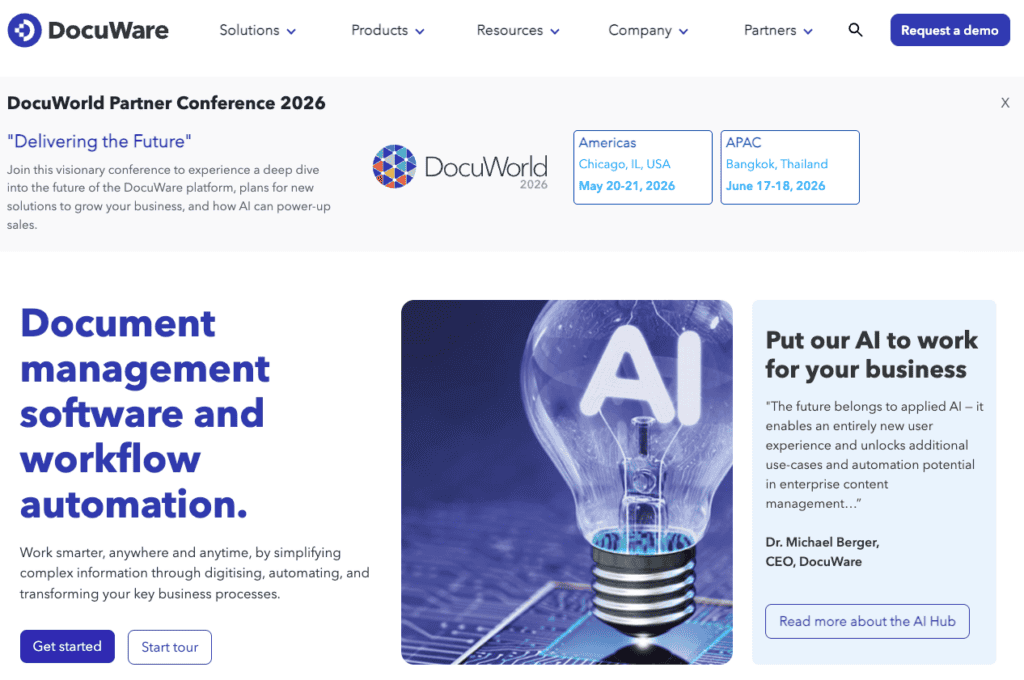
Why we picked it: DocuWare’s core strength is automated capture and indexing. For teams that process large volumes of incoming documents — invoices, purchase orders, delivery notes, forms — DocuWare can classify, extract data from, and route documents with minimal manual handling. That makes it a strong M-Files alternative for operations-heavy businesses where the bottleneck is ingestion, not just storage.
Best for: Finance, accounts payable, and operations teams in mid-market businesses with structured document capture workflows.
Key features:
- Cloud and on-premises deployment
- Intelligent document capture with automated indexing
- Workflow automation and approval routing
- Strong ERP integration capabilities
Pricing note: DocuWare pricing starts at $375 per month for five users, making it more expensive than Folderit for small teams. The base price is more expensive than some alternatives but potentially cheaper than OpenText, depending on specific needs.
Limitation: DocuWare is strong on capture and process automation but lighter on out-of-the-box compliance configuration. Businesses that need ISO-aligned document control with retention automation, acknowledgement tracking, and audit-ready reporting as standard will find more of that built into Folderit without additional setup.
3. SharePoint (Configured as a DMS): Best for Microsoft-First Enterprises With IT Resources
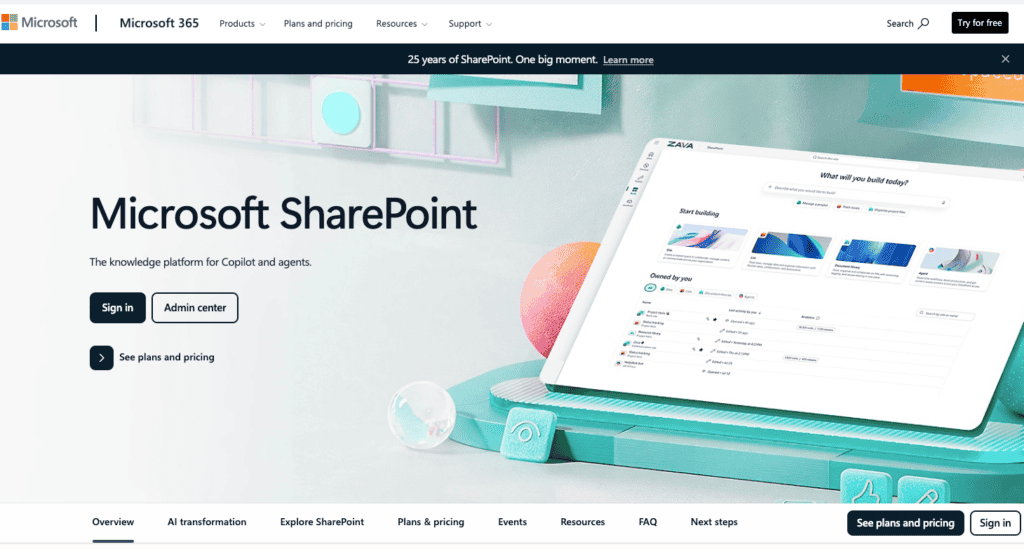
Why we picked it: If your organisation is already on Microsoft 365, SharePoint is technically available at no additional licence cost. For basic document storage, co-authoring, and version history within teams that live in the Microsoft ecosystem, it can work. The question is whether “can work” is enough for your compliance requirements.
Best for: Larger organisations with dedicated IT teams who can invest in configuring and maintaining SharePoint as a document management layer, and where compliance requirements are modest or handled by other systems.
Key features:
- Deep Microsoft 365 integration
- Serves over 200 million users globally and integrates with Office 365 applications
- Co-authoring, version history, and access control
Pricing: Included in most Microsoft 365 business and enterprise plans. The hidden cost is configuration such as building approval workflows, retention policies, and audit-ready reporting requires IT time, third-party tools, or both.
Limitation: SharePoint is not a document management system out of the box. Approval workflows, retention automation, acknowledgement tracking, and audit-ready reporting all require significant customisation, IT involvement, and third-party add-ons. For businesses that need compliance document control without an IT project, SharePoint is a poor substitute for a purpose-built DMS. Folderit provides these features as standard, without the configuration overhead.
4. Laserfiche: Best for Larger Organisations With Process Automation Requirements
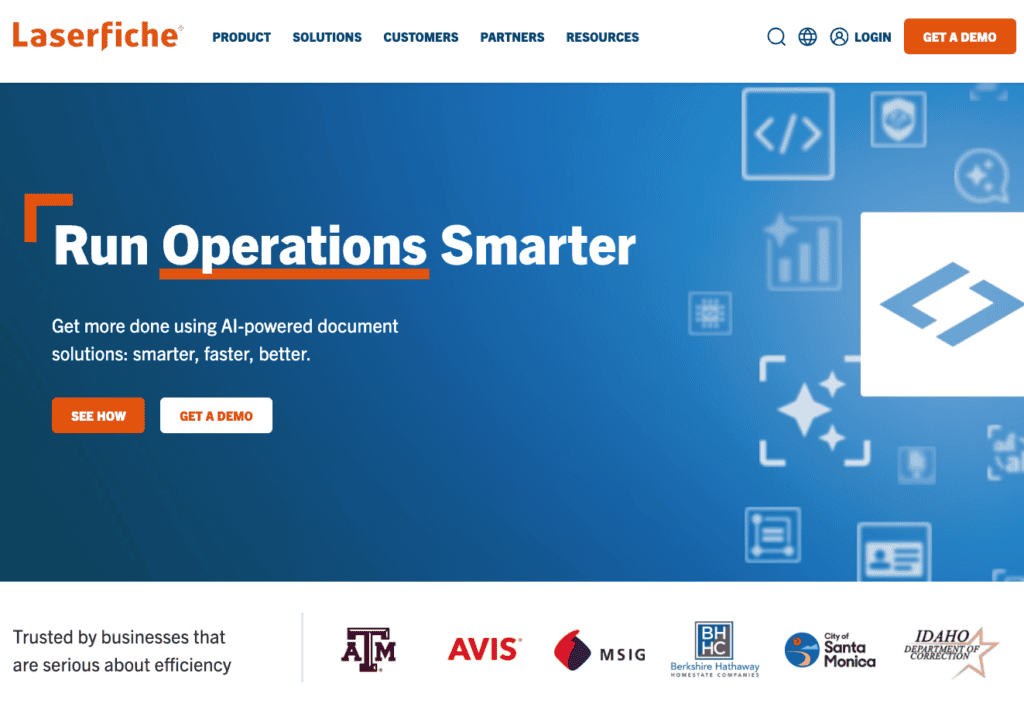
Why we picked it: Laserfiche is a mature ECM platform with particularly strong process automation and records management capabilities. Where M-Files leads with metadata-driven retrieval, Laserfiche leads with workflow: multi-step approvals, automated routing, records retention scheduling, and compliance reporting are core to the product rather than bolted on.
Best for: Government, education, and large regulated enterprises with complex records management requirements and dedicated IT teams to manage ongoing configuration.
Key features:
- Records management and retention scheduling
- Advanced workflow automation
- Audit trail and compliance reporting
- Cloud and on-premises deployment
Pricing note: Laserfiche tends to be more expensive, with a 10-user licence costing upwards of $800 per month. Over three years, TCO for Laserfiche can reach $25,000-$50,000 for a small business setup.
Limitation: Laserfiche is built for enterprise scale. For businesses under 250 employees, the cost and implementation timeline are typically disproportionate to the requirement. Organisations that need compliance-ready document control rather than full process automation will find Folderit delivers equivalent compliance outcomes at significantly lower total cost and faster time to value.
5. LogicalDOC: Best for Teams That Want Simple Version Control Without Complexity
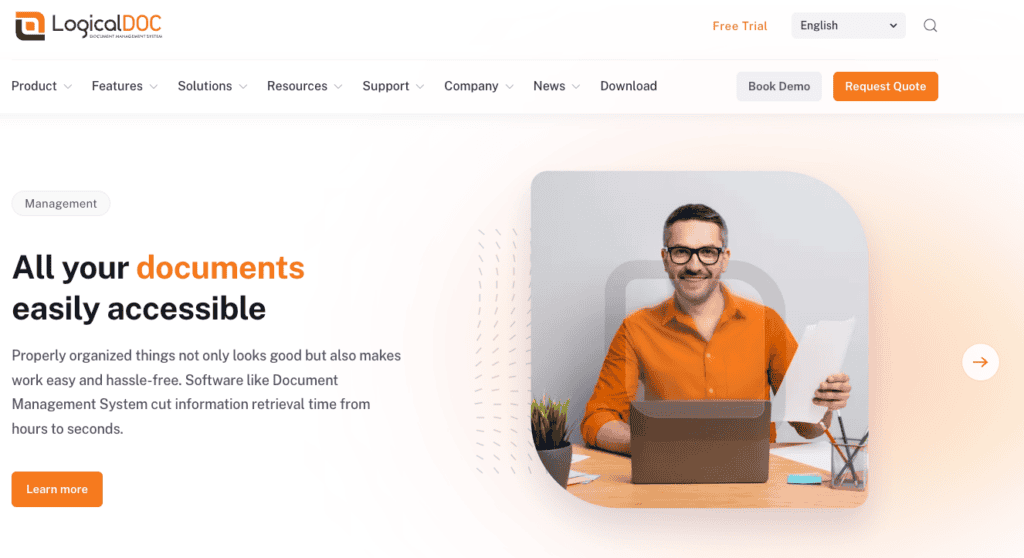
Why we picked it: LogicalDOC takes a deliberately simple approach. It uses familiar folder structures, provides solid version tracking with built-in comparison tools, and offers full-text search across all stored documents. For teams whose primary pain is “we can’t find the right version of anything,” LogicalDOC solves that problem without asking anyone to rethink how they organise files.
Best for: Small to medium-sized businesses that need reliable version control, document retrieval, and basic workflow without a steep learning curve.
Key features:
- Automatic version tracking, audit trails, and comparison tools, letting you view, compare, and roll back document versions without complex menus
- Full-text search and metadata tagging powered by Lucene indexing
- Cloud and on-premises options
- Available as a Community (free) edition
Limitation: LogicalDOC handles the fundamentals well but lacks the compliance depth of more purpose-built platforms. Acknowledgement tracking, retention policy automation, and structured ISO document lifecycle management are not available out of the box. For regulated businesses, that gap means either accepting manual processes or looking at platforms like Folderit where those features are standard.
6. OpenText: Best for Large Enterprise ECM Requirements
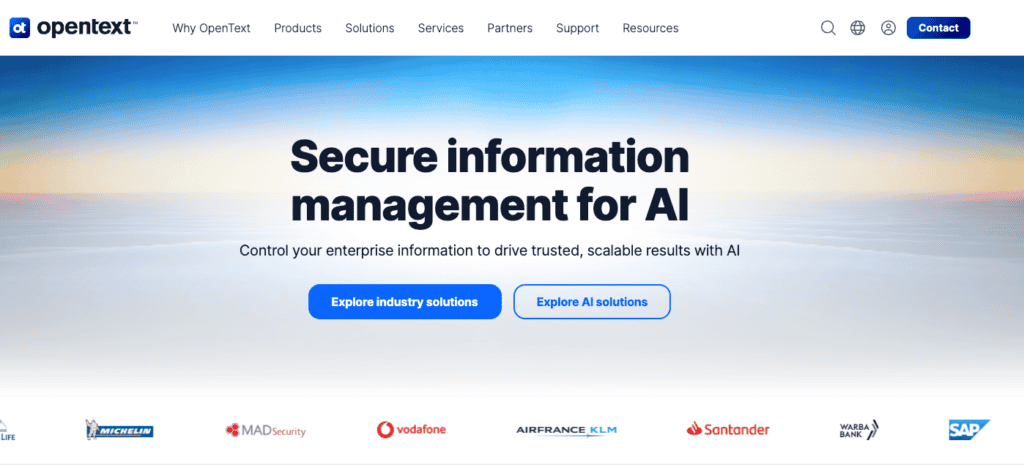
Why we picked it: OpenText is one of the most comprehensive enterprise content management platforms available. Its core strength is deep integration with large enterprise systems, particularly SAP and Oracle, where it functions as the document and records layer across complex, multi-system environments. If your organisation runs SAP and needs a DMS that lives natively inside that ecosystem, OpenText is a genuine contender.
Best for: Organisations with 500+ employees, complex multi-system integration requirements, and dedicated ECM implementation teams with budget for specialist consultants.
Key features:
- Enterprise-grade records management and archiving
- Extensive integration with SAP, Oracle, and other enterprise systems
- Advanced security and governance
- Global deployment capabilities
Pricing note: OpenText sits at the top of the cost range in this comparison. Three-year TCO can reach $50,000 or more for smaller implementations, driven primarily by consultant-led implementation, multi-system configuration, and ongoing administration. Unlike Laserfiche, where cost is mainly licence-driven, OpenText’s cost is weighted toward setup and integration.
Limitation: OpenText solves enterprise-scale content management problems. For any business under 500 employees without complex ERP integration requirements, the implementation timeline, cost, and administrative overhead are disproportionate to the need. Folderit delivers equivalent compliance outcomes for SMEs in days rather than months, at a fraction of the total investment.
7. Alfresco (Hyland): Best for Open-Source Flexibility With Enterprise Backing
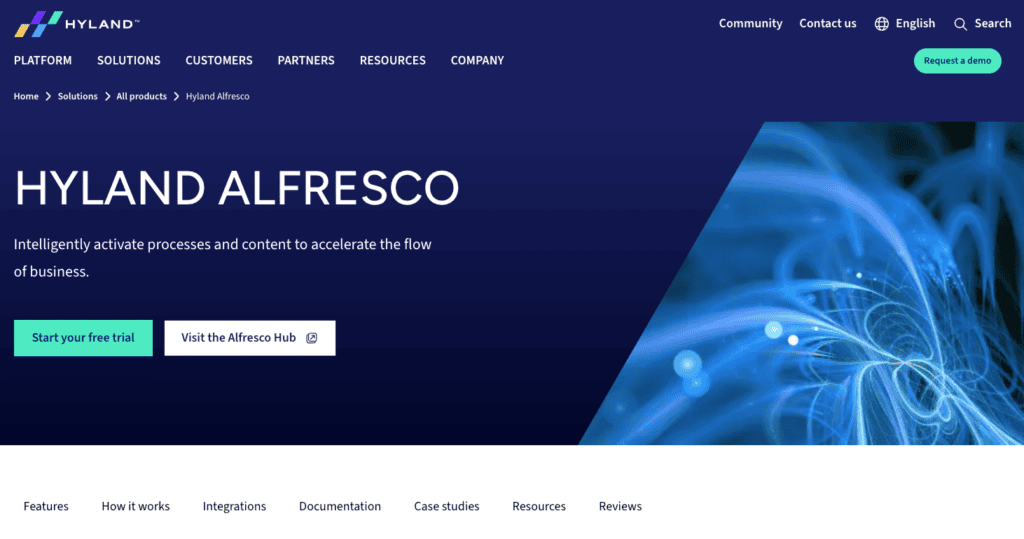
Why we picked it: Alfresco offers two distinct paths. The open-source Community Edition gives technically capable teams a fully customisable DMS foundation with no licence cost. The commercial Enterprise Edition, now backed by Hyland’s portfolio and support infrastructure, adds records management, enhanced security, and professional services. That dual model makes Alfresco appealing to organisations that want to start lean and scale into enterprise features over time.
Best for: Organisations with strong internal development capability that want maximum control over their document management infrastructure and can invest in building out the platform to fit their requirements.
Key features:
- Open-source Community Edition provides core document management functionality without licensing costs
- Records management, workflow automation, and content services
- Extensive API and integration capabilities
- Cloud and on-premises deployment
Limitation: The trade-off with Alfresco is internal resource. The Community Edition requires development time to configure, extend, and maintain. The Enterprise Edition requires implementation investment comparable to other commercial ECM platforms. In both cases, the platform rewards teams with technical depth. For business-led organisations that need compliance-ready document control without a development project, a purpose-built DMS is a faster path to value.
8. OpenKM: Best for Cost-Conscious Teams With IT Capability
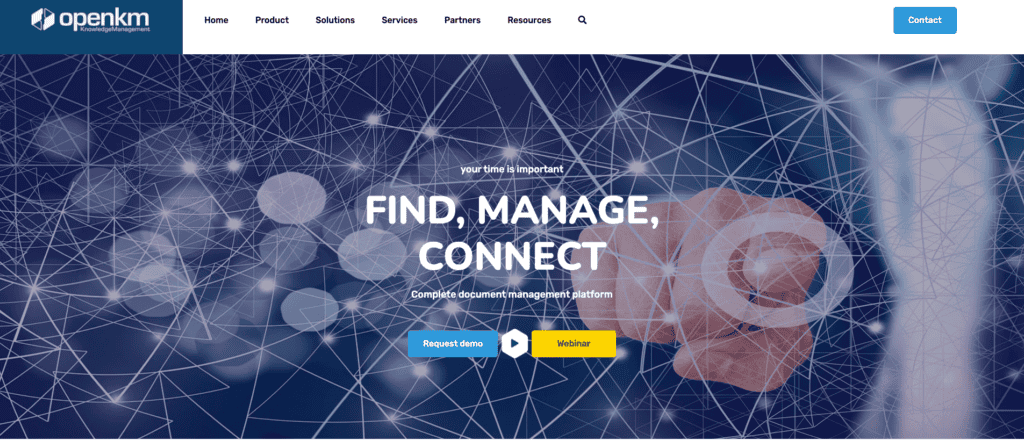
Why we picked it: OpenKM is an open-source DMS that provides core document management functionality at minimal licence cost. Where Alfresco targets organisations with development teams that want to build a customised platform, OpenKM is a simpler starting point: basic document control, metadata tagging, full-text search, and role-based access on a GNU GPL v2 licence. For small teams with IT resources and limited budget, it covers the fundamentals.
Best for: Small organisations with in-house technical capability that need basic document control without a commercial licence commitment.
Key features:
- Controls and tracks the entire lifecycle of every document with automation, notifications, and auditing, including a complete and configurable audit trail
- Metadata tagging and full-text search
- Role-based access control
- Open-source licence (GNU GPL v2)
Pricing note: OpenKM carries no licence fee for the Community Edition. The real cost is implementation and ongoing technical resource. Customising the platform to meet specific workflow or compliance requirements requires developer time, and professional support is a separate commercial arrangement.
Limitation: OpenKM is not compliance-ready out of the box. Approval workflows, retention automation, acknowledgement tracking, and audit-ready reporting all require configuration work. For regulated businesses, the cost of that technical resource, combined with the compliance gap during the build-out period, often exceeds the licence savings. Teams that need these features working from day one will find them included as standard in platforms like Folderit.
How We Chose These M-Files Alternatives
This list was built around the needs of compliance-conscious SMEs (10-500 employees) in regulated industries. The evaluation criteria were:
- Compliance readiness: Does the platform support ISO 9001, ISO 27001, GDPR, or HIPAA document control requirements without custom configuration?
- Ease of deployment: Can a business team deploy and administer the system without IT dependency?
- Total cost of ownership: Is pricing transparent and predictable at SME scale?
- Core DMS features: Version control, approval workflows, audit trail, retention management, access control, and OCR search
- Security: Encryption, SSO, 2FA, data residency options
- Integration: Microsoft 365, e-signature tools, API availability
Platforms that require months-long implementation projects, dedicated IT teams, or per-user pricing that escalates beyond SME budgets were flagged accordingly.
M-Files vs Folderit: How Do They Compare?
The most direct document management system comparison for SME buyers is M-Files versus Folderit. Both are purpose-built DMS platforms with compliance features, workflow automation, and version control. The differences are meaningful.
| Criteria | M-Files | Folderit |
|---|---|---|
| Pricing model | Per-user, per year | Per-plan (not per-user) |
| Deployment time | Weeks to months | Days to weeks |
| IT dependency | Moderate to high | Low (business-user administered) |
| Mac support | Web only | Web and mobile |
| Compliance features | Configurable | Built-in as standard |
| EU data residency | Available | Standard (AWS EU) |
| On-premises option | Yes | Yes |
| Free trial | Yes (30 days) | Yes |
The most significant difference for day-to-day use is the filing approach. M-Files replaces folders entirely with metadata classification. Documents are tagged with properties and retrieved through metadata searches rather than navigated through a folder tree. When the metadata is applied consistently, retrieval is powerful. The challenge is that consistency depends on every user understanding and following the tagging conventions. If adoption is uneven, the system’s core advantage degrades.
Folderit keeps folder structures that every team member already understands, while layering compliance controls on top: approval workflows, acknowledgement tracking, retention rules, and audit trails configured by business users rather than IT. Pricing does not scale with headcount, which makes total cost predictable from day one.
For most SMEs under 250 employees, the practical question is whether the metadata-driven approach delivers enough retrieval advantage to justify the higher cost, longer deployment, and adoption risk. For businesses where the priority is compliant document control rather than advanced search architecture, Folderit is the more direct fit.
What Should You Look for in a Document Management System?
The right DMS for your organisation depends on where your current pain sits. For most SMEs evaluating M-Files competitors, the core requirements are:
1. Compliance features that work out of the box
Approval workflows, version control, audit trails, and retention rules should not require a configuration project. If the platform needs IT to build what you need, the total cost of ownership is higher than the licence price suggests.
2. Predictable pricing
Per-user pricing models penalise growth. Look for per-plan or flat-rate pricing that does not create a financial disincentive to onboard more staff.
3. Fast deployment
A system that takes six months to deploy is not solving your problem this year. Purpose-built DMS platforms like Folderit deploy in days to weeks. Enterprise ECM platforms (M-Files, OpenText, Laserfiche) typically take months.
4. Security as standard
Encryption, SSO, 2FA, and data residency options should be included in the base plan, not sold as premium add-ons.
5. User adoption
The best DMS is the one your team actually uses. Platforms with steep learning curves or unfamiliar interfaces create shadow IT (email, shared drives) that defeats the purpose of the system.
For organisations in specific sectors, the requirements layer further. Engineering and manufacturing teams typically need controlled document numbering and revision workflows. HR teams need strict access separation and policy acknowledgement tracking. Folderit’s engineering document management and HR document management guides cover how these requirements translate into platform configuration.
FAQs:
How much does M-Files cost compared to the main alternatives?
M-Files prices at roughly $39 to $59 per user per month, putting a 10-user setup at $600 to $1,000 monthly. DocuWare starts at $375/month for five users. Laserfiche exceeds $800/month for 10 users. Folderit uses per-plan pricing starting at $55/month (Mini), $99/month (Medium), and $131+/month (Tailor), with no per-user scaling.
What document management systems are most similar to M-Files?
DocuWare and Laserfiche are closest in feature scope, particularly for workflow automation and records management. Folderit matches M-Files on compliance features and version control but with a simpler filing approach, lower cost, and faster deployment. LogicalDOC and OpenKM offer basic DMS capabilities under open-source licences but lack the compliance depth of commercial platforms.
Can Folderit replace M-Files for a regulated industry?
Yes. Folderit supports ISO 9001, ISO 27001, GDPR, HIPAA, Cyber Essentials, and 21 CFR Part 11 requirements with built-in approval workflows, acknowledgement tracking, retention automation, and full audit trails. It is available as cloud (EU-hosted), single-tenant, or on-premises. Full details are on Folderit’s compliance and security page.