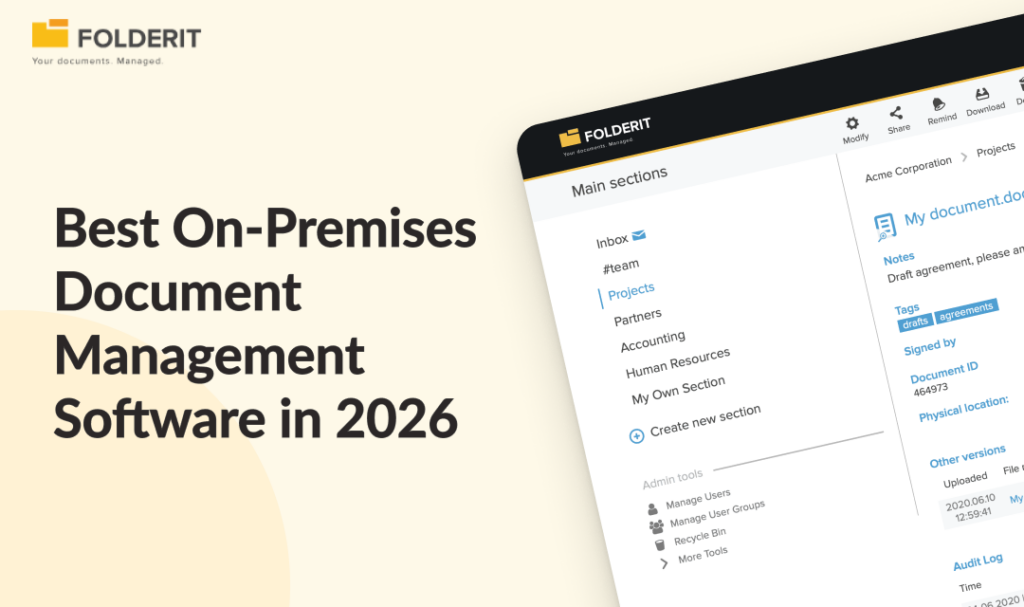
Folderit is the strongest on-premises DMS for compliance-focused organizations in the 20 to 500 employee range. It deploys on your own infrastructure using Ansible automation, carries every compliance feature from its cloud edition (approval workflows, audit trails, retention automation, version history), and is designed to be administered by business users rather than IT departments. For organizations that need on-premises deployment without a six-month enterprise ECM project, it is the most practical option available in 2026.
Picking the wrong on-premises DMS is expensive. You either end up with a legacy enterprise platform that takes six months to implement and requires a dedicated IT team to maintain, or a lightweight tool that cannot satisfy an ISO auditor. Neither is acceptable.
Below are the best on-premises document management systems available in 2026, evaluated against the criteria that actually matter for compliance-conscious organizations: security controls, document lifecycle management, deployment flexibility, and total cost of ownership.
What Is an On-Premises Document Management System?
An on-premises DMS runs on servers your organization owns and manages, whether in your own facilities or a private hosting environment. Your IT team handles configuration, updates, backups, and security rather than relying on a third-party cloud provider. The core appeal is control: you determine where your data lives, who can access the infrastructure, and how security policies are enforced.
On-premises deployment no longer means the same thing it did a decade ago. Modern self-hosted DMS platforms integrate with cloud identity providers like Okta and Entra ID, support the same approval workflows and audit trails as their cloud counterparts, and deploy using automation tools like Ansible that simplify installation, updates, and configuration management. You control the infrastructure without giving up the software capabilities your compliance team needs.
Quick Reference: On-Premises DMS Comparison
Before diving into the detail on each platform, here is how the 7 options compare across the criteria that matter most for on-premises deployment: who they are built for, how complex they are to get running, whether compliance features come standard, and how pricing works.
| Platform | Best for | Deployment complexity | Compliance features built in? | Pricing model |
| Folderit | Compliance-focused SMEs (20–500 employees) | Low (Ansible automation, days to deploy) | Yes | One-time deployment fee + enterprise license |
| Laserfiche | Large enterprises in government and healthcare | Medium to high (3–6 months) | Yes | Quote-based, per-user |
| OpenText Documentum | Highly regulated enterprises (life sciences, finance) | High (6–12 months, specialist consultants) | Yes | Enterprise quote |
| DocuWare | Workflow-heavy teams wanting deployment flexibility | Medium | Yes | Quote-based, scales with modules |
| M-Files | Knowledge-intensive organizations | Medium to high | Partial (some features require additional modules) | Quote-based, per-user |
| Hyland OnBase | Enterprise content services at scale | High (6–12 months) | Yes | Enterprise quote |
| LogicalDOC | Technical teams wanting open-source flexibility | Medium (requires developer resource) | Partial (enterprise edition required for full compliance features) | Open-source core + commercial enterprise edition |
1. Folderit: Best On-Premises DMS for Compliance-Focused Organisations
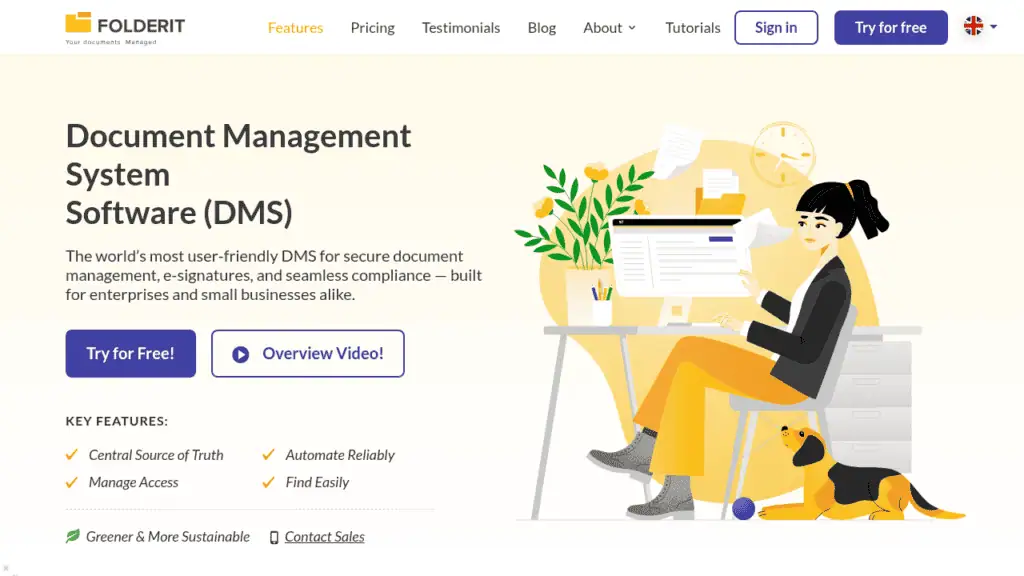
What makes it different: Folderit is the only on-premises DMS on this list built for business users to administer rather than IT departments. Named the most user-friendly DMS by Capterra based on ease-of-use benchmarking, it delivers the full document control stack that regulated organizations need, including approval workflows, acknowledgement tracking, retention policy automation, audit trails, version history, and document numbering, without the implementation project or IT dependency that comes with enterprise ECM platforms.
Best for: Organizations of 20 to 500 employees in regulated industries (manufacturing, healthcare, legal, financial services, engineering) that need ISO 9001, ISO 27001, GDPR, HIPAA, or 21 CFR Part 11-aligned document control on their own infrastructure.
Key features:
- On-premises deployment via Ansible automation. Folderit’s on-premises edition deploys on your infrastructure using Ansible for installation, updates, and configuration management. It runs on bare metal or virtual machines with no database setup or component configuration required on your end, and carries every feature from Folderit’s cloud edition with no degradation.
- Compliance features as standard, not add-ons. Approval workflows, acknowledgement tracking, retention automation, full audit trails, version history, and automated document numbering are all built in. Folderit supports ISO 9001, ISO 27001, GDPR, HIPAA, Cyber Essentials, and 21 CFR Part 11.
- Enterprise-grade security included. 256-bit AES encryption, SSL/TLS, two-factor authentication, SSO via Entra ID, Okta, and Google, IP restrictions, and role-based access control. All standard, not premium tier.
- Architecture built for performance. The on-premises edition is based on Folderit’s primary cloud instance, which handles tens of thousands of organizations. Focused on a single client, that architecture delivers performance that legacy on-premises systems do not match at comparable cost.
Pricing: One-time deployment fee plus ongoing enterprise licensing. This is Folderit’s enterprise tier, designed for larger organizations and public-sector bodies with strict data sovereignty requirements. Organizations without a genuine on-premises requirement will get better value from Folderit’s standard cloud or single-tenant plans. Contact Folderit directly for a scoped quote.
2. Laserfiche: Best for Large Enterprises in Regulated Industries
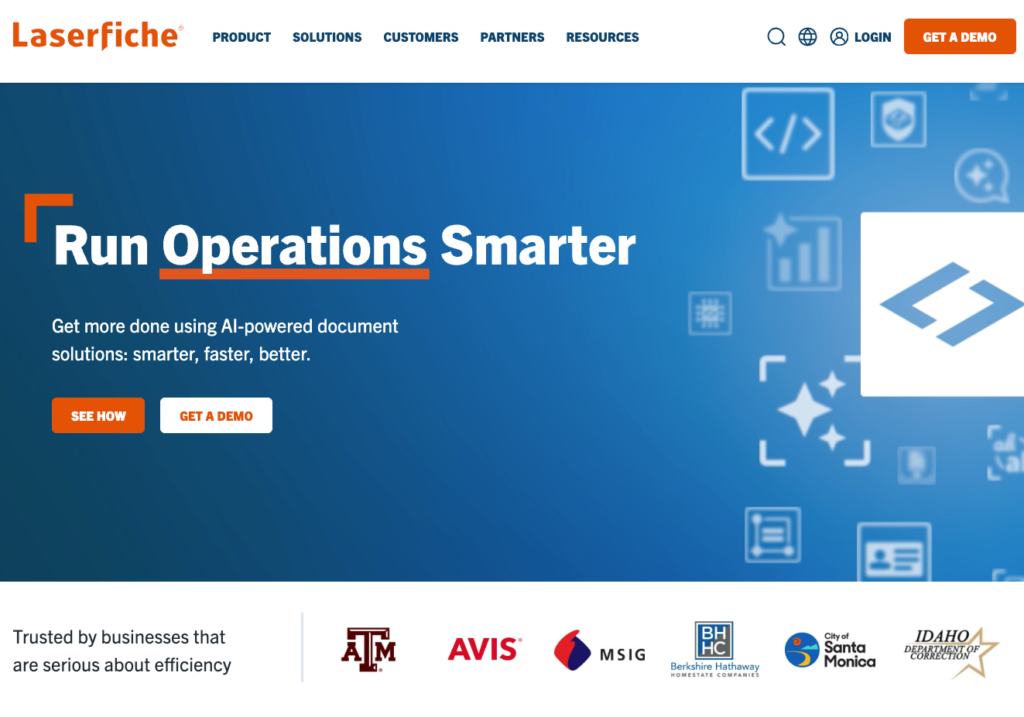
What makes it different: Laserfiche has deep roots in government and public-sector document management, with records management capabilities that comply with DoD 5015.2 and strong workflow automation for forms-heavy processes like permitting, case management, and regulatory submissions. It is one of the most established on-premises ECM platforms available, with a track record in organizations that need auditable records retention at scale.
Best for: Mid-to-large organizations in government, healthcare, and education with complex records management requirements and dedicated IT resources to manage on-premises infrastructure.
Key feature: Laserfiche’s workflow automation and electronic forms engine handles multi-step approval processes, routing, and records classification without requiring custom development, which is why it has become a standard in government agencies managing high volumes of public records.
Where Laserfiche falls short: Pricing is quote-based and per-user, which means costs scale directly with headcount. Implementation timelines for on-premises deployments typically run three to six months, and the platform assumes you have IT staff to manage the infrastructure on an ongoing basis. Organizations under 100 employees or without a dedicated IT function will find the investment and administrative overhead difficult to justify.
3. OpenText Documentum: Best for Highly Regulated Enterprise Environments
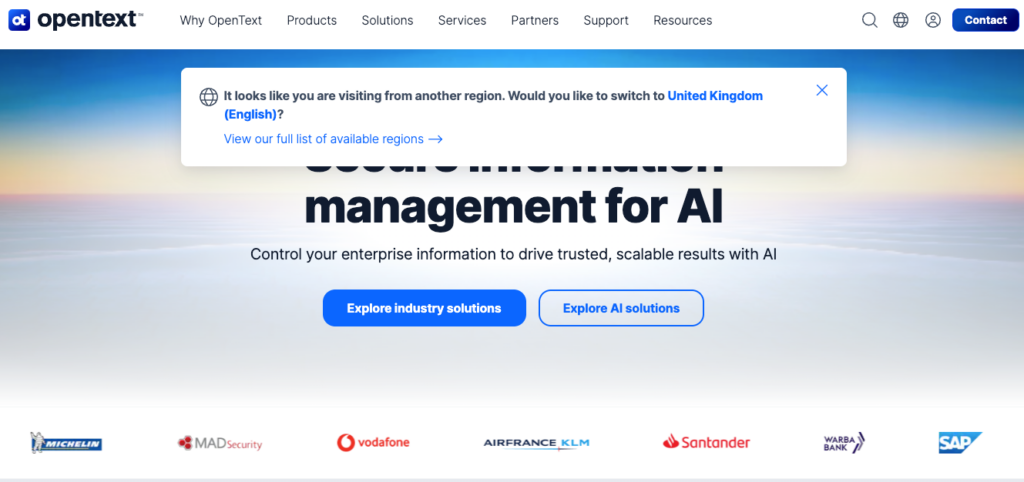
What makes it different: Documentum’s regulatory compliance engine is purpose-built for industries where document control is subject to external validation, particularly life sciences, pharmaceuticals, and financial services. It supports FDA 21 CFR Part 11 validated environments, ISO 15489 records management, and submission-ready document packages for regulatory bodies. For organizations that need to prove compliance under audit by regulators rather than just internal quality teams, Documentum offers a depth of regulatory tooling that general-purpose DMS platforms do not.
Best for: Large enterprises in life sciences, pharmaceuticals, and financial services where regulatory submissions, validated environments, and external audit scrutiny are routine.
Key feature: Advanced records lifecycle management with deep integration into enterprise systems like SAP and Oracle, allowing document workflows to connect directly to the business processes they support rather than operating as a standalone repository.
Where Documentum falls short: Documentum is one of the most complex ECM platforms available. Implementation projects routinely take 6 to 12 months, require specialist consultants for configuration, and demand ongoing IT administration that most organizations need to staff for permanently. Licensing is enterprise-scale and quote-based. Organizations under 500 employees will almost always find the investment, timeline, and administrative burden disproportionate to their document management needs.
4. DocuWare: Best for Workflow-Heavy Teams Wanting Deployment Flexibility
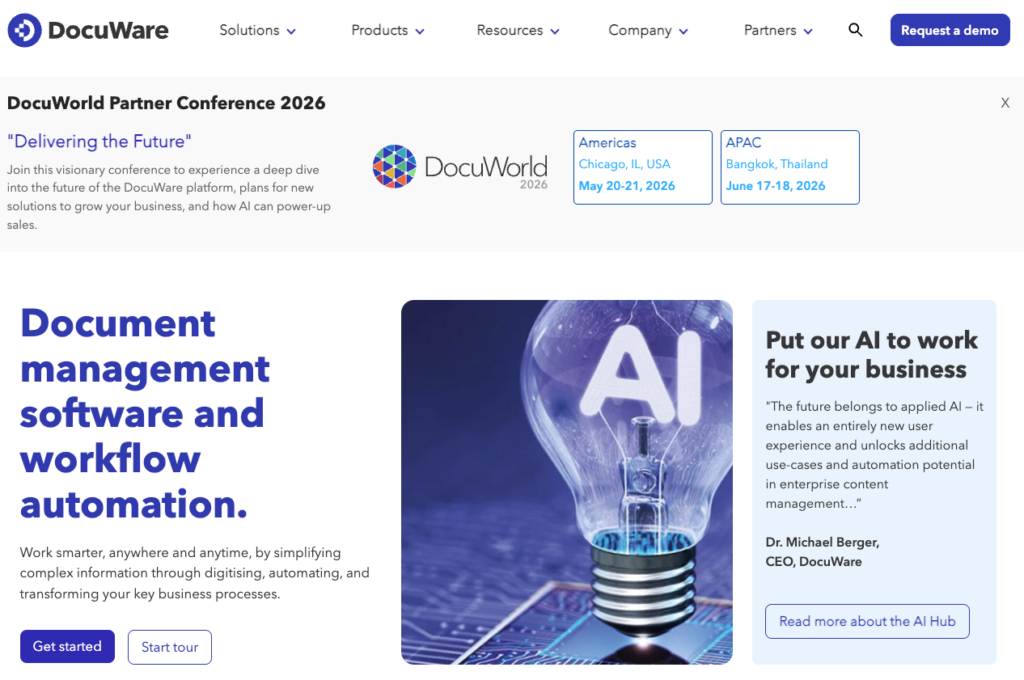
What makes it different: DocuWare’s strength is workflow automation for document-intensive business processes, particularly in finance, HR, and operations. Its Intelligent Indexing uses AI to classify incoming documents and extract data automatically, and its visual workflow designer includes pre-built templates for accounts payable, HR onboarding, and contract management that can be customized without developer involvement. Owned by Ricoh since 2019, DocuWare is available as cloud, on-premises, or hybrid, with full feature parity across all deployment models.
Best for: Mid-sized organizations with document-heavy finance, HR, or operations workflows that want strong automation and the flexibility to deploy on-premises without being locked into a cloud-only model.
Key feature: The visual workflow designer with conditional logic, parallel routing, and escalation rules. For teams processing high volumes of invoices, onboarding documents, or approval chains, this is DocuWare’s core value proposition and the reason it appears on shortlists alongside platforms twice its size.
Where DocuWare falls short: Pricing requires a custom quote and scales with user count and modules, which makes it difficult to forecast costs before engaging sales. On-premises deployment is a traditional Windows Server-based installation, and some users report that the configuration overhead is higher than DocuWare’s materials suggest. Organizations looking for a lightweight or fast-deploying on-premises option may find the setup more involved than expected.
5. M-Files: Best for Metadata-Driven Document Retrieval
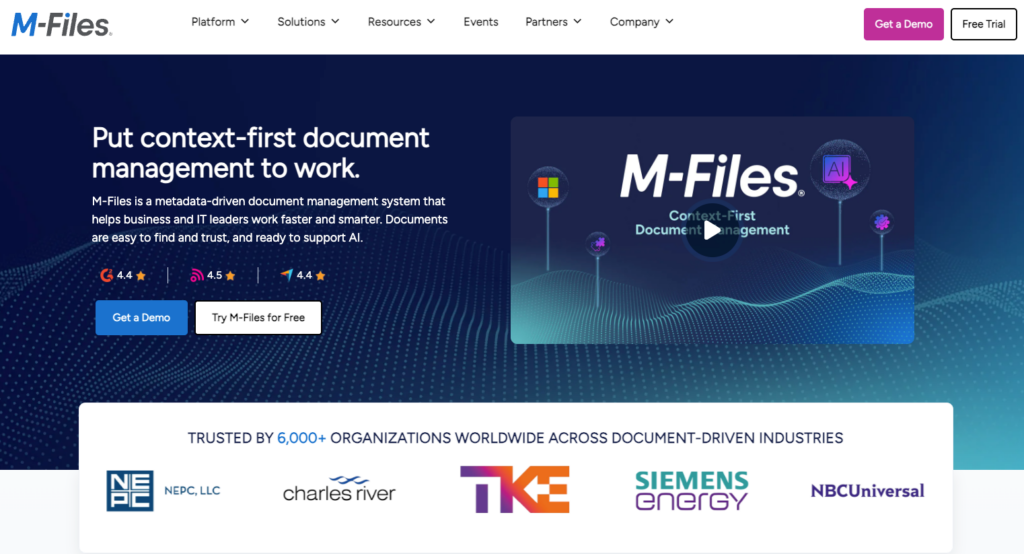
What makes it different: M-Files is built around the principle that documents should be found by what they are, not where they were filed. Instead of traditional folder hierarchies, it uses a metadata-driven vault architecture where every document is classified by type, status, project, customer, or any other property the organization defines. AI-powered metadata suggestions automatically classify incoming documents based on content, reducing the manual tagging burden that makes other metadata-heavy systems difficult to sustain at scale.
Best for: Knowledge-intensive organizations (consulting firms, engineering companies, legal teams) where finding the right version of the right document quickly is the primary pain point, and where staff are willing to invest in learning a non-traditional interface.
Key feature: Multi-deployment flexibility. M-Files supports cloud, on-premises, and hybrid configurations, and its vault architecture means the same metadata model and access controls apply regardless of where the infrastructure sits. For organizations that want on-premises control today with the option to move to cloud or hybrid later, that portability is a genuine advantage.
Where M-Files falls short: Realizing the metadata model requires meaningful upfront configuration, including defining object types, property definitions, and classification rules before the system delivers its full value. Compliance features like automated retention policies and structured approval workflows are available but often require additional modules beyond the base license, which adds to both cost and implementation complexity. Organizations under 250 employees without a dedicated project owner to drive the setup will find the time-to-value slower than alternatives like Folderit that deliver compliance features out of the box.
6. Hyland OnBase: Best for Enterprise Content Services at Scale
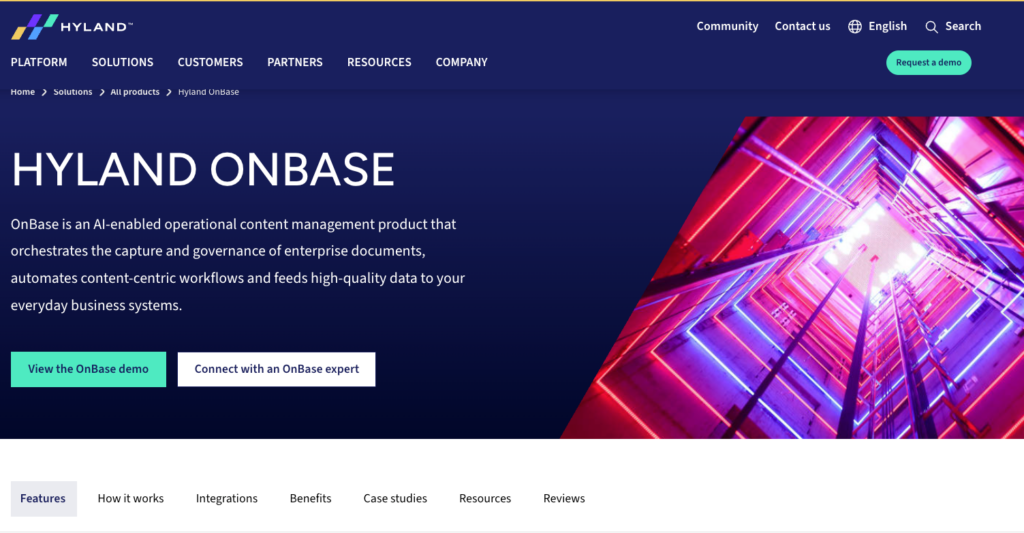
What makes it different: OnBase goes beyond document management into enterprise content services, meaning it handles high-volume document capture (scanning, fax, email ingestion), case management (grouping related documents into cases with automated routing), and content delivery into other business applications via API. Its depth in healthcare is the clearest example: OnBase integrates directly with Epic and Cerner to surface patient records, consent forms, and clinical documents inside the EHR workflow rather than requiring clinicians to switch to a separate system.
Best for: Large healthcare networks, insurers, and public-sector bodies with high document volumes, complex case workflows, and existing enterprise systems that need a content services layer rather than a standalone document repository.
Key feature: The integration ecosystem. OnBase connects to healthcare platforms (Epic, Cerner), ERP systems, and government platforms at a depth that allows documents to flow through existing business processes rather than sitting in a separate silo. For organizations where the value of a document depends on it being available inside another application at the right moment, that integration depth is what justifies OnBase over simpler alternatives.
Where Hyland OnBase falls short: OnBase is firmly in enterprise ECM territory. Implementation projects run 6 to 12 months, require specialist consultants and dedicated IT resource for ongoing administration, and the licensing model reflects that scope. The platform is designed for organizations processing tens of thousands of documents per month across complex multi-department workflows. Organizations under 500 employees, or those whose primary need is controlled document storage with approval workflows rather than full content services, will find OnBase disproportionate to their requirements.
7. LogicalDOC: Best Open-Source Option for Technical Teams
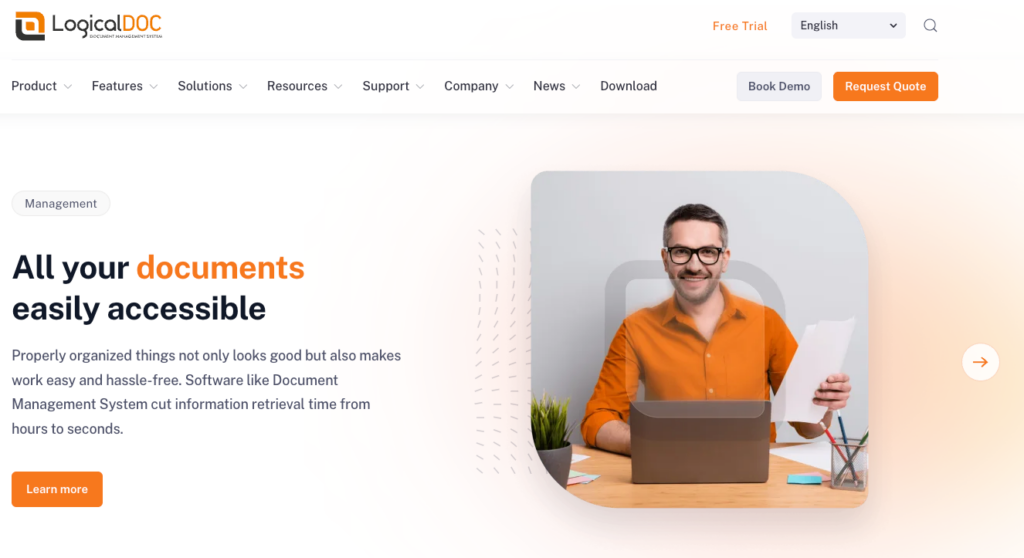
What makes it different: LogicalDOC is an open-source document management platform built for self-hosted deployment on Windows, Linux, or macOS. The community edition gives technical teams full access to the codebase for custom integrations and self-managed infrastructure with no vendor licensing fees. It also offers genuinely strong multilingual support, with a user interface available in over a dozen languages and multilingual metadata management, which makes it a practical option for international organizations managing documents across multiple regions and languages.
Best for: Technically capable teams that want an on-premises DMS without vendor licensing dependency, organizations with multilingual document management needs, and teams that want to evaluate a platform hands-on before committing to a commercial license.
Key feature: The open-source community edition includes version control, full-text search with OCR, workflow automation, and role-based access control. The commercial enterprise edition adds compliance features (audit trails, records management compliant with DoD 5015.2), SSO, advanced reporting, and priority support. Organizations can start with the community edition and upgrade to enterprise if their compliance requirements demand it.
Where LogicalDOC falls short: The community edition lacks the compliance depth of the commercial platforms on this list. Built-in approval workflows, retention automation, and audit trail reporting either require significant configuration or are only available in the enterprise edition. If your team does not have developer resource to invest in customizing and maintaining the platform, the open-source advantage disappears quickly and total cost of ownership can approach or exceed a commercial alternative that delivers those features out of the box.
On-Premises vs. Cloud DMS: Do You Actually Need Self-Hosted?
Most organizations searching for on-premises document management software have a specific reason driving that requirement. If one of the following applies to you, on-premises deployment is likely the right choice:
- Data sovereignty is a legal or regulatory requirement. Government bodies, defense contractors, and organizations operating under national security frameworks often cannot place data on third-party cloud infrastructure. Healthcare organizations under HIPAA, financial institutions under national banking regulations, and public-sector bodies under government data handling rules may face the same restriction.
- Your environment is air-gapped or network-isolated. Some manufacturing, utilities, and critical infrastructure organizations operate systems that cannot connect to the public internet. On-premises is the only deployment model that works in these environments.
- Internal policy prohibits third-party cloud hosting. Some organizations, particularly in financial services and legal, have board-level policies requiring all data to remain on infrastructure they own and control, regardless of what regulators require.
If none of these apply, the comparison below will help you weigh the trade-offs honestly.
| Factor | On-Premises | Cloud / Single-Tenant Cloud |
| Data control | Full (you own the infrastructure) | Vendor-managed (single-tenant gives dedicated instance) |
| Upfront cost | Higher (hardware + licenses) | Lower (subscription model) |
| Ongoing IT burden | Higher (your team manages updates, backups, security) | Lower (vendor handles patches and infrastructure) |
| Deployment speed | Days to weeks | Hours to days |
| Data sovereignty | Absolute | Depends on vendor, region, and hosting model |
| Scalability | Limited by your infrastructure | Elastic |
| Remote access | Requires VPN or configuration | Native |
For most organizations in the 20 to 500 employee range, a cloud or single-tenant cloud DMS delivers equivalent compliance outcomes with significantly less infrastructure overhead. Folderit, for example, offers cloud, single-tenant, and on-premises deployment from the same platform, so the decision does not lock you into a vendor. You can start on cloud and transition to on-premises if your requirements change.
How We Chose These On-Premises DMS Options
Every platform on this list was evaluated against six criteria:
- Compliance readiness. Built-in approval workflows, audit trails, version control, and retention automation as standard, not bolt-on add-ons.
- Security controls. Encryption at rest and in transit, two-factor authentication, SSO support, and access governance.
- Deployment practicality. How long on-premises setup actually takes and what infrastructure is required.
- Data sovereignty. Whether the vendor gives you genuine control over where your data lives, not just a hosted instance with a different label.
- Usability. Whether business users can administer the system or whether it requires permanent IT involvement.
- Total cost of ownership. Licensing model, implementation cost, and ongoing maintenance burden.
What to Look for in an On-Premises DMS
Not all self-hosted document management software is equal. These are the features that separate a genuine on-premises DMS from a file server with a better interface:
Built-in compliance controls. Approval workflows, version history, full audit trails, and retention automation should come standard, not as paid add-ons. If a vendor charges extra for audit logs or sells retention automation as a separate module, the platform is not compliance-ready out of the box.
Granular access control. Role-based permissions, group-based sharing, and the ability to restrict access at the folder, file, or metadata level. If your compliance framework requires that certain teams cannot see certain documents, your DMS needs to enforce that structurally, not rely on people following naming conventions. See how granular access management works in Folderit.
Modern deployment architecture. Infrastructure automation (tools like Ansible) means faster setup, streamlined updates, and less manual overhead than legacy installer-based systems. Ask the vendor how updates are delivered and whether your IT team needs to manage database configuration, component dependencies, and patching manually.
SSO and identity integration. On-premises does not mean isolated. Your DMS should integrate with your existing identity provider (Entra ID, Okta, Google) so user management does not become a separate administrative burden. If adding a new employee to the DMS requires a separate account creation process outside your identity platform, that friction will compound across every onboarding and offboarding cycle.
Document lifecycle management. Draft, review, approve, publish, archive. The full controlled document lifecycle should be supported with workflow automation, not manual folder moves. This is what separates a document management system from a file storage tool, and it is the capability most often missing from open-source and lightweight self-hosted options.
OCR and metadata search. Full-text search across all stored documents, including scanned files, is a baseline requirement. Without it, your on-premises DMS is an expensive filing cabinet. Custom metadata fields and metadata-based filtering add a second retrieval path that reduces dependence on folder structures and file naming conventions.
How Folderit Approaches On-Premises Deployment
Folderit’s on-premises edition is its enterprise tier, built on the same architecture as the primary cloud instance with no feature degradation. What makes the deployment model worth highlighting separately is how it differs from the legacy on-premises experience most buyers expect.
Folderit deploys on-premises using Ansible, which automates installation, updates, and system diagnostics without requiring external connections. Your IT team provides the virtual server infrastructure and ensures requests route to Folderit’s web interface; Ansible handles the rest. There is no database setup, no component configuration, and no need for specialist consultants to manage the deployment. That is a fundamentally different proposition from a Documentum or OnBase implementation that takes six to twelve months and requires a dedicated project team.
For organizations not yet ready to commit to on-premises infrastructure, Folderit’s cloud and single-tenant options run the same platform with the same compliance features. You can start on cloud, validate the system against your workflows and compliance requirements, and transition to on-premises when the business case requires it. The migration does not mean starting over with a new vendor or a new platform.
Folderit Ltd is ISO 27001 and Cyber Essentials certified, and is GDPR and HIPAA compliant.
FAQs: On Premises Document Management Systems
Do I need an IT team to run an on-premises DMS?
It depends on the platform. Legacy enterprise ECM systems like Documentum or OnBase require dedicated IT resource for installation, configuration, and ongoing maintenance. Modern platforms like Folderit deploy using Ansible automation and are designed to be administered by business users rather than IT departments. Some technical resource is still needed for the initial infrastructure setup and ongoing server management, but day-to-day system administration does not require IT involvement.
What compliance standards does an on-premises DMS need to support?
For most regulated organizations, the minimum requirements are ISO 9001 (document control), ISO 27001 (information security), GDPR (data governance and retention), and HIPAA (for healthcare). The DMS should provide built-in approval workflows, full audit trails, version history, and retention automation to satisfy these frameworks without additional modules or custom configuration. Folderit supports all of these as standard, including 21 CFR Part 11 for life sciences organizations.
What is the best on-premises document management system for a mid-sized business?
For mid-sized organizations of 20 to 500 employees in regulated industries, Folderit is the strongest option. It combines genuine on-premises deployment with compliance features that satisfy ISO 9001, ISO 27001, GDPR, and HIPAA requirements, deploys in days rather than months, and does not require implementation consultants to administer.