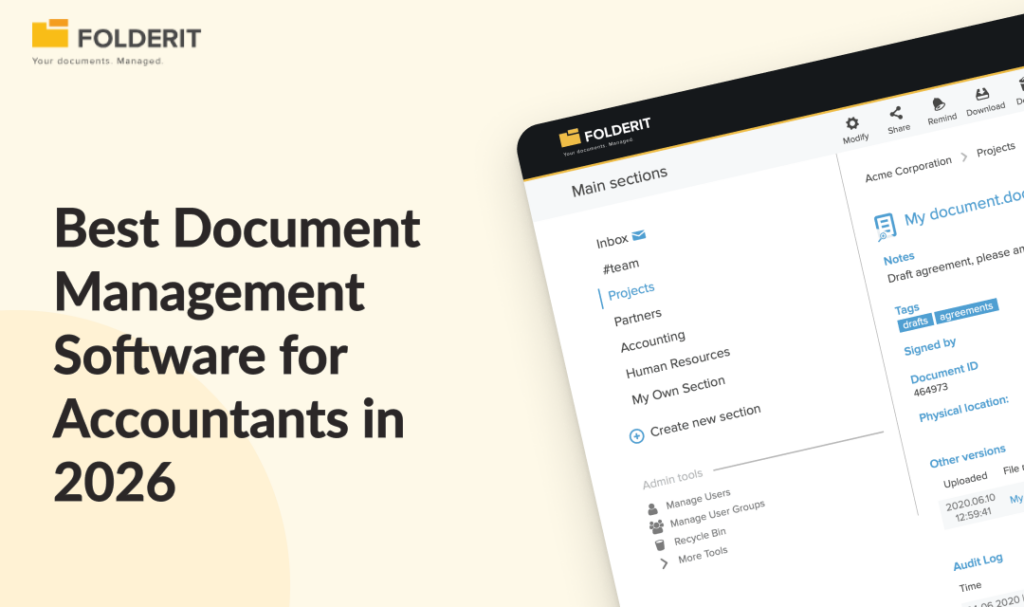
The best document management software for accountants combines secure, structured storage with audit trails, version control, approval workflows, and retention automation. For accounting and CPA firms that need governance without enterprise-level complexity, Folderit delivers all of these capabilities out of the box, with per-plan pricing that keeps costs predictable as your team grows.
Tax filings, engagement letters, client source documents, and financial records all require version control, clear approval evidence, and defensible retention policies. If your team is still chasing approvals by email, searching shared drives for the right version of a file, or assembling evidence the week before an audit, you have outgrown basic cloud storage. A dedicated document management system closes that gap by enforcing structured workflows, access governance, and a complete audit trail across every document your firm handles.
This guide compares the 8 best document management software options for accountants and CPA firms in 2026, covering what each tool does well, who it suits, and what to look for before you commit.
Quick List
- Folderit: Best for Governance Without Enterprise Complexity
- SmartVault: Best for US Tax Firms Using Intuit Software
- TaxDome: Best All-in-One Platform for Tax-Heavy Practices
- SuiteFiles: Best for Microsoft 365-First Accounting Firms
- Karbon: Best for Internal Team Workflow Visibility
- DocuWare: Best for Multi-Location Firms With Complex Approval Chains
- Revver: Best for Folder Templates and Recurring Workflow Automation
- CCH Axcess Document: Best for Wolters Kluwer Suite Users
1. Folderit: Best for Accounting Firms That Need Governance Without Enterprise Complexity
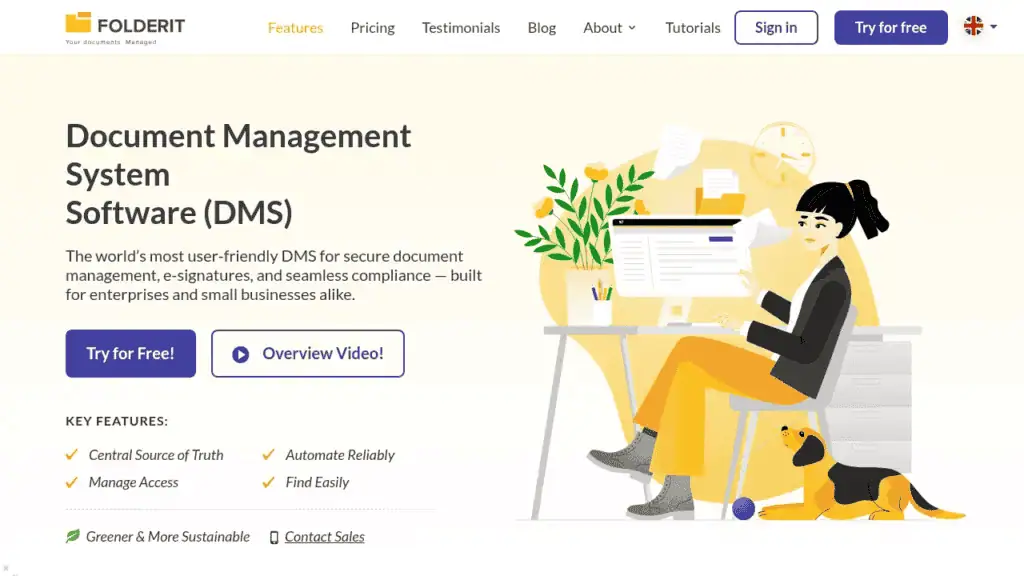
Why we picked it: Folderit is the only DMS on this list named the most user-friendly in the world by Gartner’s Capterra, based on task-completion time benchmarking. Every compliance feature accountants need, including approval workflows, full audit trails, version history, retention policy automation, and e-signatures, is built in as standard. There are no expensive add-ons and no IT department required to configure it.
Best for: Small to mid-market accounting and CPA firms (10-250 staff) that need ISO-grade document control, GDPR-aligned data residency, and a system their team will actually use from day one.
Key features for accountants:
- Full audit trail: Every upload, edit, approval, download, and share is logged with a timestamp, giving you defensible evidence of who did what and when.
- Approval workflows: Build multi-step approval routes for financial documents, engagement letters, and internal policies without writing a single line of code.
- Version control: Every document version is retained automatically, so you can restore any previous version and see exactly what changed and who changed it.
- Retention policy automation: Set retention rules by document type and let the system enforce them without manual intervention, reducing regulatory exposure during audits.
- OCR full-text search: Search inside scanned invoices, PDFs, and images to find any document in seconds, even if you only remember a phrase from the content.
- Role-based access control: Granular permissions mean your team sees only what they need, keeping sensitive financial records separated from general firm documents.
- E-signatures: Native Folderit eSign plus DocuSign integration covers engagement letters, approvals, and client sign-offs in one place.
- Microsoft 365 integration: Create and edit Word, Excel, and PowerPoint files directly inside Folderit, and connect email to your document repository through the Outlook Add-in without switching tools.
- EU data residency: Cloud hosted on AWS with EU data residency as standard, plus on-premises deployment for firms with strict data sovereignty requirements.
Pricing: Per-plan, not per-user, starting from $55/mo (Mini). This means your costs stay predictable as you hire seasonal staff or expand your team, unlike per-user models where every new seat adds to the bill. Folderit deploys in days, not months, with no implementation consultants required.
What to consider: Folderit is not a practice management platform. It does not include client billing, time tracking, or tax preparation workflows. It is a purpose-built DMS that integrates with your existing accounting stack via its RESTful API and pre-built connectors. For firms evaluating how Folderit compares across industries, the full DMS comparison guide covers the broader landscape.
2. SmartVault: Best for US Tax Firms Using Intuit Software
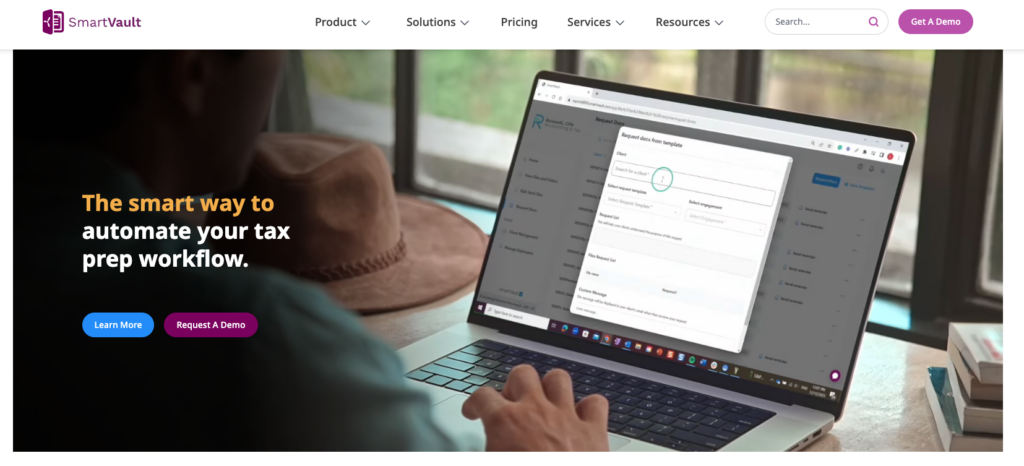
Why we picked it: SmartVault is purpose-built for accounting and tax practices, with direct integrations into the Intuit suite that no other DMS on this list matches. Its SmartRouting feature automatically files tax documents into the correct client folders when you print from your tax software, removing a manual step that eats hours during busy season.
Best for: US-based CPA and tax preparation firms already using Lacerte, ProConnect, ProSeries, Drake, or UltraTax CS that want document management tightly connected to their existing tax workflow.
Key features:
- Tax software integrations: Print documents directly from Lacerte, ProConnect, ProSeries, Drake, and UltraTax CS into SmartVault, where SmartRouting organizes them into the correct client folders automatically.
- Client portal: Branded portal for secure document exchange with clients, including document requests and e-signature collection.
- E-signatures: Built-in eSignature capabilities across all plans, with unlimited eSignatures available on higher tiers.
- SOC 2 Type 2 compliance: Meets IRS, FTC, and SOC 2 Type 2 security standards, which matters for firms handling sensitive client tax data.
- Unlimited cloud storage: All plans include unlimited document storage, so you are not managing capacity limits during peak filing periods.
Where SmartVault falls short: SmartVault uses per-user pricing starting at $50/user/mo (billed annually) with a 3-user minimum, so costs scale directly with headcount. For firms that hire seasonal staff or expand teams, that model can make costs unpredictable compared to Folderit’s flat per-plan pricing. SmartVault is also heavily oriented toward the US tax workflow. Firms outside the US, or those needing EU data residency, will find fewer options here.
3. TaxDome: Best All-in-One Platform for Tax-Heavy Practices

Why we picked it: TaxDome combines document storage with a full practice management suite, making it a strong fit for firms that want to consolidate multiple tools into one.
Best for: US-focused tax and accounting practices that want document management, client portal, billing, and CRM in a single platform.
Key features:
- All-in-one platform: Combines document storage, client portal, CRM, workflow automation, time tracking, invoicing, and e-signatures. Firms replacing multiple standalone tools often see the biggest efficiency gains here.
- Client portal and mobile app: Clients receive a branded app experience for uploading documents, signing engagement letters, making payments, and communicating with the firm, which significantly reduces email-based document chasing.
- Unlimited e-signatures: Included on all plans with no per-envelope fees, covering engagement letters, organizers, and client approvals.
- Workflow automation: Template-based workflows automate recurring client engagements from document request through to delivery and archiving.
- IRS transcript integration: Available on the Pro plan, allowing tax preparers to download transcripts directly into client accounts.
Where TaxDome falls short: TaxDome is a practice management platform first and a document management system second. Its document layer handles storage, sharing, and basic version tracking well, but it lacks the governance depth that compliance-driven firms need: there is no retention policy automation, no structured document numbering, and permissions are less granular than what a purpose-built DMS like Folderit provides. Pricing is per-seat and billed annually upfront, starting at around $67/user/mo (Essentials), with the Pro plan at roughly $83/user/mo. For a 10-person firm on the Pro plan, that means approximately $10,000 committed upfront for the year.
4. SuiteFiles: Best for Microsoft 365-First Accounting Firms
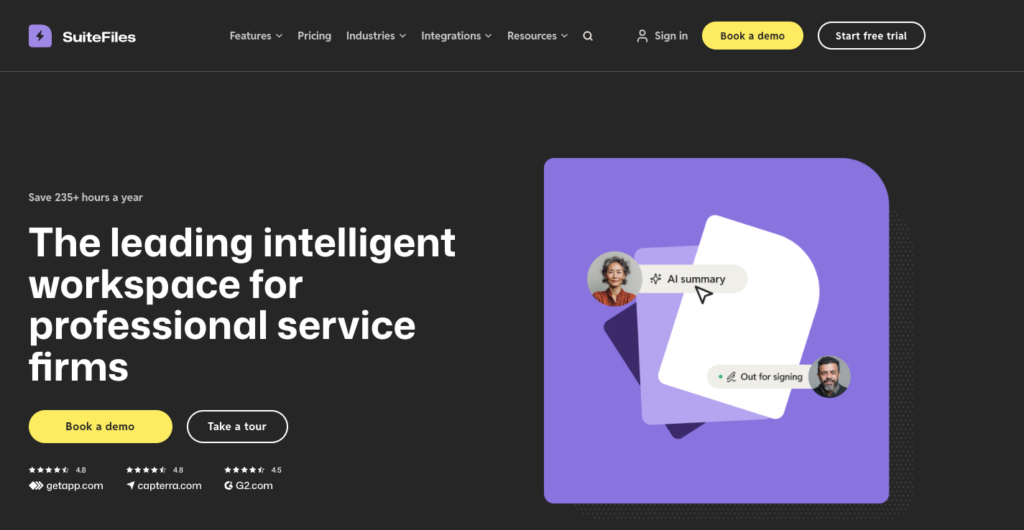
Why we picked it: SuiteFiles is built for professional services firms running on Microsoft 365 and Xero, with strong integrations across both ecosystems.
Best for: Accounting practices already invested in the Microsoft 365 stack that want document management tightly connected to their existing tools.
Key features:
- Microsoft 365 integration: Create, edit, and co-author documents in Word, Excel, and PowerPoint directly within SuiteFiles, with real-time sync and version control handled automatically.
- Outlook email management: Save and organize emails and attachments directly into client folders from Outlook, so correspondence lives alongside the documents it relates to.
- Client portal: Branded, secure portal where clients upload, download, review, and sign documents without needing to install an app or create a SuiteFiles login.
- Unlimited e-signatures: Built-in digital signing included on the Super Suite plan with no per-envelope fees, covering engagement letters, tax returns, and compliance documents.
- Templated folder creation: Automatically generate standardized folder structures when onboarding a new client, enforcing consistency across the firm.
Where SuiteFiles falls short: SuiteFiles is strong on collaboration and Microsoft integration but less focused on the governance layer that regulated accounting firms increasingly need. Retention policy automation, structured audit trails, and multi-step approval workflows are not core strengths of the platform. Firms with growing compliance obligations should evaluate whether SuiteFiles covers those requirements or whether a dedicated DMS like Folderit is needed alongside it. SuiteFiles uses flat-rate pricing (Super Suite starts from $210/mo billed annually for up to 5 users, Semi-Suite from $230/mo for up to 10), which keeps costs predictable, but the feature set is oriented more toward collaboration than document control.
5. Karbon: Best for Internal Team Workflow Visibility

Why we picked it: Karbon connects document management to client engagement workflows, giving teams clear visibility on which documents belong to which stage of a client engagement. For multi-person firms where the primary pain point is internal coordination across shared client work, that workflow-centric approach is genuinely useful.
Best for: Multi-person accounting practices where internal team visibility, task assignment, and structured client engagement workflows matter more than deep document governance.
Key features:
- Workflow-linked documents: Documents are organized within the context of client work items rather than in a standalone file repository, making it easier to track what has been received, what is pending, and what has been delivered for each engagement.
- Client Requests: Clients can securely upload files through structured document requests, reducing the back-and-forth of email-based document collection during onboarding and tax season.
- Email integration: Emails are triaged, assigned, and threaded alongside client work, so nothing gets buried in individual inboxes.
- Team collaboration: Shared contact profiles, activity timelines, task assignment, and workload dashboards give firm leaders visibility into capacity and progress across the team.
- Billing and payments: Built-in invoicing and payment collection tied to client work items, available on all plans.
Where Karbon falls short: Karbon is a practice management platform, not a document management system. Documents live inside the workflow layer rather than in a structured, independently governed repository, which means there is no retention policy automation, no structured document numbering, and audit trail depth is limited compared to a purpose-built DMS. Per-user pricing starts at $59/user/mo (Team) and $89/user/mo (Business), billed annually, so a 10-person firm on the Business plan is paying over $10,600/year before add-ons like eSignature credits and custom reporting. Firms that need document governance as a primary capability rather than a supporting feature of their workflow system should evaluate a dedicated DMS alongside Karbon.
6. DocuWare: Best for Multi-Location Firms With Complex Approval Chains
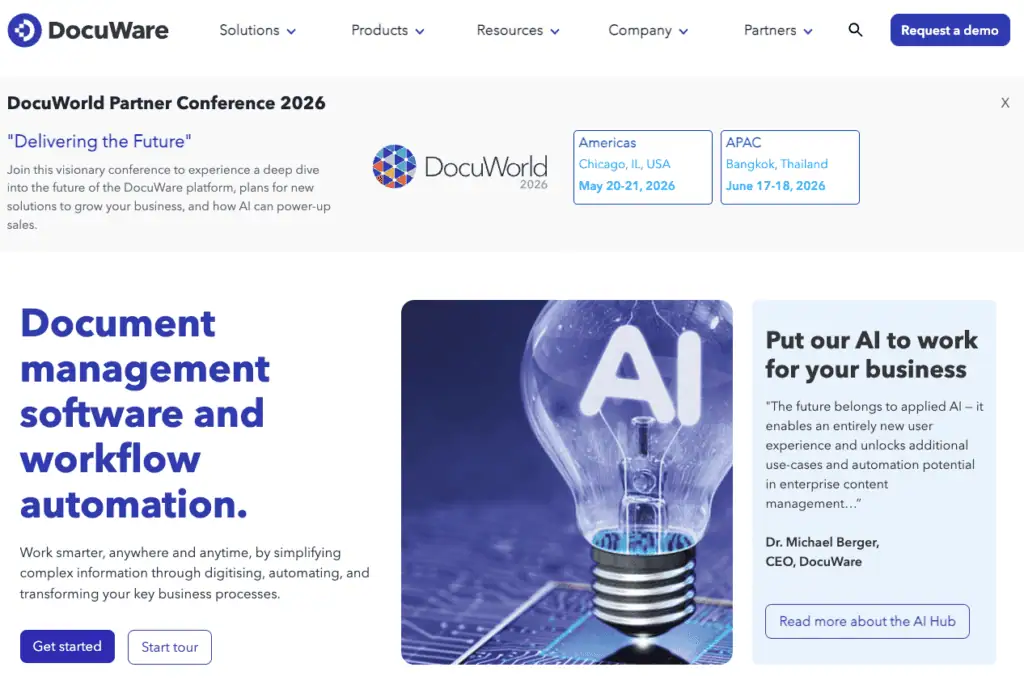
Why we picked it: DocuWare offers enterprise-grade document control with advanced workflow automation, making it suitable for larger or multi-location accounting practices with complex internal processes.
Best for: Mid-to-large accounting firms or finance teams with complex multi-step approval chains, multiple office locations, and the IT resources to support a heavier implementation.
Key features:
- Advanced workflow automation: Visual workflow designer with conditional logic, parallel routing, escalation rules, and automated task assignment across departments and locations.
- Accounts payable automation: Pre-built AP workflows for invoice capture, matching, approval routing, and archiving, which is directly relevant for accounting firms managing client or internal financial processes.
- Cloud and on-premises deployment: Available as both a cloud platform and a self-hosted on-premises installation, giving firms flexibility on data residency and infrastructure control.
- Intelligent indexing: Automated document classification and metadata extraction that reduces manual filing for high-volume document processing.
- Compliance and audit trails: Detailed activity logging with tamper-proof audit trails, version control, and retention management capabilities suited to regulated environments.
What to consider: DocuWare is a heavier implementation than most firms in the 10 to 250 employee range need. Deployments typically take one to three months depending on complexity, often require an implementation partner or dedicated IT resources, and pricing is quote-based with no published figures, which makes side-by-side cost comparison difficult before you engage with sales. For smaller accounting firms that need structured document control without an enterprise-scale project, a purpose-built DMS like Folderit delivers comparable governance features with a fraction of the setup time and cost.
7. Revver: Best for Firms Wanting Folder Templates and Recurring Workflow Automation
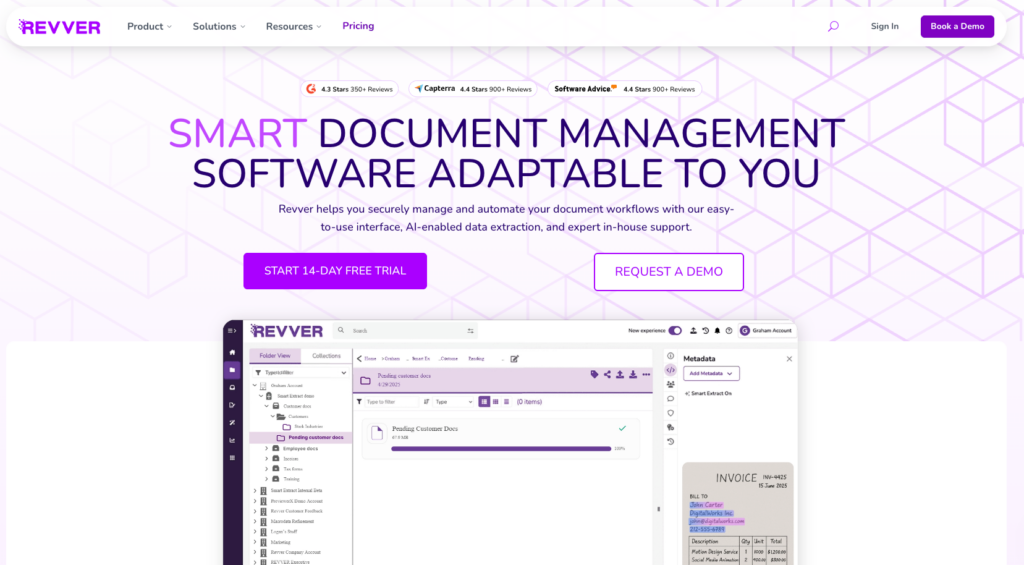
Why we picked it: Revver (formerly eFileCabinet) combines document organisation with automation tools, particularly around recurring client workflows. Its standout feature for accounting firms is automated folder template generation.The platform also includes Smart Extract AI, which reads incoming documents, extracts metadata, and files them into the correct location without manual sorting.
Best for: Accounting firms that handle recurring client engagements and want folder structures that build themselves automatically when a new client is added.
Key features:
- Automated folder templates: Define your firm’s standard folder structure once and have it generated automatically every time a new client is added, eliminating repetitive setup and enforcing consistency.
- Smart Extract AI: Automated document classification and metadata extraction that reads incoming files (including scans and handwritten forms) and routes them to the correct folder based on their content.
- No-code workflow builder: Build approval routes, document review sequences, and task assignments without developer involvement, using a visual drag-and-drop interface.
- E-signatures: Built-in eSignature capabilities on the Essentials plan and above, covering engagement letters and client approvals.
- Flexible licensing: Firms can mix and match license types (Basic, Essentials, Full) based on how each team member interacts with documents, so you are not paying for workflow automation features for staff who only need storage and search access.
Where Revver falls short: Revver’s feature depth varies significantly by tier. The Basic plan at $25/user/mo covers storage, search, and AI-powered filing, but eSignatures, PDF editing, and approval workflows only appear at the Essentials tier ($67/user/mo), and full workflow management with governance controls requires the Full tier at $87/user/mo. A firm that needs the complete feature set is paying enterprise-adjacent prices per user. Audit trail depth and retention policy automation are also less mature than what a purpose-built compliance DMS like Folderit provides out of the box at a lower price point. Revver does not currently publish pricing on its website in all regions, so confirming exact costs may require contacting sales.
8. CCH Axcess Document: Best for Wolters Kluwer Suite Users
Why we picked it: CCH Axcess Document is the natural choice for firms already running the Wolters Kluwer ecosystem, where deep integration across tax, audit, and compliance workflows is the priority. For established CPA firms that have already standardized on the Wolters Kluwer stack, adding CCH Axcess Document means document management inherits the same client structures, permissions, and project data that the rest of the suite already uses.
Best for: Established CPA firms running CCH Axcess Tax, CCH Axcess Audit, or other Wolters Kluwer products.
Key features:
- Deep suite integration: Documents published to CCH Axcess Portal are automatically routed to the correct client, and files flow between Tax, Engagement, and Document modules without rekeying or manual filing.
- Retention and destruction policies: Firm-wide retention rules can be set and enforced across all document types including email, with automated destruction scheduling for expired records.
- Version control and check-out: Check-out/check-in ensures teams work on the most recent version of a file, with full version history and change tracking.
- Role-based security: Folder-level and file-level permissions with special access groups, preventing unauthorized access to sensitive client data across the firm.
- Cloud or firm-hosted storage: Documents can be stored in the Wolters Kluwer cloud or on local firm-hosted servers, giving firms flexibility on infrastructure and data residency.
Where CCH Axcess Document falls short: CCH Axcess Document is sold as part of the broader CCH Axcess platform, not as a standalone product. Pricing is quote-based and modular, with the Document module typically adding $300 to $500 per user annually on top of existing CCH Axcess licensing. For firms not already in the Wolters Kluwer ecosystem, the combined cost of the suite makes this one of the most expensive options on this list, and the switching cost rarely justifies the move for the document module alone. Implementation also requires Wolters Kluwer onboarding support, and the platform is oriented toward mid-to-large US CPA firms rather than smaller practices or firms outside the US.
How We Chose The Best DMS for Accountants
We evaluated these eight platforms against the specific requirements of accounting and CPA firms, not generic DMS checklists. The focus was on five outcomes: secure handling of sensitive financial data, fast document retrieval, fewer missing or misfiled documents, defensible audit history, and low-friction adoption for both staff and clients.
The capabilities we weighted most heavily:
- Structured, searchable storage with intuitive folder hierarchies, custom metadata, and full-text search that lets you find a document by its content, not just its file name.
- Version control that retains every document version automatically, tracks who made each change, and lets you restore previous versions when needed.
- Approval workflows that automate multi-step review and sign-off routes for financial documents, engagement letters, and internal policies without relying on email chains.
- Security and access control including encryption, role-based permissions, and the ability to restrict access at the folder and file level so sensitive financial records stay separated from general firm documents.
- Audit trails that log every access, edit, share, and deletion event with timestamps, exportable for external audits and incident reviews.
- Retention policy automation that enforces retention schedules by document type with automated disposition, removing the regulatory risk of manual tracking.
- Pricing model transparency where the cost structure is clear before you commit, and predictable as your team grows. Per-plan and flat-rate models score higher here than per-user models that penalize growth or seasonal hiring.
- Deployment speed and ease of adoption since most accounting teams will not persist with a system that takes months to implement or requires constant IT support to maintain.
Is Folderit the Right DMS for Your Accounting Firm?
Folderit is the right fit for accounting and CPA firms that need the governance depth of an enterprise DMS without the enterprise price tag, implementation timeline, or IT dependency.
If your firm is between 10 and 250 people, handles a mix of controlled documents (engagement letters, financial reports, policies, client records), and needs to demonstrate audit readiness without a six-month implementation project, Folderit is built for that exact profile.
Where Folderit stands out for accountants specifically:
- Per-plan pricing keeps costs predictable during growth. Unlike per-user models where every new hire or seasonal contractor adds to the bill, Folderit’s per-plan structure means your document management costs stay flat whether you have 15 people in January or 25 during tax season.
- EU data residency satisfies GDPR and data sovereignty requirements as standard. Cloud hosting on AWS with EU data residency is included on every plan, and firms with stricter obligations can deploy Folderit as a single-tenant cloud or on-premises installation without a separate enterprise agreement.
- Audit trails and approval workflows are built in, not sold as add-ons. Every upload, edit, approval, and share is logged with a timestamp and exportable for external audits, giving your firm a defensible audit trail from day one.
- Deployment takes days, not months. Your team is productive from week one, with no implementation consultants and no IT department required to administer or maintain the system.
- Integrates with your existing stack rather than replacing it. Folderit connects to Microsoft 365, Outlook, and DocuSign out of the box, with a RESTful API and pre-built connectors for CRMs and ERPs. For firms that also manage contracts and approvals, the same workflow engine handles both.
FAQs: Document Management Software for Accountants
What is the best document management software for accountants in 2026?
It depends on your firm’s primary need. For document governance with audit trails, retention automation, and approval workflows without enterprise complexity, Folderit is the strongest choice for small to mid-market CPA firms. For US tax practices needing deep Intuit integration, SmartVault is purpose-built. For all-in-one practice management with bundled document storage, TaxDome is the most widely adopted option.
What is the difference between a DMS and cloud storage for accountants?
Cloud storage gives you a place to keep and share files, but it does not enforce how documents are versioned, approved, retained, or disposed of. A DMS adds the control layer accounting firms need: approval workflows, version history, role-based permissions, retention policies, and a full audit trail. The difference shows up during an audit or compliance review, when your firm needs to prove who approved a document, which version was current, and whether retention rules were followed.
Is per-user or per-plan pricing better for accounting firms?
Per-user pricing works for firms with stable headcount, but most accounting practices fluctuate during tax season, audit season, or periods of growth. Every seasonal hire adds to the bill, making costs unpredictable when your firm is busiest. Per-plan pricing, which is the model Folderit uses, keeps costs flat regardless of team size, so you are not penalized for scaling up when workload demands it.