

The right government document management system depends on the level of government and its compliance obligations. DocuWare and OpenText suit state and local governments digitising records at volume. NetDocuments serves US federal agencies that need FedRAMP authorisation. Folderit fits smaller public bodies and government suppliers that want audit trails, retention rules and EU data residency without a long implementation.
A government document management system gives agencies one controlled place to capture, find, protect and retain records. This guide compares nine options, from enterprise platforms built for federal case management to lighter systems suited to town clerks and small public bodies. For each one, you will see what it does well, who it suits and where Folderit fits for organisations that want audit-ready control without a year-long IT project.
What should a government document management system do?
A government document management system controls how public records are captured, stored, accessed, retained and destroyed, while keeping a verifiable record of every action. For agencies, its value lies less in storage than in evidence of who viewed a file, who approved it and when it was lawfully disposed of.
Shared drives can hold files, but they usually cannot show an auditor or records officer that staff followed a retention schedule. That gap is where many public sector document problems begin.
When evaluating vendors, look for these capabilities:
- Retention and disposal rules that apply automatically to record types in line with your records schedule
- Audit trails that log views, edits, downloads, approvals and sharing with timestamps
- Role-based access control and, for sensitive casework, redaction tools
- Full-text and metadata search, including OCR for scanned paper records
- Approval and review workflows that replace email chains
- Secure hosting options, including data residency choices or on-premises deployment where regulations require it
- Redundant backups, so a server failure does not become a records loss
If audit readiness is your main driver, our guide to how document management systems support audit preparation explains which records auditors typically request and how a DMS shortens the preparation cycle.
The 9 Best Government Document Management Systems: At a Glance
| Tool | Best For | Standout Feature |
| Folderit | Smaller public bodies and government contractors | Built-in approvals, acknowledgements, audit trails and retention automation |
| DocuWare | State and local governments | Paper digitization with electronic forms for constituent requests |
| OpenText Content Management for Government | Large agencies managing case files | AI-powered capture and redaction, with a FedRAMP-authorized government cloud |
| Box | Cross-department collaboration | FedRAMP High authorized content platform |
| NetDocuments | Federal legal teams | FedRAMP-authorized DMS built for legal work |
| PowerDMS | Public safety policy and accreditation | Public-facing policy publishing |
| Document Locator | Small offices digitizing paper files | DocuSign and Adobe Acrobat Sign connectors |
| Docufree | Outsourced digitization projects | Scanning services combined with a cloud DMS |
| SoftXspace Government | Registry-style correspondence workflows | Preconfigured registration numbering rules |
The 9 Best Government Document Management Systems: Our Top Picks
1. Folderit: Best for Smaller Public Bodies and Government Contractors
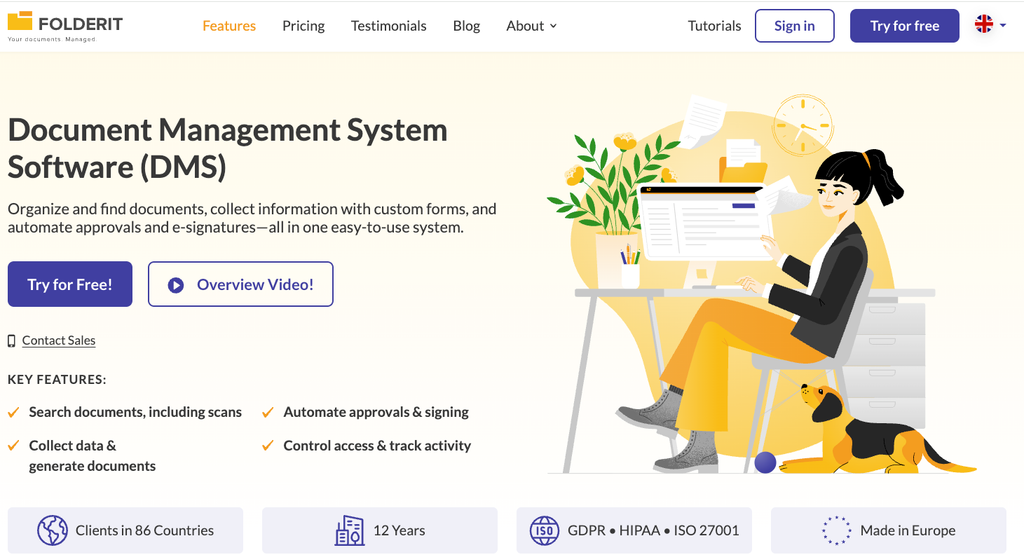
What makes it different: Folderit’s records management software gives smaller public bodies controlled document storage, approval workflows, e-signatures and audit trails without the implementation overhead of an enterprise content management platform. Folderit was named the most user-friendly DMS by Capterra based on ease-of-use benchmarking, and the system is designed so that records, quality, HR or operations staff can administer it without relying on a dedicated IT team. Deployment typically takes days or weeks rather than months.
Key capabilities for public sector work:
- Full audit trail recording uploads, edits, approvals, sharing and downloads with timestamps, exportable for auditors. Our overview of how audit trails provide accountability explains why this matters, and the help center shows how to use document and folder audit trails in practice.
- Retention policy automation set per file or per folder, with upcoming retention deadlines shown on the admin dashboard.
- Approval and acknowledgement workflows with native Folderit eSign and DocuSign integration, so every policy sign-off leaves a recorded trail.
- Custom eForms for internal requests, registers and incident reports, with each submission stored as a searchable, permission-controlled record.
- OCR search and automated document numbering across scanned files and images, supported by custom metadata fields.
- Security as standard: 256-bit AES encryption, SSL/TLS, two-factor authentication, SSO via Entra ID, Okta or Google, IP restrictions and triple-redundant backups stored at least 100 km (about 62 miles) apart.
- Deployment choice: multi-tenant cloud on AWS, single-tenant cloud or on-premises installation.
Folderit supports ISO 27001, GDPR, HIPAA, Cyber Essentials and 21 CFR Part 11 requirements. Pricing is per plan rather than per user, starting at $55 per month for the Mini plan, which suits public bodies working from fixed annual allocations, although costs step up as you add seats and storage. A free trial is available without a credit card.
Best for: Smaller public bodies such as special districts, small towns, housing authorities and publicly funded organizations, along with government contractors that must prove document control during audits and bid evaluations. Folderit works best for organizations of roughly 20 to 250 people.
What to consider: Folderit does not hold FedRAMP authorization, so federal agencies whose procurement rules require it should start with the FedRAMP-authorized options below. Its standard cloud is hosted in the EU, which suits European public bodies, but US agencies subject to state data residency rules should confirm hosting requirements with Folderit or consider the single-tenant and on-premises options. Folderit is built for internal document control rather than bulk scanning or publishing records to residents, so offices with large paper backlogs or public-facing publishing needs may pair it with a scanning provider or a public portal.
2. DocuWare: Best for State and Local Governments
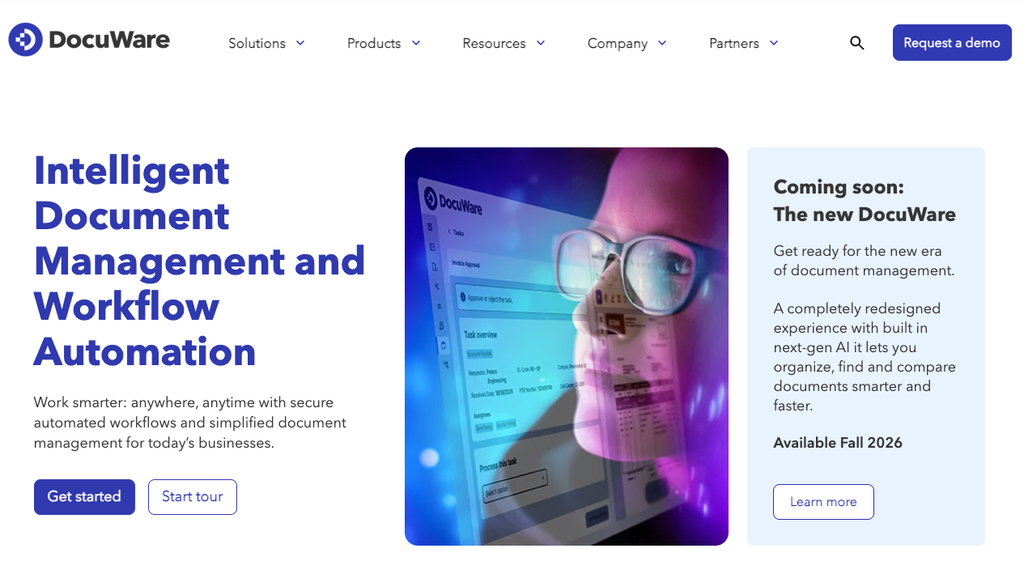
What makes it different: DocuWare offers a dedicated solution for state and local governments that covers paper digitization, central storage and electronic forms for capturing constituent applications and information requests, with DocuWare Cloud available to governments of different sizes. In its Town of Henrietta, New York case study, integration with the town’s existing real property tax and municipal clerk licensing systems was the top requirement. The rollout began in the Town Clerk’s office, which manages the town’s public records, before expanding to the recreation and building departments and the assessor’s office.
Best for: Municipal and county offices that handle high volumes of citizen-facing forms and want to move paper records into a searchable system one department at a time.
Where DocuWare falls short: DocuWare does not publish pricing, and deployments are typically sold and supported through its network of authorized partners, so the total cost and the quality of implementation support depend on the partner an agency selects. Teams weighing that model against direct-from-vendor options can compare approaches in our roundup of DocuWare alternatives.
3. OpenText Content Management for Government: Best for Large Agencies Managing Case Files
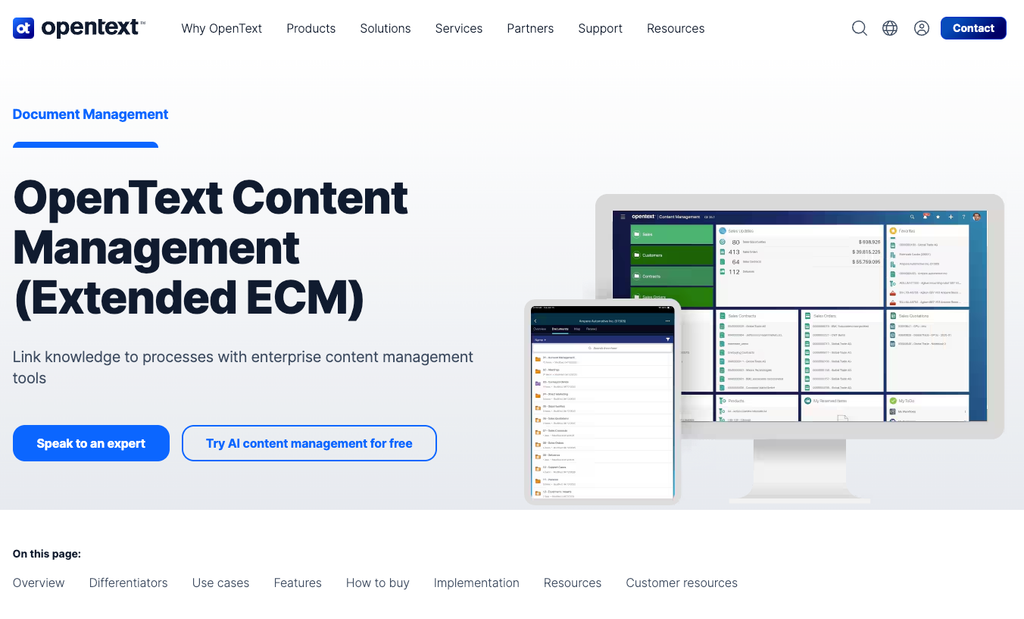
What makes it different: OpenText provides electronic case and records management designed around government retention policies and audit trails, with formal and ad hoc workflows for routing case files and correspondence. Intelligent capture scans, extracts and classifies content with AI-powered OCR, while secure viewing supports redaction across Word, PDF and Google Docs formats. For federal buyers, OpenText’s Cloud for Government offering, which includes OpenText Extended ECM, achieved FedRAMP authorization in 2024.
Best for: Larger departments running case-centric processes, such as benefits, licensing or enforcement, where classification and redaction happen at scale.
Where OpenText falls short: Extended ECM is an enterprise content management platform designed to integrate with major enterprise applications, and deployments at that scale generally require a dedicated implementation effort and ongoing administration. OpenText does not publish pricing for its government offerings, and smaller bodies without in-house records or IT staff may find the platform more than they need.
4. Box: Best for Cross-Department Collaboration
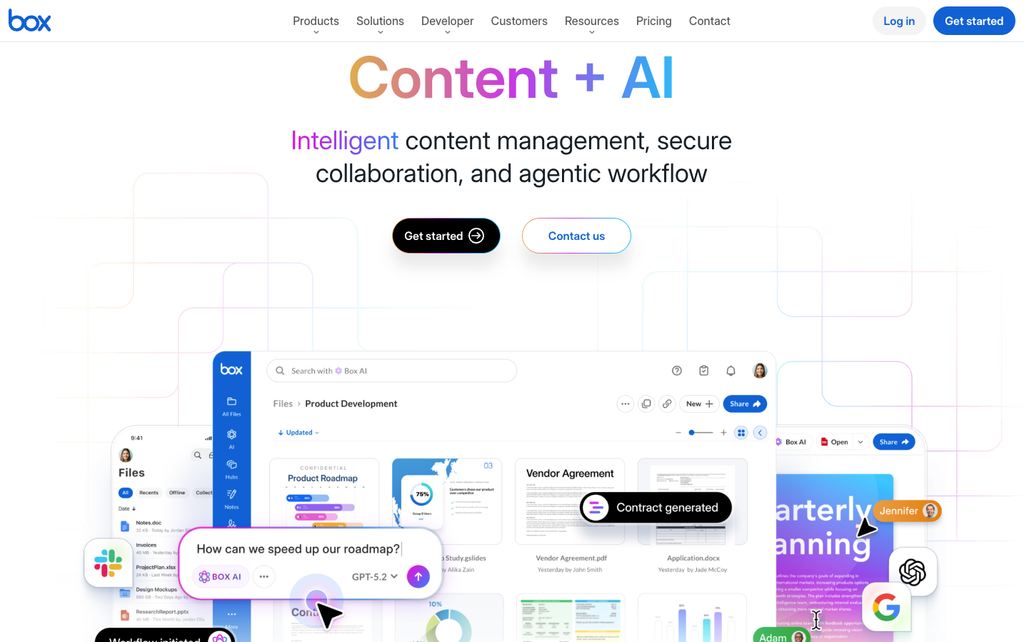
What makes it different: Box positions its Intelligent Content Management platform around a consistent user experience, collaboration and security, allowing agencies to manage, create, share, process and sign documents in one place. Box received FedRAMP High authorization in March 2025, and that authorization extends to Box AI and Box Hubs. Box’s government guidance also describes how an electronic document management system can keep federal records NARA-compliant and accessible through version tracking and trails of changes, views and distributions.
Best for: Agencies where many teams and external partners collaborate on shared content and want a familiar interface for everyday file work, including federal teams that need FedRAMP High coverage.
Where Box falls short: Retention policies and legal holds are part of Box Governance, which is included in Enterprise Plus plans and sold as a paid add-on on other business plans. Agencies comparing Box with purpose-built records systems should price the Governance add-on into their evaluation, since retention is central to most public records obligations.
5. NetDocuments: Best for US Federal Agencies
What makes it different: NetDocuments describes itself as the first FedRAMP-authorized cloud document management platform for federal government legal teams, and it has held FedRAMP authorization for a dedicated government instance since 2021. The platform combines that authorization with ethical walls, data loss prevention, geo-aware storage and customer-managed encryption keys, alongside OCR and advanced search for locating files quickly.
Best for: General counsel offices and legal teams within federal departments whose cloud procurement rules require FedRAMP authorization.
Where NetDocuments falls short: The platform is designed around legal work, with documents and email organized by matter, so agencies looking for a department-wide records system covering HR, finance and operations files may find its structure a less natural fit than a general-purpose DMS.
6. PowerDMS: Best for Publishing Policies to the Public
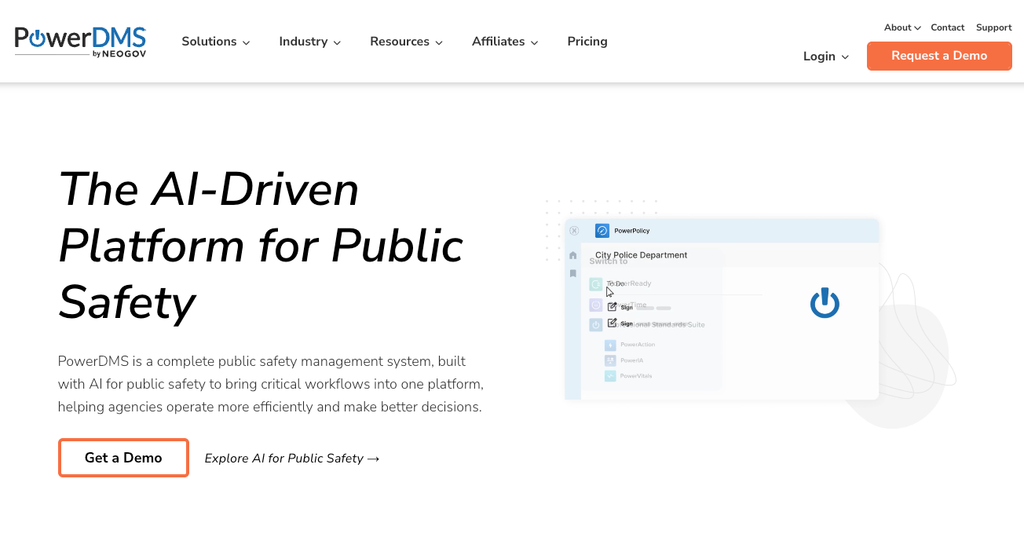
What makes it different: PowerDMS manages, distributes and tracks policy, training and accreditation information for public safety agencies from one cloud platform. Its Public-Facing Documents tool publishes selected policies to an agency website, and updates made in PowerDMS carry through automatically to the published version, which helps agencies meet state laws requiring current policies to be posted online. Municipalities can also share one platform across departments while each department keeps its own access security and workflows.
Best for: Police, fire and other public safety departments, and the municipalities that run them, where state transparency rules require current policies to be available to residents.
Where PowerDMS falls short: Public-Facing Documents is a premium add-on to the Policy module rather than a standard feature, and the platform is organized around public safety and healthcare policy, training and accreditation. Offices that need a general records repository for planning files, contracts or finance records should confirm fit before committing.
7. Document Locator: Best for Small Governments Going Paperless
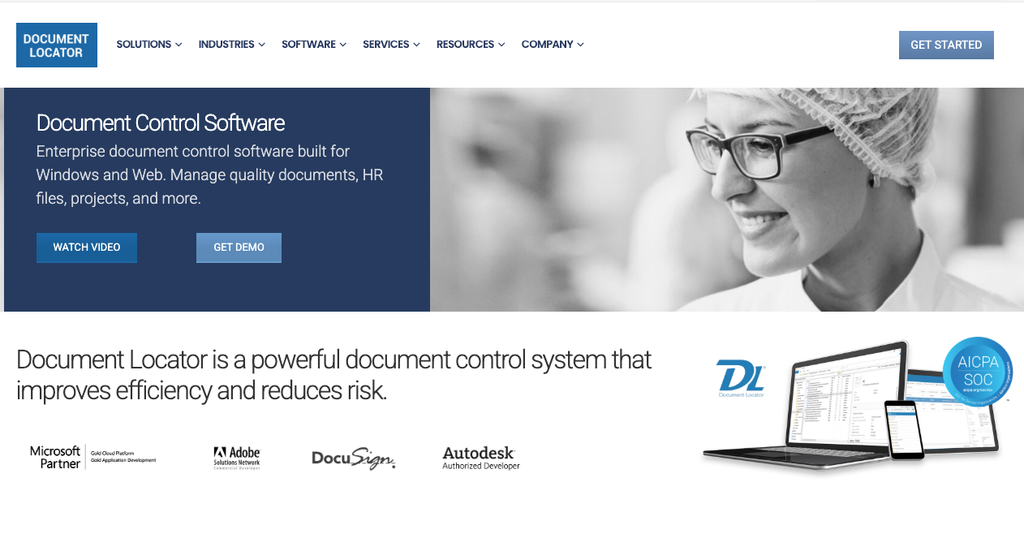
What makes it different: Document Locator scans paper into full-text searchable digital files, lets staff search and retrieve documents independently and provides web-based self-service access. It replaces paper forms with electronic forms, and its DocuSign and Adobe Acrobat Sign connectors send files for signature and return signed copies to the system as new versions, keeping a complete version history.
Best for: Smaller government offices converting filing rooms into searchable archives with a straightforward setup.
Where Document Locator falls short: E-signatures run through add-on connectors to third-party signing services rather than a native signing tool, so agencies need to budget for both the connector and a separate DocuSign or Acrobat Sign subscription.
8. Docufree: Best for Outsourced Digitisation Projects
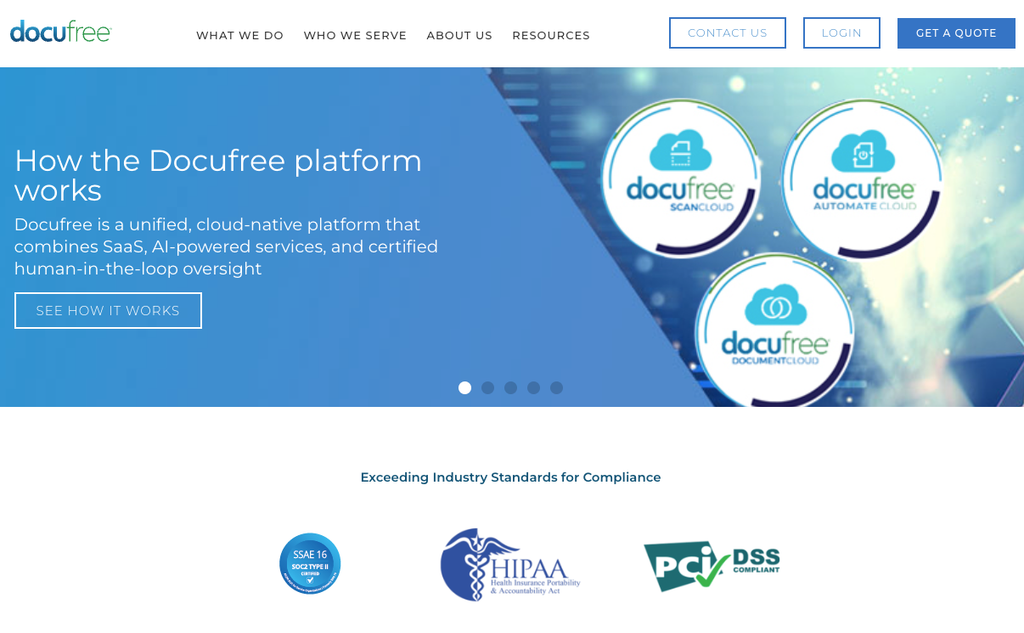
What makes it different: Founded in 1999, Docufree combines high-volume document scanning services with a cloud-based DMS for federal, state and local governments, and its January 2025 acquisition of ImageAPI expanded its state and local government work. The platform supports permissions-based access, redaction and automatic audit trail creation, and metadata indexing with full-text search can retrieve a specific page within a file. Docufree emphasizes chain-of-custody tracking from document pickup to digital delivery.
Best for: State and local governments that want one partner to scan legacy paper archives and host the resulting records.
Where Docufree falls short: The model is service-led, with scanning projects quoted individually, so it delivers the most value to agencies with substantial paper archives. Organizations whose documents are mostly born digital may pay for capability they will not use and will depend on the provider for work they could otherwise manage themselves
8. SoftXspace Government: Best for Registry-Style Document Workflows
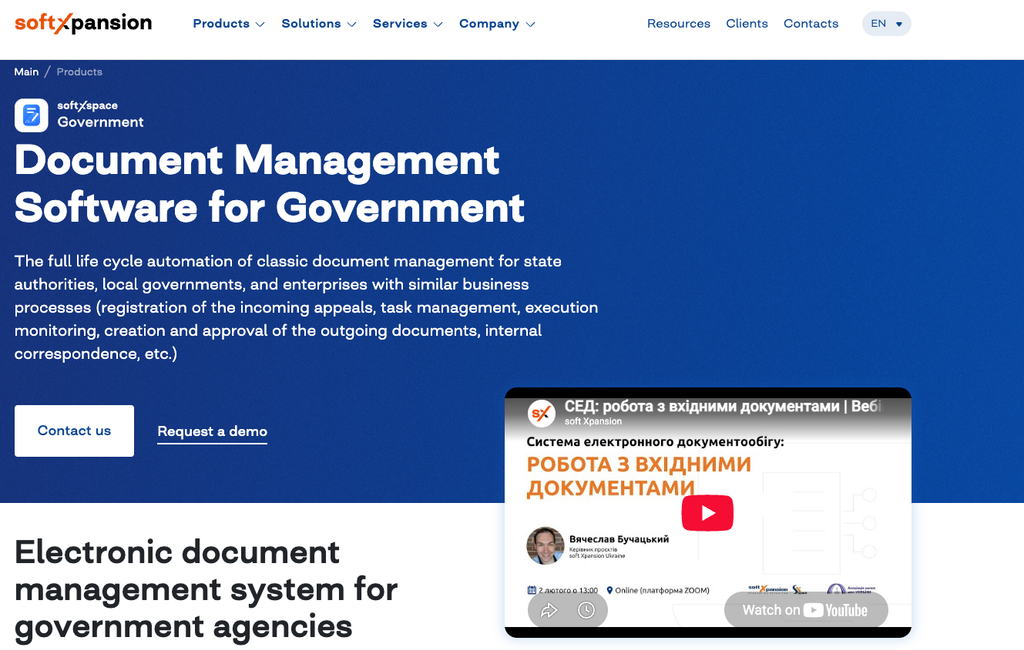
What makes it different: soft Xpansion’s SoftXspace Government runs in a browser on a PC, tablet or smartphone, with no extra software to install. It supports multi-level task delegation and preconfigured numbering rules that build registration numbers from document attributes, dates and logic conditions, and dashboards provide reports that users can export to Excel. The latest version runs on a low-code/no-code platform with automated workflows, template-based document creation and digital signatures.
Best for: Public administrations that register incoming and outgoing correspondence and assign tasks to specific officials or divisions.
Where SoftXspace falls short: soft Xpansion offers implementation and consulting services alongside its low-code platform, so configuration is often a services engagement rather than something administrators complete on their own. Most of the vendor’s published customer references are outside North America, so US agencies should confirm local implementation and support coverage
Which government DMS should your agency choose?
The right choice follows from three questions: which compliance framework governs your procurement, how much of your archive is still on paper and who will run the system day to day.
US federal buyers should start with FedRAMP-authorised options such as NetDocuments. County and municipal offices with large paper backlogs and citizen-facing forms will find DocuWare, Docufree or Document Locator closely matched to that work. Large departments handling casework with redaction needs tend to consider OpenText.
Smaller public bodies face different constraints. They often have no records team, a modest IT function and audits that expose gaps in version control or approval evidence. Many still track approvals in spreadsheets, so replacing that habit is often the first win. Our article on how a document tracking system replaces Excel workflows shows what that change looks like in practice. Folderit is built for this group and for private companies that must meet public sector document requirements in tenders and contracts.
One practical tip: run a short trial with the people who will file documents every day, as well as IT. Adoption determines whether staff consistently use retention rules and audit trails. Structured workflows also reduce the misfiling and version mistakes described in our guide to reducing human error in the workplace.
How We Chose These Systems
We shortlisted products that publish dedicated government or public sector solutions or directly serve compliance-sensitive organisations that resemble public bodies. We assessed each tool against six criteria drawn from agency procurement requirements: retention and disposal controls, audit trail depth, access control and redaction, search and OCR, workflow automation, and hosting or authorisation options such as FedRAMP or EU data residency.
We relied on each vendor’s product documentation and published case studies for feature descriptions. We excluded claims that we could not trace to those sources and did not list prices where vendors do not publish them. Folderit is our product, so we assessed it using the same criteria and specified the organisations it is designed for.
FAQs
What are the top 5 document management systems for government?
Five widely used options are Box for cross-department collaboration with FedRAMP High authorization, NetDocuments for federal legal teams, OpenText for large case-driven agencies, DocuWare for state and local offices digitizing paper records, and Folderit for smaller public bodies and government contractors that want built-in approvals, audit trails and retention automation.
What is the best public records management software for government?
The best public records software applies your retention schedule automatically, logs every action in an audit trail and restricts access by role. OpenText and Docufree emphasize retention and redaction at scale, PowerDMS focuses on publishing current policies to the public, and Folderit automates retention policies and reporting for smaller public organizations.
Is Folderit right for government agencies?
Folderit is a strong fit for smaller public bodies, publicly funded organizations and government contractors that need controlled documents, audit trails, e-signatures and retention automation, and it offers multi-tenant cloud, single-tenant cloud and on-premises deployment. Federal agencies that require FedRAMP authorization should shortlist FedRAMP-authorized vendors instead. Teams can test approval workflows, audit trails and retention settings on real documents through Folderit’s free trial before committing budget.