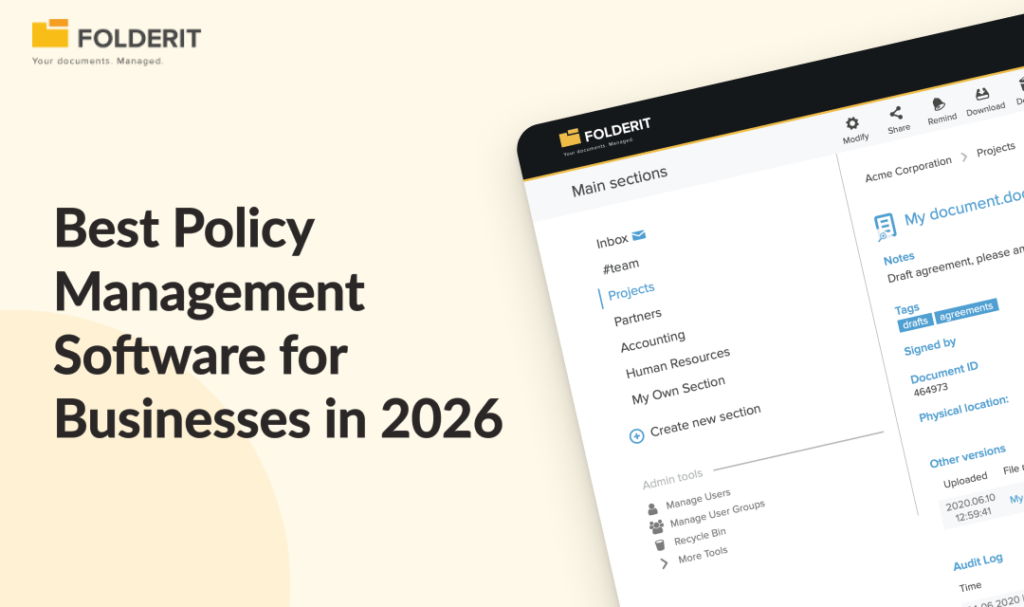
The best policy management software for most SMEs is Folderit, because it covers the full policy lifecycle (drafting, approval, acknowledgement, version control, and retention) within a broader document management system, without requiring a separate compliance platform or per-user pricing. For large enterprises needing a dedicated GRC suite, NAVEX PolicyTech or Mitratech PolicyHub are the leading specialist options.
Policy management software controls who drafts, approves, distributes, and reviews policy documents, and records evidence that employees have read and acknowledged each version. That evidence is what separates a managed policy programme from files sitting in a shared drive.
This guide compares eight platforms based on current features, verified user reviews, and real pricing data, covering both dedicated policy tools and document management systems with built-in policy lifecycle capabilities.
Policy Management Software Compared: Features and Pricing Model
The table below summarises all 8 tools. For a detailed breakdown of each platform, including features, limitations, and who it suits best, see the individual entries below.
| Tool | Best For | Pricing Model | Free Trial | Acknowledgement Tracking | Broader DMS |
| Folderit | SMEs needing policy management within a full DMS | Per-plan (not per-user) | Yes | Yes | Yes |
| NAVEX PolicyTech | Large enterprises within a GRC ecosystem | Custom quote | Yes | Yes | No |
| PowerDMS | Public safety and accreditation-driven orgs | Base + per-user/yr | No | Yes | No |
| ComplianceBridge | Configurable policy suite with risk modules | Tiered plans | No | Yes | No |
| DocTract | Regulated orgs wanting AI-enhanced workflows | Custom quote | No | Yes | No |
| Mitratech PolicyHub | Enterprise compliance teams | Annual contract | No | Yes | No |
| Xoralia | Microsoft 365 organisations | Custom quote | No | Yes | No |
| ConvergePoint | SharePoint-heavy enterprises | Custom quote | No | Yes | No |
The 8 Best Policy Management Software Tools
1. Folderit: Best for SMEs That Need Policy Management Within a Broader DMS
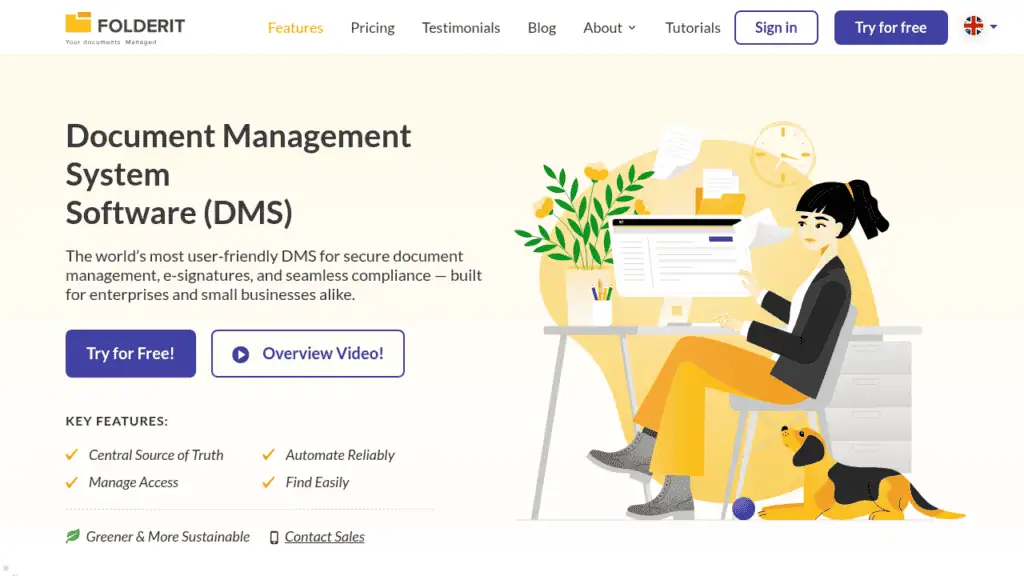
What makes it different: Folderit covers the entire policy lifecycle without requiring a standalone policy tool. Approval workflows, acknowledgement workflows, version control, retention automation, audit trails, and e-signatures are built into the platform as standard features, not bolt-on modules. For businesses managing policies alongside contracts, HR records, quality documents, and operational procedures, Folderit removes the need to run two separate systems.
Best for: SMEs with 20–250 employees in regulated industries (manufacturing, professional services, healthcare, legal, financial services) that need ISO-grade policy control without enterprise ECM complexity.
Key features:
- Multi-stage approval workflows: Visual workflow builder with serial or parallel routing and automated reminders for outstanding approvals
- Acknowledgement tracking: Tracked read-and-confirm workflows that create a complete evidence record for every recipient, with real-time completion status
- Version control and document numbering: Full version history with comparison, rollback, and automatic document numbering
- Retention automation: Retention rules set at folder or document level, with automated alerts for approaching review dates and scheduled archival
- Audit trail: Every action logged with a timestamp — uploads, edits, approvals, sharing, downloads, and acknowledgements — exportable at document and folder level
- E-signatures: Native Folderit eSign plus DocuSign integration
- OCR search: Full-text search across all stored documents, including scanned files and images
- Security and compliance: 256-bit AES encryption, two-factor authentication, SSO (Entra ID, Okta, Google), IP restrictions, and EU data residency
Watch out for: Folderit is a document management system with strong policy management capabilities, not a dedicated policy-only platform. Organisations whose compliance programme requires deep GRC integrations — risk registers, incident management, ethics hotlines, or training completion tracking — may need a specialist tool like NAVEX PolicyTech or Mitratech PolicyHub alongside or instead of a DMS.
What Folderit does better than dedicated policy platforms: Every dedicated tool in this list manages policies in isolation. Folderit manages policies within the same system that handles contracts, HR documents, quality records, and operational procedures, so there is one audit trail, one permission structure, and one source of truth across all controlled documents. For SMEs, that consolidation eliminates the fragmentation that standalone policy tools introduce, and the per-plan pricing means costs stay predictable regardless of headcount.
Folderit’s policy management system covers the specific workflows in detail.
2. NAVEX PolicyTech: Best for Large Enterprises Within a GRC Ecosystem
What makes it different: NAVEX PolicyTech is not a standalone policy management tool. It sits within NAVEX One, an integrated GRC platform that connects policy management with ethics reporting, third-party risk management, and compliance training. For enterprises that need policy workflows tied directly to their broader compliance programme, that integration is the core value proposition. PolicyTech handles policy creation, approval routing, distribution, attestation tracking, and automated review reminders, with everything feeding into a unified compliance dashboard.
Best for: Mid-market to enterprise organisations already invested in the NAVEX One ecosystem, or those building a comprehensive GRC programme that extends beyond policy management alone.
Key features:
- GRC platform integration: Policy workflows connect directly to NAVEX One modules for ethics reporting, incident management, training, and third-party risk, giving compliance teams a single view across the programme
- Rules-based workflow automation: Configurable approval routes, review cycles, and attestation tracking with automated reminders for outstanding actions
- AI-assisted policy summaries: Introduced in late 2025, these generate plain-language summaries to help improve employee comprehension of complex policies
- Microsoft Word integration: Policies can be authored and edited directly in Word within the platform
- Multilingual support: Policies can be translated and targeted to regional employee groups
Pricing: Not published. NAVEX uses custom quoting based on employee count, modules selected, and implementation scope. Contact the vendor for a quote.
Where NAVEX PolicyTech falls short: PolicyTech is sold as part of the NAVEX One platform, which means the pricing, implementation, and ongoing commitment are scaled for enterprise buyers. Organisations that only need policy management without the broader GRC suite are likely paying for capabilities they will not use. Multiple reviewers on Capterra and G2 note that licensing is inflexible and that costs can escalate at renewal. For SMEs, the sales process alone (custom quoting with no published pricing) is a barrier.
3. PowerDMS: Best for Public Safety and Accreditation-Driven Organisations
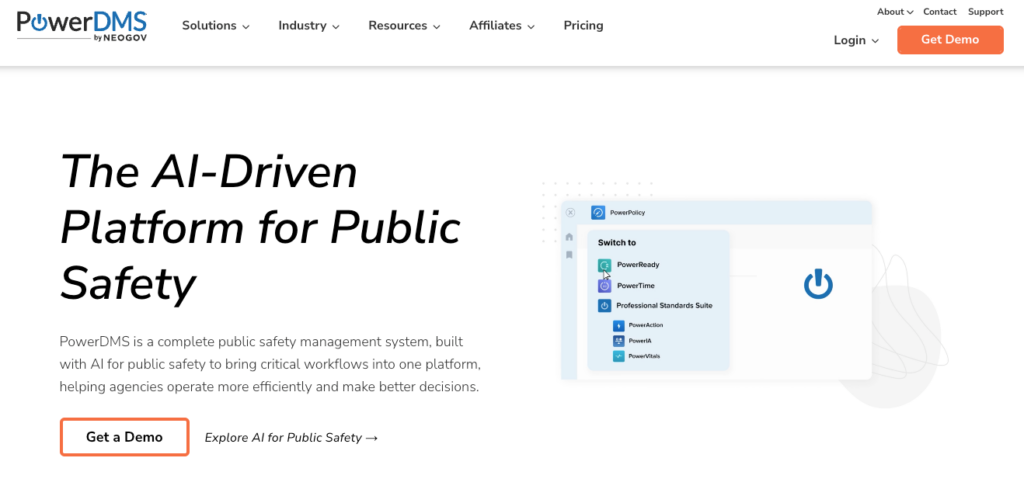
What makes it different: PowerDMS is built specifically for public safety and accreditation-driven organisations. Where most policy management tools focus on the document lifecycle alone, PowerDMS connects policy management with accreditation standards management and training delivery in a single platform. Law enforcement agencies, fire departments, and healthcare organisations use it to map policies directly to accreditation requirements and track both policy acknowledgement and training completion in one place.
Best for: Law enforcement, fire, EMS, corrections, healthcare, and government organisations that need policy management tied to accreditation programmes (CALEA, IACLEA, Joint Commission, and similar standards bodies).
Key features:
- Accreditation management: Map policies to specific accreditation standards, track proof files, and manage the full accreditation lifecycle alongside policy workflows
- Policy acknowledgement and testing: Distribute policies with tracked acknowledgement workflows and optional comprehension testing to confirm understanding
- Training delivery: Create and assign training content linked to policies, with completion tracking and reporting
- Version control and comparison: Side-by-side version comparison with full document history
- Mobile app: Field staff can access, review, and acknowledge policies from any device
Where PowerDMS falls short: PowerDMS is purpose-built for public safety and accreditation-heavy environments. Its feature set, customer base, integrations, and sales process all reflect that focus. Organisations outside these verticals particularly SMEs in manufacturing, professional services, or financial services, will find the platform oriented toward use cases that don’t match their needs, and the accreditation management features that justify the price will go unused.
4. ComplianceBridge: Best for Organisations Wanting a Configurable All-in-One Policy Suite
What makes it different: ComplianceBridge bundles policy lifecycle management with adjacent compliance modules (risk assessment, audit management, conflict of interest, incident reporting, and corrective action plans) in a single platform. For organisations that need more than just policy management but are not ready for an enterprise GRC suite, that breadth at a mid-market price point is the core appeal. The platform is highly configurable, with workflows that can be adapted to fit different organisational structures and approval chains.
Best for: Compliance, HR, and safety teams in mid-size organisations that want policy management alongside risk assessment and audit capabilities without the cost or complexity of enterprise GRC.
Key features:
- Full policy lifecycle automation: Authoring, multi-stage approvals, distribution, attestation, and archival with configurable workflows at each stage
- Comprehension testing: Built-in quizzes attached to policies to verify employee understanding, not just acknowledgement
- Adjacent GRC modules: Risk assessment, audit management, conflict of interest disclosure, incident reporting, and corrective action tracking available as add-on modules within the same platform
- Real-time dashboards and reporting: Progress tracking across policy distribution, acknowledgement rates, and outstanding actions, with exportable reports
- Automated reminders: Configurable alerts for review deadlines, outstanding acknowledgements, and policy expiry dates
Where ComplianceBridge falls short: Multiple reviewers note that the platform is powerful on the admin side but not particularly intuitive for end users, which can create an adoption challenge in organisations without dedicated compliance staff driving the rollout. ComplianceBridge is also a smaller vendor (approximately 13 employees), which means buyers should weigh the depth of the support infrastructure and long-term product roadmap against larger competitors.
5. DocTract: Best for Organisations Wanting AI-Enhanced Policy Workflows
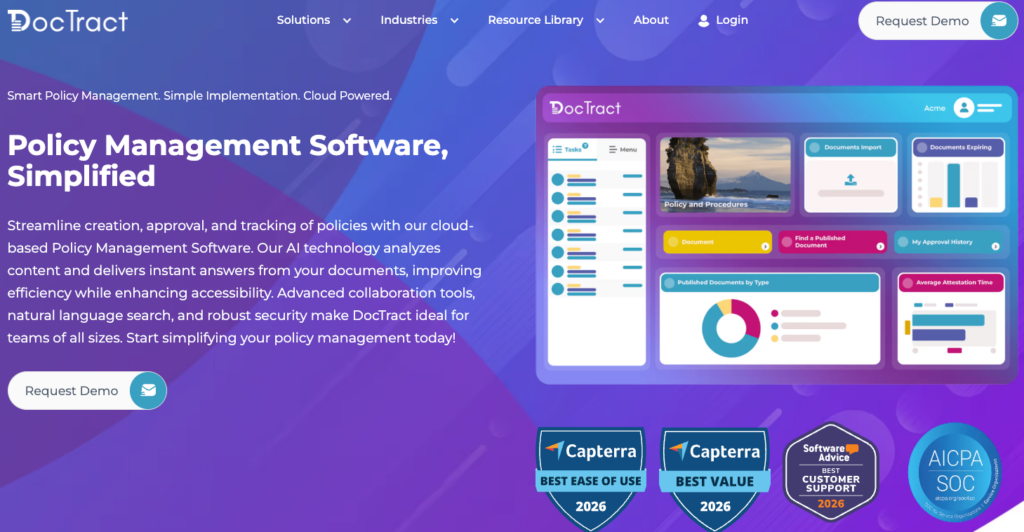
What makes it different: DocTract is a cloud-based policy management platform that has leaned heavily into AI as a differentiator. DocTract AI adds intelligent search, automated policy drafting assistance, clause identification, and risk scoring on top of the standard policy lifecycle (creation, review, approval, distribution, attestation, and archival). For organisations that manage a large volume of policies and want to reduce the manual effort involved in drafting and reviewing them, the AI layer is the main draw.
Best for: Mid-size to large organisations across healthcare, education, government, financial services, and manufacturing that want a modern, AI-augmented approach to policy lifecycle management.
Key features:
- DocTract AI: Intelligent document analysis including clause identification, risk scoring, contextual search, and AI-assisted policy drafting to reduce manual review time
- Native document editing: Policies can be authored and edited directly in Microsoft Word or Google Docs within the platform, preserving familiar workflows
- Rules-based workflow engine: Configurable approval and distribution workflows with automated routing and reminders
- Attestation tracking and reporting: Full acknowledgement tracking with audit-ready reports showing who has viewed, acknowledged, and assessed each policy
- Policy distribution: Targeted distribution to specific employee groups with tracking across internal and external audiences
Where DocTract falls short: DocTract is a standalone SaaS platform with no native integration into Microsoft 365 or SharePoint as a deployment environment (though it supports Word and Google Docs editing within the platform). Organisations that want policies to live inside their existing Microsoft tenant rather than a separate system will find that gap relevant. Pricing is entirely opaque, with no published figures, tiers, or even indicative ranges on the website. DocTract also publishes its own buyer’s guide ranking itself as the top pick, which is worth bearing in mind when evaluating their marketing claims.
6. Mitratech PolicyHub: Best for Enterprise Compliance Teams Needing Defensible Audit Evidence
What makes it different: Mitratech PolicyHub is built around a defensible compliance model. The platform is designed to produce auditable proof that every employee has read, understood, and attested to the correct version of every relevant policy. Where some tools treat attestation as a checkbox, PolicyHub makes it the centrepiece, with knowledge assessments, targeted distribution by role or region, and reporting that is structured specifically for audit and regulatory review. PolicyHub sits within Mitratech’s broader portfolio of legal, risk, and compliance tools (including Alyne for enterprise risk, Prevalent for third-party risk, and TeamConnect for legal operations), so it is strongest for organisations already in that ecosystem.
Best for: Compliance, legal, and risk teams in mid-size to enterprise organisations that need structured, auditable policy management across departments and geographies, particularly those already using other Mitratech products.
Key features:
- Defensible attestation: Knowledge assessments attached to policies verify comprehension, not just acknowledgement, creating a stronger audit evidence trail
- Targeted multilingual distribution: Policies can be translated and distributed to specific employee groups by role, department, or region, with tracking at each level
- Automated review and approval workflows: Triggered notifications replace manual follow-ups, keeping policies moving through each lifecycle stage on schedule
- Audit-ready reporting: Dashboards and exportable reports showing attestation status, outstanding actions, and compliance rates across the organisation
- GRC portfolio integration: Connects to Mitratech’s wider suite for enterprise risk, third-party risk, legal operations, and information governance
Where Mitratech PolicyHub falls short: PolicyHub is scoped and priced for enterprise buyers. The annual contract model, lack of published pricing, and absence of a free trial all create friction for mid-market or SME buyers who need to validate fit before committing a budget. The platform has a relatively small number of independent reviews (five on Capterra at the time of writing), which makes it harder for buyers to benchmark against alternatives. Organisations that do not use other Mitratech products will not benefit from the portfolio integration that justifies much of the platform’s value.
7. Xoralia: Best for Microsoft 365 Organisations That Want Policy Management Inside Their Existing Environment
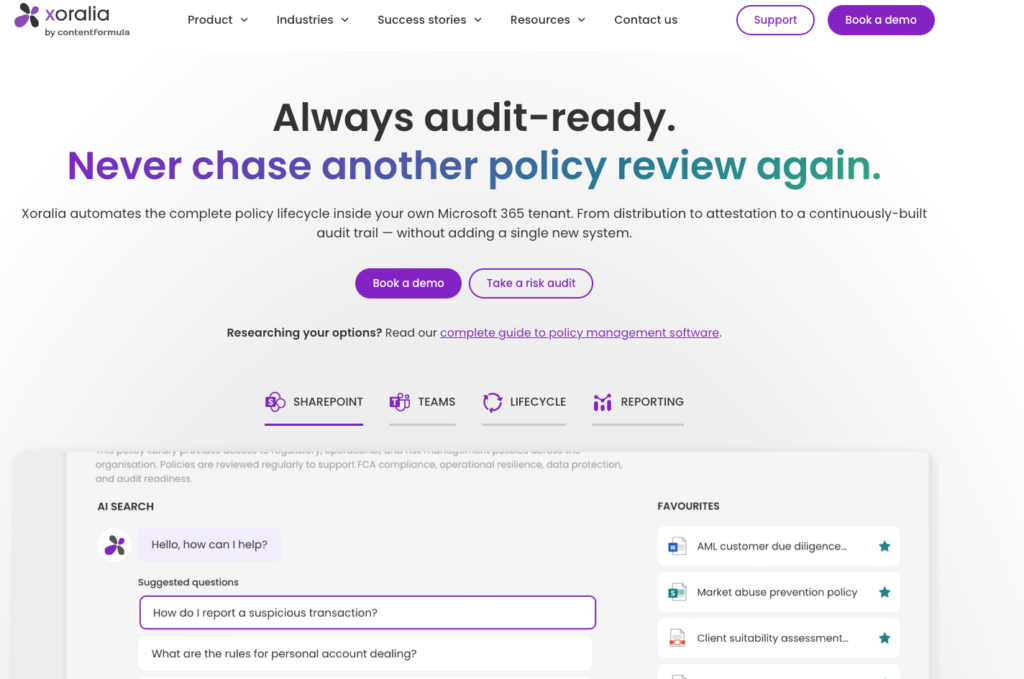
What makes it different: Xoralia is built entirely within Microsoft 365. Unlike other tools on this list that store policy documents in their own cloud environment, Xoralia keeps all content inside the organisation’s SharePoint tenant. Policies are managed through SharePoint and Teams using existing permissions, security settings, and Entra ID authentication, with no separate login or external data storage. For IT teams that will not approve policy documents leaving the Microsoft environment, that architecture is the deciding factor.
Best for: Organisations already running Microsoft 365 and SharePoint that want structured policy lifecycle management without introducing a separate platform or moving data outside their existing tenant.
Key features:
- Native M365 deployment: All policy documents remain in the organisation’s own SharePoint environment, using existing permissions, groups, and security policies
- Mandatory-read workflows: Policies are assigned to specific employee groups with tracked acknowledgement, automated email and Teams reminders, and real-time completion dashboards
- Knowledge checks: Optional quizzes attached to policies to test comprehension beyond simple acknowledgement
- Automated lifecycle management: Review reminders, expiry alerts, approval workflows, and version control with full audit trail
- Configurable policy hub: Over 20 configurable components allow teams to build branded policy pages that can sit within an existing SharePoint intranet
Where Xoralia falls short: Xoralia only works within Microsoft 365. Organisations not running SharePoint, or those using Google Workspace or another primary platform, cannot use it. The product is also narrowly focused on policy management and does not extend to broader document control (contracts, HR records, quality documents, operational procedures), so organisations needing a single system for all controlled documents will still need a separate DMS alongside Xoralia. Pricing is not published, which makes comparison difficult for buyers evaluating multiple options.
8. ConvergePoint: Best for SharePoint-Heavy Enterprises Needing On-Premises Control
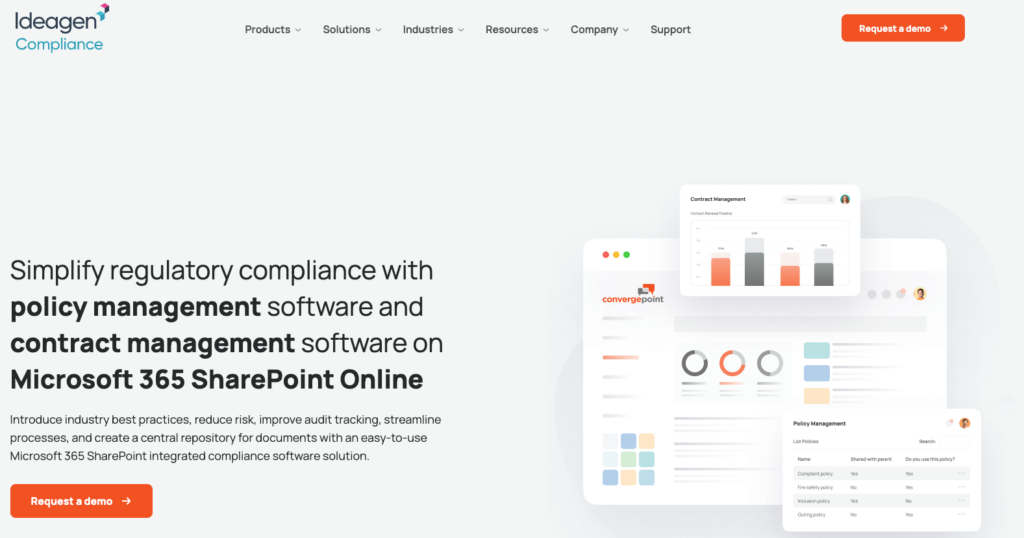
What makes it different: ConvergePoint installs as an app directly on Microsoft 365 SharePoint, adding structured policy lifecycle management on top of the SharePoint environment the organisation already uses. It covers policy creation (with Word Online drafting and change tracking), approval workflows, a centralised policy library with role-based access, and attestation tracking with audit trails. ConvergePoint also offers contract management and incident management as separate modules within the same SharePoint framework, so organisations can extend beyond policy management without leaving the Microsoft ecosystem.
Best for: Organisations already running Microsoft 365 SharePoint that want structured policy workflows, attestation tracking, and audit trails added to their existing environment, particularly those that also need contract or incident management on the same platform.
Key features:
- SharePoint-native deployment: Installs as an app on Microsoft 365 SharePoint Online, using existing permissions, Active Directory integration, and single sign-on
- Policy creation with Word Online: Collaborative drafting directly in Word Online with built-in change tracking, version control, and customisable templates
- Attestation and acknowledgement tracking: Automated policy distribution with tracked acknowledgement, completion dashboards, and audit-ready reporting
- AI tools: Policy summarisation, auto-generated Q&A from document content, and generative AI for drafting assistance, with Outlook and Teams integration for sharing
- Adjacent modules: Contract management and incident management available within the same SharePoint framework, supporting 25 languages via Office 365
Where ConvergePoint falls short: ConvergePoint is entirely dependent on Microsoft 365 SharePoint, so organisations not running SharePoint cannot use it. It also inherits SharePoint’s own complexity around permissions and navigation, which can create friction for non-technical policy administrators. For organisations that need document management beyond policies and contracts, ConvergePoint does not replace a full DMS.
Do SMEs Need a Dedicated Policy Management Platform?
For most SMEs, a dedicated policy-only platform is an unnecessary second system. The question to ask is: where do your policies live in relation to your other controlled documents?
Policies do not exist in isolation. A data protection policy connects to your data processing records, your HR documentation, and your contracts. A health and safety procedure connects to incident reports and training records. A quality procedure connects to your ISO document control structure.
Buying a standalone policy management tool means managing policies in one system and everything else in another, with no connection between them. That creates the same fragmentation problem the software was supposed to solve.
For businesses with 20 to 250 employees, a document management system with built-in policy management capabilities, like Folderit, provides everything a dedicated tool offers, plus controlled storage for every other document type in the business. One system, one audit trail, one source of truth.
For organisations whose entire compliance programme is policy-centric and requires deep GRC integrations (risk registers, ethics hotlines, training completion tracking), a dedicated platform like NAVEX PolicyTech or Mitratech PolicyHub may justify the additional cost and complexity.
How We Chose This Policy Management Software
This list was built using the following criteria. We evaluated feature completeness across the full policy lifecycle (drafting, approval, distribution, acknowledgement, version control, and retention), cross-referenced verified user reviews on Capterra, G2, TrustRadius, and Software Advice published in 2025 and 2026, and assessed pricing transparency, noting where vendors publish pricing and where they require a sales conversation. Each tool was evaluated against the needs of both SMEs (20 to 250 employees) and larger enterprise buyers, with the fit for each segment noted clearly. Every entry includes a limitation because no tool is right for every organisation.
FAQs: Policy Management Software
What is the difference between policy management software and a document management system?
Policy management software handles the lifecycle of policy documents specifically: drafting, approval, distribution, acknowledgement, and review scheduling. A document management system covers all document types across the business. The best DMS platforms include built-in policy management capabilities, keeping all controlled documents in one auditable system with a single document lifecycle.
Do I need policy management software to pass an ISO 9001 audit?
Not specifically, but you do need a system that produces version control, approval records, and distribution evidence reliably. A DMS with built-in approval workflows, audit trails, and acknowledgement tracking meets ISO 9001 document control requirements without a standalone policy platform.
How much does policy management software cost?
Most vendors in this category do not publish pricing and require a custom quote. Folderit is the only tool in this list with transparent pricing: plans start at $55/mo, priced per plan rather than per user.