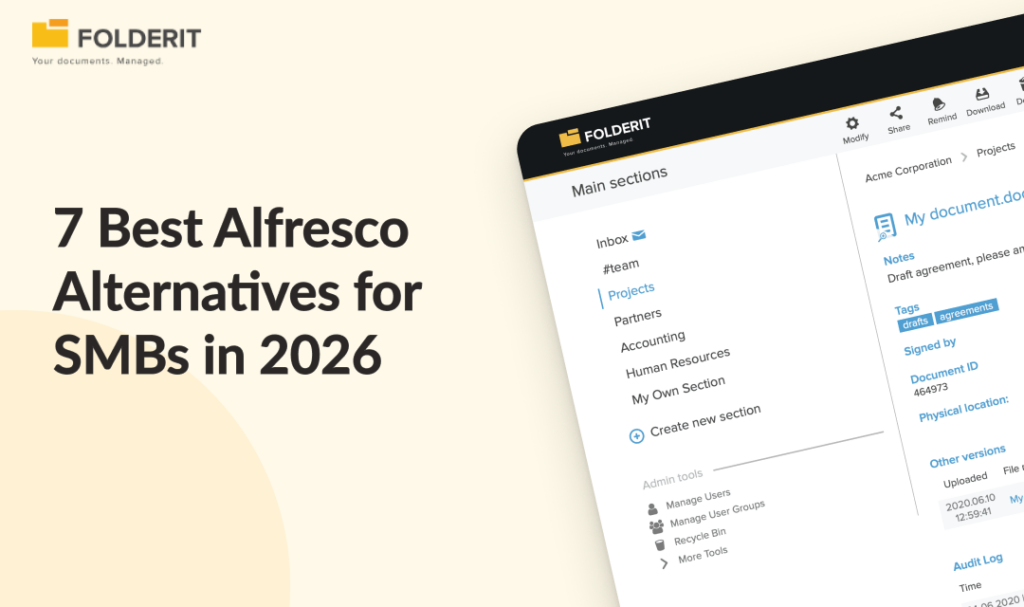
The best Alfresco alternatives for small and mid-sized businesses in 2026 are Folderit, M-Files, Laserfiche, LogicalDOC, OpenKM, SharePoint, and Box. If you need compliance-ready document control without a lengthy implementation project, Folderit is the strongest choice: it deploys in days, requires no IT team to administer, and includes approval workflows, audit trails, and retention automation as standard.
Alfresco is a capable ECM platform with genuine depth in process management and governance, but it was built for enterprises with dedicated IT teams and significant implementation budgets. Its flexibility is a real strength for organizations that have the technical resource to exploit it, though for those that don’t, that same flexibility quickly becomes overhead. Open-source ECM platforms consistently require dedicated technical resource to manage and customize, and with Alfresco Community Edition now discontinued, the free entry point that many smaller organizations relied on is gone.
This guide compares seven proven alternatives, who each one suits, and what to look for before you decide.
Why Are Businesses Looking for an Alfresco Alternative?
Alfresco provides open, flexible enterprise content management capabilities, including process management and governance. That power comes with trade-offs that matter significantly for organizations under 500 employees.
Cost is opaque and scales quickly. Alfresco Digital Business Platform starts from $100,000 per year for enterprise licensing, with per-user plans ranging from $2 to $15 per month depending on the tier. Pricing is not publicly listed, which means most buyers need a sales conversation before they can even estimate budget. The lack of transparent pricing is a recurring concern in user reviews.
Implementation and administration require technical depth. Setup and implementation timelines consistently exceed expectations compared to alternatives, and the richness of features produces a complex interface that can be challenging to integrate without internal technical expertise. For organizations without a dedicated IT function managing their document infrastructure, that complexity becomes a sustained operational burden rather than a one-time setup cost.
The free open-source path is closed. Alfresco Community Edition has been discontinued, removing the entry point that many smaller organizations used to evaluate and adopt the platform without commercial commitment. Organizations that built their document management around the Community Edition now face a choice between migrating to the enterprise tier or moving to a different platform entirely.
For organizations that need controlled document lifecycles, approval workflows, and audit-ready compliance, the question is whether Alfresco’s depth justifies the implementation and ongoing administration cost, or whether a purpose-built DMS delivers the same governance outcomes with less overhead.
Alfresco Alternatives Compared: Quick Reference
| Platform | Best For | Pricing Model | Deployment Speed | Compliance-Ready Out of Box |
| Folderit | Overall and ease of use | Per plan (from $55/mo) | Days | Yes |
| M-Files | Metadata-driven document management | Per user (~$39–$59/user/mo) | Weeks to months | With configuration |
| Laserfiche | Process automation in larger organizations | Per user (enterprise pricing) | Months | With configuration |
| LogicalDOC | Open-source Alfresco replacement | Free (Community) or commercial | Days to weeks | No |
| OpenKM | Free Alfresco Community Edition alternative | Free (Community) or commercial | Days to weeks | No |
| SharePoint | Organizations already using Microsoft 365 | Included in M365 ($5–$20/user add-ons) | Months (configuration) | No |
| Box | Secure external file sharing and collaboration | Per user (from ~$15/user/mo) | Days | No |
1. Folderit: Best for Overall and Ease of Use
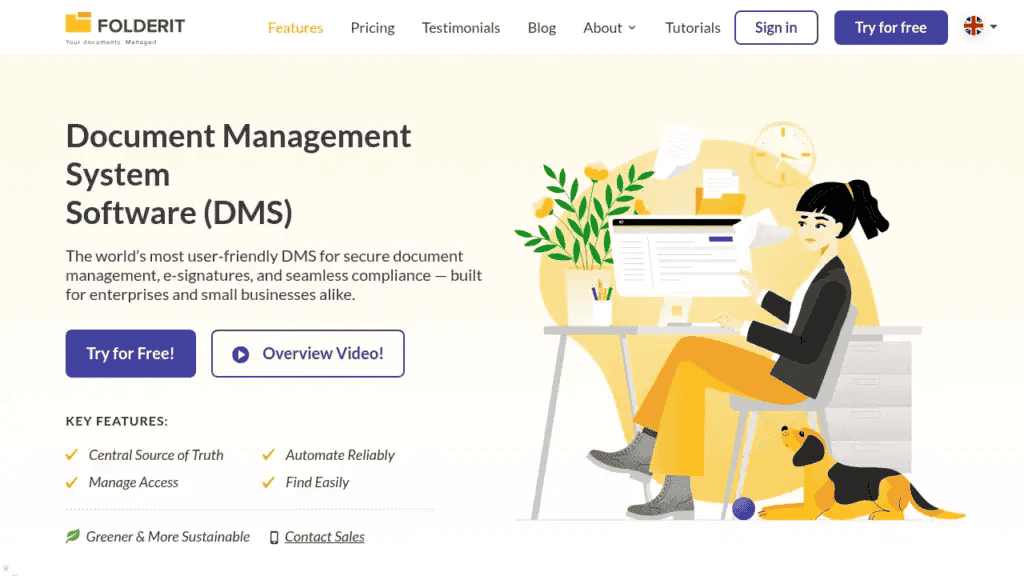
Why we picked it: Folderit delivers the document control features that regulated SMEs actually need, including approval workflows, audit trails, version history, retention automation, and acknowledgement tracking, without the implementation project, per-user cost escalation, or IT dependency that comes with enterprise ECM platforms.
Best for: Businesses of 10 to 500 employees in regulated industries (manufacturing, healthcare, legal, professional services, engineering) that need ISO 9001, ISO 27001, GDPR, or HIPAA-aligned document control without a multi-month rollout.
Key features:
- Approval workflows, acknowledgement tracking, and e-signatures (native Folderit eSign and DocuSign integration) built in, not bolted on
- Full audit trail logging every action: uploads, edits, approvals, sharing, and downloads, with timestamps
- Retention policy automation, document numbering, and version history as standard
- 256-bit AES encryption, SSO via Entra ID, Okta, and Google, two-factor authentication, and IP restrictions
- Cloud (EU data residency on AWS), single-tenant cloud, and on-premises deployment options
- Per-plan pricing, not per-user, making total cost predictable as headcount grows
- Microsoft 365 integration, Outlook Add-in, RESTful API, and OCR full-text search across all file types
- Named the most user-friendly DMS in the world by Gartner’s Capterra based on task-completion time benchmarking
Deployment: Days to weeks, not months. No implementation consultants required.
Compliance support: ISO 9001, ISO 27001, GDPR, HIPAA, Cyber Essentials, 21 CFR Part 11.
Folderit’s document and folder audit trails give compliance and quality teams the evidence they need for audits without manual record-keeping. For organisations managing contracts, approval workflows and acknowledgement tracking replace email chasing entirely.
2. M-Files: Best for Metadata-Driven Document Management
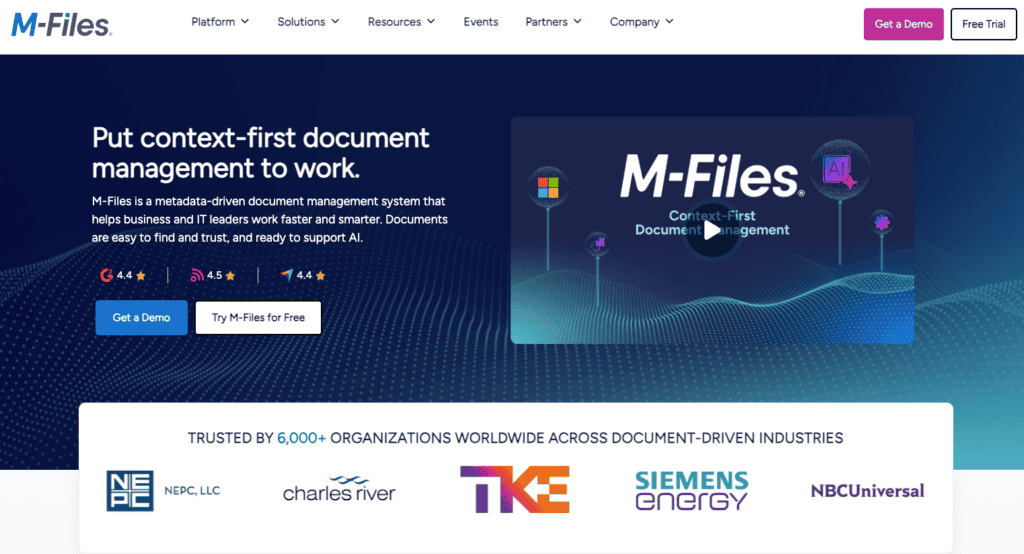
Why we picked it: M-Files organizes documents by what they are rather than where they’re stored. Instead of navigating folder structures, users tag documents with metadata (client name, project, document type, status), and the system surfaces relevant files automatically based on context. For organizations with complex classification needs, this approach reduces duplicate filing and makes retrieval significantly faster once the metadata structures are properly configured.
Best for: Mid-market businesses with complex document classification needs and an IT team to manage configuration.
Key features:
- Metadata-based architecture that connects related documents automatically
- Workflow automation and version control
- Integrations with Salesforce, SAP, and Microsoft 365
- On-premises, cloud, and hybrid deployment
Limitations: M-Files uses per-user pricing, so total cost scales directly with headcount. The metadata architecture is powerful but requires upfront configuration and a genuine commitment to tagging discipline across the organization. If adoption is inconsistent, the system’s core advantage breaks down. Implementation timelines are longer than lighter-weight DMS platforms and typically require IT involvement.
3. Laserfiche: Best for Process Automation in Larger Organisations
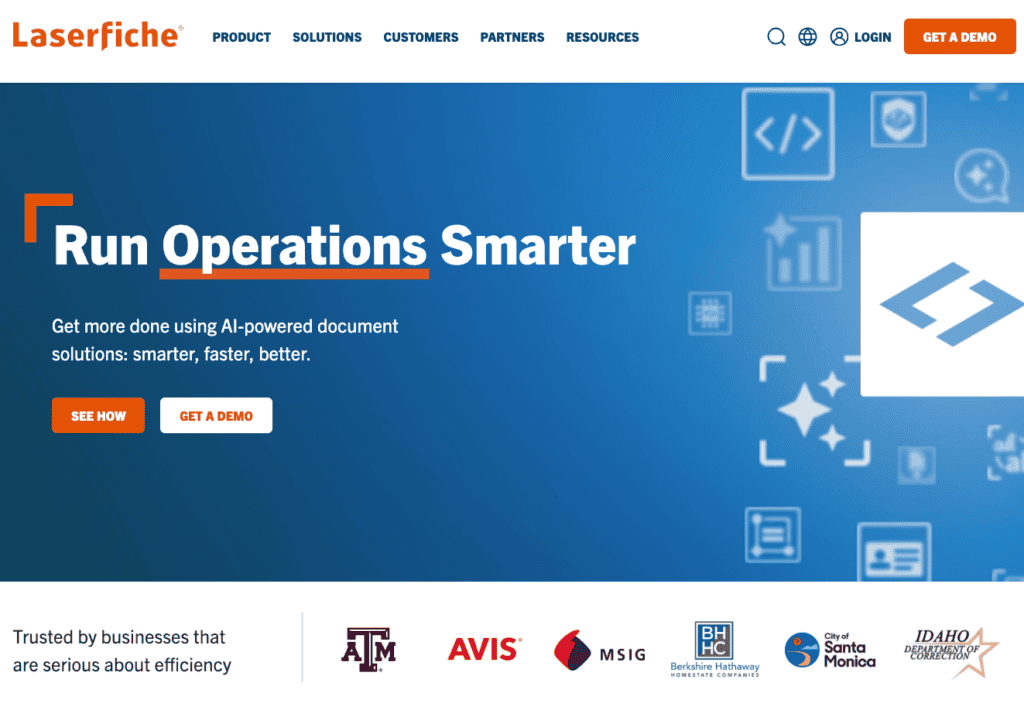
Why we picked it: Laserfiche combines document management with deep process automation, going well beyond the approval workflows that most DMS platforms offer. Its visual workflow designer lets organizations build complex, multi-step routing processes (sequential approvals across departments, conditional branching based on document type or value, automated escalation on missed deadlines) without custom development. Laserfiche provides AI-powered document management and process automation with workflows, electronic forms, and analytics.
Best for: Organizations with complex, multi-step document workflows that span multiple departments, particularly in government, education, financial services, and healthcare where process compliance is as important as document compliance.
Key features:
- Visual workflow designer for multi-step approval and routing processes
- Electronic forms that feed directly into document workflows
- Records management and retention scheduling
- Strong compliance tooling for regulated industries
Limitations: Laserfiche is positioned at mid-to-large enterprises, and both implementation timelines and total cost reflect that. Organizations under 200 employees will find the investment difficult to justify unless process automation is a primary requirement rather than a secondary benefit alongside document control.
4. LogicalDOC: Best Open Source Alfresco Alternative
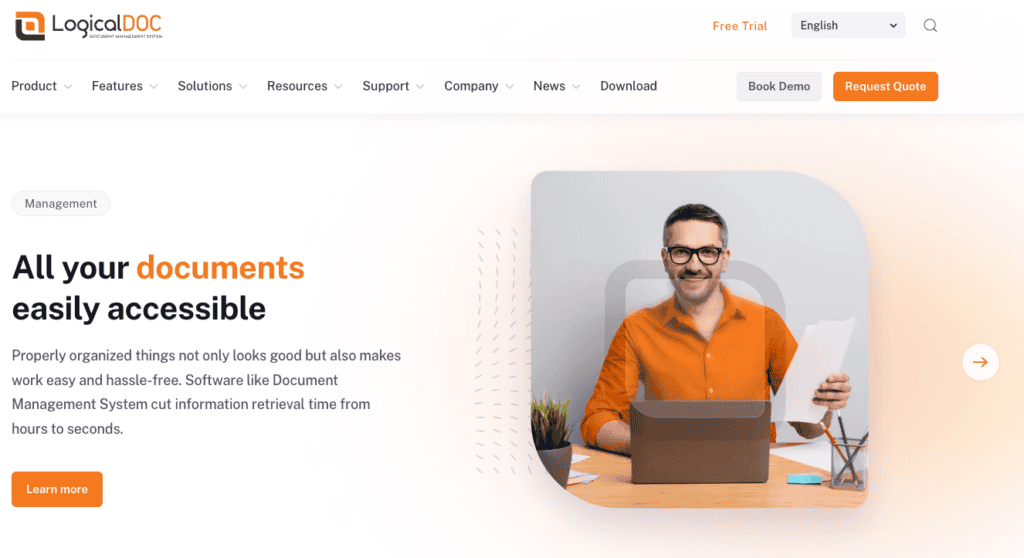
Why we picked it: For teams specifically looking for an open-source document management system to replace Alfresco Community Edition, LogicalDOC Community is the most direct substitute. It offers version control, full-text indexing, and a web interface for uploading, organizing, and retrieving documents in a self-hosted environment, with a clear upgrade path to commercial editions that add workflow automation and OCR.
Best for: Technical teams comfortable with self-hosted deployments who want a free, open-source DMS they can evaluate without commercial commitment, and who have the internal resource to manage installation, updates, and infrastructure.
Key features:
- Version control and full-text indexing, with a web interface that allows users to upload, organise, and retrieve documents
- Workflow automation available in paid tiers
- Teams can start with the free version and transition to a commercial edition for advanced features like workflow automation and OCR
Limitations: The free edition has a limited feature set and relies on community-only support. Compliance tooling such as retention automation, structured approval workflows, and audit-grade reporting is not available in the community tier, so organizations with regulatory requirements will need the commercial edition or a different platform. Self-hosting also means your team owns the infrastructure, backups, security patching, and upgrades, which is a sustained operational commitment rather than a one-time setup cost.
5. OpenKM: Best Free Alfresco Community Edition Alternative

Why we picked it: OpenKM Community is an open-source EDMS solution that integrates a centralised document repository, indexing, search system, user collaboration, and a workflow engine to automate processes.
Best for: Small organizations or technical teams that want a free, self-hosted document management system with more out-of-the-box functionality than most open-source alternatives, and who have the internal resource to manage deployment and administration.
Key features:
- Administration tools to define user roles and permissions, secure each document, maintain a full activity log, and configure automated tasks
- OCR and workflow automation
- The Community Edition offers a free, self-hosted starting point with workflow automation and OCR, with professional vendor support available as organisations scale. OpenKM’s open-source to commercial upgrade path
Limitations: The Community edition is entirely free but is designed for a smaller number of users and limited document volumes. While it includes workflow automation, it is not a compliance-ready platform out of the box, meaning organizations with regulatory requirements around retention, structured approvals, or audit-grade reporting will either need the commercial tier or a purpose-built DMS. Self-hosting means ongoing responsibility for infrastructure, security, backups, and updates.
6. Microsoft SharePoint: Best for Organisations Already Deep in Microsoft 365
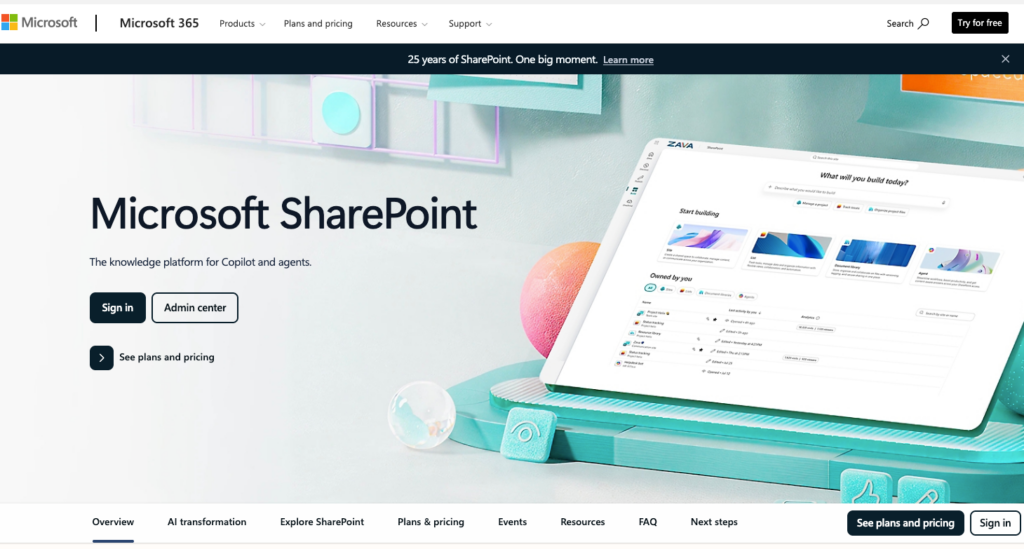
Why we picked it: SharePoint is already deployed in most Microsoft 365 environments, making it a zero-additional-cost option for basic document storage and collaboration. SharePoint Online offers tight Microsoft integration that Alfresco Community cannot match natively.
Best for: Organizations whose primary needs are file storage, co-authoring, and Microsoft Teams integration, and who have IT resource available to configure and maintain document libraries, permissions, and any add-ons needed for workflow or compliance functionality.
Key features:
- Native integration with Word, Excel, PowerPoint, and Teams
- Version history on document libraries
- Access controls and permission management
Limitations: SharePoint can be configured to approximate document management, but it is not a document management system. Approval workflows, acknowledgement tracking, retention automation, and audit-ready reporting all require either third-party tools, Power Automate configuration, or custom development. A comparable SharePoint Online implementation costs $5 to $20 per user per month in licensing alone, translating to $30,000 to $120,000 over five years for 100 users, and that figure does not include the IT time or third-party add-on costs needed to build the document control layer that a purpose-built DMS provides out of the box.
7. Box: Best for Secure External File Sharing
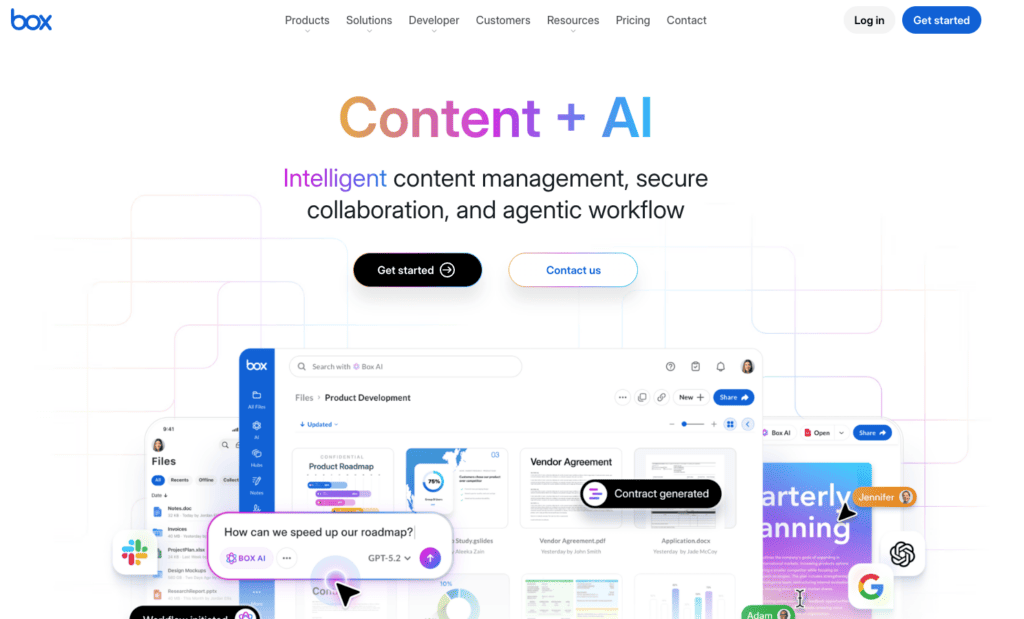
Why we picked it: Box is built around secure file sharing and collaboration rather than internal document control. Its strength is providing a single platform for storing, sharing, signing, and automating content with strong access controls and a broad integration ecosystem that connects to Slack, Salesforce, Microsoft 365, Google Workspace, and other enterprise platforms. For organizations whose primary document challenge is secure external collaboration with clients, partners, and vendors, Box is a genuinely strong option.
Best for: Organizations whose primary need is secure external file sharing and cross-platform content collaboration, particularly those working with clients and partners who need controlled access to shared documents without being added to an internal system.
Key features:
- Strong access controls and link-based sharing with expiry settings
- Box Sign for electronic signatures
- AI-powered search and content classification
- Compliance certifications including HIPAA, GDPR, and FINRA
Limitations: Box is a collaboration and file sharing platform, not a document control system. Organizations that need controlled document lifecycles with structured approval routing, version-controlled publishing workflows, automated retention policies, or audit trails that evidence who approved what and when will find that Box doesn’t provide these capabilities natively. It is a strong choice for content collaboration and external sharing, but for compliance-driven document governance it leaves gaps that either require workarounds or a separate, purpose-built DMS.
How We Chose These Alfresco Alternatives
Each platform in this list was evaluated against the criteria that matter most to compliance-conscious SMBs moving away from Alfresco:
- Compliance readiness: Does the system support controlled document lifecycles, approval workflows, acknowledgement tracking, and retention automation without custom development?
- Deployment time: Can the system be operational in weeks, not months?
- Total cost of ownership: Is pricing transparent and predictable? Does cost scale with users or with plans?
- Ease of administration: Can business users (Quality, HR, Legal, Operations) manage the system without IT support?
- Security: Does the platform include encryption, SSO, audit trails, and access controls as standard?
- Data sovereignty: Are EU data residency and on-premises deployment options available for organisations with regulatory requirements?
Alfresco vs Folderit: A Direct Comparison
| Criteria | Alfresco | Folderit |
|---|---|---|
| Target market | Enterprise, IT-led | SMB, business-user-led |
| Deployment time | Months | Days to weeks |
| Pricing model | Per-user or custom enterprise contract | Per-plan (not per-user) |
| Enterprise starting price | From $100,000/year | From $55/month (Mini plan) |
| Community Edition | Discontinued | N/A |
| IT resource required | Yes | No |
| Compliance features out of the box | Requires configuration | Built in as standard |
| EU data residency | Available | AWS EU as standard |
| On-premises option | Yes | Yes |
| Audit trail | Yes | Yes |
| Approval workflows | Yes (complex to configure) | Yes (no configuration required) |
| Acknowledgement tracking | Via add-on | Built in |
| OCR search | Yes | Yes |
What Should You Look for in an Alfresco Alternative?
The right Alfresco alternative depends on why you are moving away from it. Most SMBs fall into one of three situations:
You need compliance-ready document control without an IT-led project. Look for a system where approval workflows, acknowledgement tracking, retention automation, and audit trails are built in as standard rather than requiring configuration or third-party add-ons. Folderit is the strongest fit here.
You want an open-source system to replace Alfresco Community Edition. LogicalDOC and OpenKM are the strongest options, and both offer free community editions with a path to commercial tiers as your needs grow. OpenKM’s community edition ships with a broader built-in feature set including activity logging and automated tasks, while LogicalDOC Community is leaner and more focused on core document storage and retrieval. In either case, compliance-grade features like retention automation and structured approval workflows will require the commercial version.
You need enterprise ECM with deep process automation. Laserfiche or M-Files are the right evaluation targets. Budget for a longer implementation timeline and higher per-user costs, and make sure you have the IT resource to manage ongoing configuration and metadata governance.
You already have SharePoint or Box and are wondering whether they’re enough. SharePoint can be configured to approximate document management, but the IT investment and third-party add-on costs add up quickly. Box is strong for external file sharing and collaboration but lacks the controlled document lifecycle features that compliance-driven organizations need. If either platform is already handling your file storage and collaboration well, the question is whether you also need a dedicated document control layer alongside it, and for most regulated SMBs, the answer is yes.
FAQs
What is the best Alfresco alternative for a small or mid-sized business?
For SMBs that need compliance-ready document control without enterprise ECM complexity, Folderit is the strongest option. It includes approval workflows, audit trails, retention automation, and e-signatures as standard, deploys in days, and uses per-plan pricing rather than per-user, so cost stays predictable as the team grows.
Is there a free alternative to Alfresco Community Edition?
The closest free alternatives are OpenKM Community Edition and LogicalDOC Community Edition. Both offer self-hosted document management with version control and basic workflows. OpenKM’s Community edition is entirely free but is designed for a smaller number of users and limited document volumes, while LogicalDOC Community is leaner in its free feature set with a clear upgrade path to commercial tiers. Alfresco Community Edition has been discontinued, so these are the most direct replacements for organizations that were relying on that free entry point.
What are the main weaknesses of Alfresco for SMBs?
The most common criticisms center on cost, complexity, and administration overhead. Users have flagged high cost, limited scalability, and missing features relative to competing products, and workflow and business process management is complex to configure for real-world processes, making it expensive to build a complete solution in both time and money. For organizations without a dedicated IT team, the ongoing administrative burden is a significant barrier beyond the initial implementation.