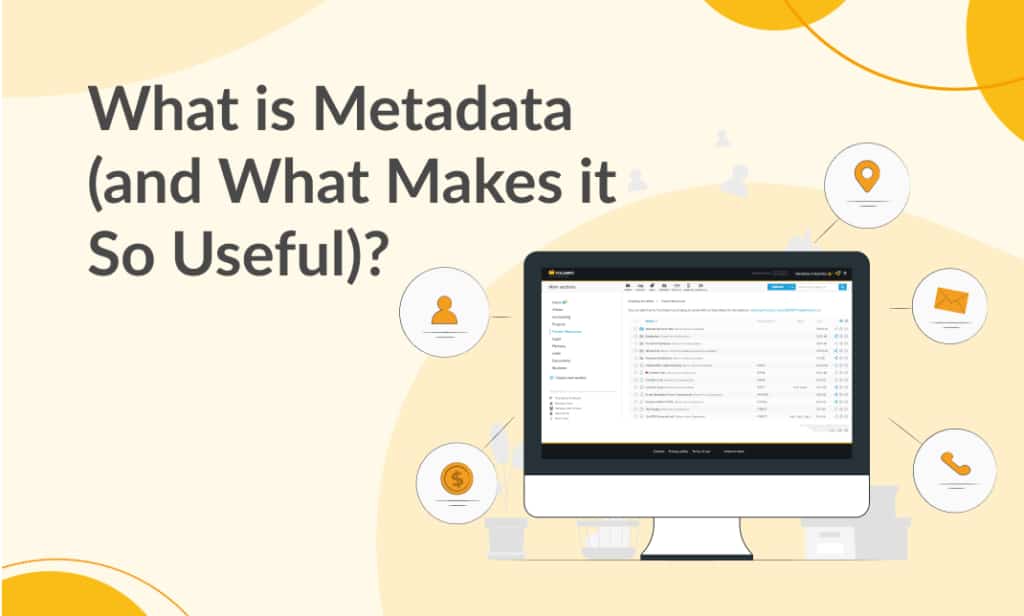
Metadata is information that describes another piece of information. For a business document, it might identify the customer, document type, owner, issue date or renewal date. The document contains the agreement or invoice; its metadata helps you understand and find it.
Consider a contract saved as agreement-final.pdf. The name alone does not tell a colleague which customer it belongs to or when it expires. Metadata fields such as Customer, Contract type and End date make those facts explicit.
Examples of metadata
| Document | Useful metadata | Question it helps answer |
|---|---|---|
| Supplier invoice | Supplier, invoice number, issue date, due date | Which invoices from this supplier are due soon? |
| Contract | Customer, agreement type, owner, end date | Which agreements need a renewal review? |
| Company policy | Department, policy owner, status, review date | Who owns this policy and when should it be reviewed? |
| Project drawing | Project code, drawing number, revision reference | Which drawing belongs to this project? |
These are example fields to configure, not a promise that software automatically identifies their values. Some metadata is generated by a system, some comes from a source file, and some must be entered or checked by a person.
Metadata, file names and document content
A file name is one useful description. Metadata adds separate, structured fields so you do not need to fit every fact into the name. The document’s content remains the text, images or other material inside the file.
Content search and metadata search complement each other. Content search can find a phrase in a supported document. Metadata search can narrow the result to a particular supplier or date. OCR makes text in supported scans searchable, but recognised text is not automatically a verified invoice number or retention date.
How are tags different?
Tags are reusable keywords, such as Finance or Project Apollo. They are a form of metadata and work well for flexible classification. A typed field such as End date or Invoice amount is more suitable when the value needs a consistent date or number format.
Use a short list of agreed tags and fields. If one colleague writes “ACME”, another writes “Acme Ltd” and a third writes “Acme Limited”, a search for one spelling may miss the others. A controlled list can reduce that inconsistency.
Why metadata is useful
- Retrieval: locate records by business facts rather than remembered file names.
- Context: show an owner, relevant date or relationship without opening every document.
- Consistency: apply the same fields to a document category.
- Review: identify missing information and records needing attention.
Metadata remains useful only if its meaning is clear and its values are maintained. A field called Date is ambiguous if some users enter the upload date and others enter the date of the agreement. Define what each field means.
Metadata in Folderit
Folderit lets authorised users describe files, folders and external links with metadata. Information can appear in the item’s detail view, in folder columns and in search. Default document fields include Title, Notes, Tags, Signed by, Document ID, Date and Due Date; custom fields support information specific to your organisation.
For configuration steps and a practical contract example, continue to using metadata in a document management system. The Folderit metadata reference explains the available controls.