How can we help?
-
Getting Started
-
Files & Folders
-
Workflows & Automation
-
Metadata & Forms
-
Admin Tools
-
Access Management
-
User-level Tools
-
Business-level Tools
-
Reports
Creating Folder Structure
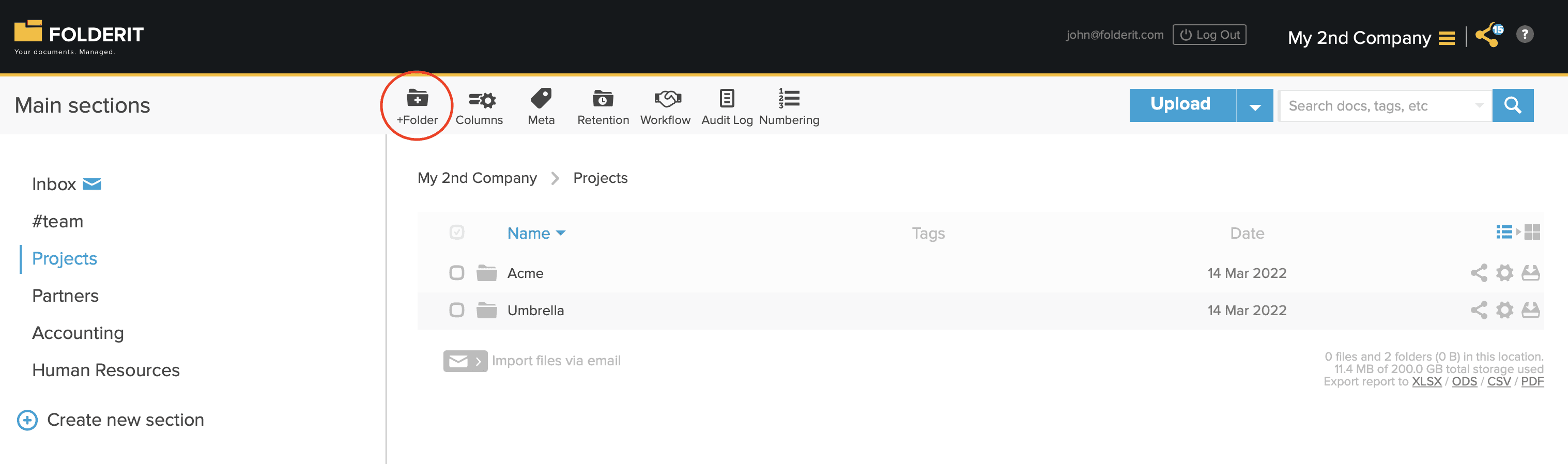
You have two types of folders in Folderit. The very highest level of folders is called Main Sections — the main folders that are always visible for you on the left side. More about Sections here.
Under the Main Sections you can create almost unlimited folder structure — folders within folders within folders. Just click on the ‘+Folder’ button on the toolbar to create a new folder to where you currently are.