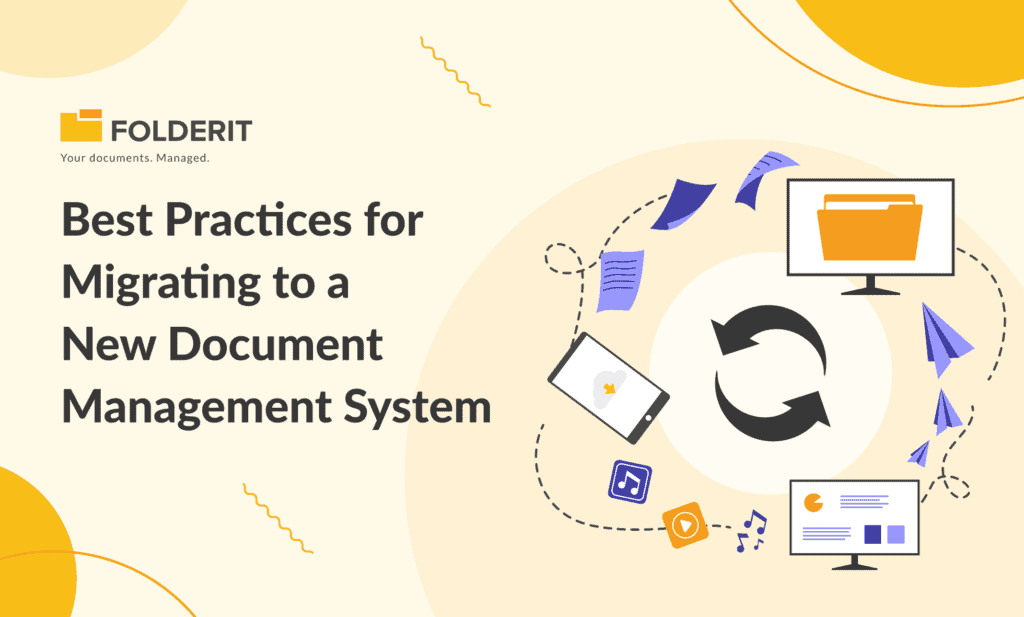
A document management system migration transfers more than files. It must preserve the information people need to find, understand and control those files: metadata, ownership, permissions and the required history. A successful migration has a defined scope, a tested transfer method and evidence that the destination is complete.
Use this guide when moving from shared folders, file servers or another DMS. It covers planning, a pilot, cutover and validation. The Folderit migration knowledge-base guide describes the available transfer options.
1. Inventory the documents and the systems that use them
List each source, its owner, file count, total size, formats, folder structure and business purpose. Include documents held in subsidiaries, departmental archives and workflow applications. Record which processes create or update them and which integrations depend on their existing locations.
Decide what is in scope: current files, historical versions, metadata, audit evidence, links, permissions and unfinished workflows. Treat these as separate migration requirements. A file transfer does not automatically reproduce a legacy system’s version history or access model.
Classify content as migrate, retain in a controlled legacy archive, or review for authorised disposal. Remove duplicates only after confirming the authoritative record and any preservation obligations. Migrating a document does not restart its retention period.
2. Define success and assign owners
Give IT responsibility for the transfer and technical checks, business owners responsibility for completeness, and the appropriate records or legal owner responsibility for retention and preservation decisions. Name one person who can approve cutover or invoke rollback.
| Acceptance check | Example evidence |
|---|---|
| Completeness | Source and destination counts reconcile, with every exclusion explained. |
| File integrity | Files open correctly; checksums match where the transfer preserves the original bytes. |
| Metadata | Required fields, dates, identifiers and list values map correctly. |
| Access | Authorised users can work; unauthorised users fail access tests. |
| Business operation | Search, approvals, document links and required integrations pass agreed tests. |
| Recovery | The team can restore or return to an agreed source state if acceptance fails. |
3. Map metadata before importing at scale
Create a mapping sheet with the source field, destination field, data type, transformation rule and owner. For example, convert an inconsistent supplier name into a controlled list, map a contract end date into a Date field, and preserve a legacy document identifier in its own field.
Do not substitute upload time for the original business date. Distinguish an invoice date, contract termination date and migration date. Check date formats, time zones, empty values, duplicate identifiers and documents with multiple versions.
Folderit supports custom fields and reusable folder metadata templates. For metadata held in Excel or CSV, contact Folderit before the main transfer to agree the field mapping and the method that matches each row to its file. Do not assume a spreadsheet will match files correctly by name alone.
4. Choose and test a transfer method
- SFTP: suitable for large volumes of files and folders; arrange the connection and process with Folderit.
- Folderit Sync: use the desktop application to synchronise folders and files from a computer or file server.
- Browser upload: useful for smaller migrations and representative test batches.
- ZIP upload: transfer a folder structure in batches. The current importing guide specifies a maximum of 500 MB and 500 files per ZIP.
See Importing Data for the available methods. Confirm throughput and constraints with a pilot using your own file mix. Agree separately how to preserve any required legacy audit evidence, version history and workflow records.
5. Rebuild and validate permissions
Create the target groups and folder structure before broad access is granted. Map business roles rather than copying old permissions without review. Test access with ordinary user accounts, including an account that must be denied.
Folderit’s permission levels distinguish previewing, downloading, editing and uploading. Check external sharing and inherited access. Give migration operators only the access needed for their work, then remove temporary grants when the migration is accepted.
6. Pilot a complete business process
Select a small, representative group of documents: a scanned PDF, an Office file, a large file, an older revision and a restricted record. Import the sample with metadata, then ask users to search for it, edit permitted information and complete an approval or acknowledgement.
Check file content and metadata separately. OCR helps search supported scans; it is not evidence that all structured fields migrated correctly. Log each exception, fix its cause, and repeat the affected checks before approving the next batch.
7. Plan the cutover and rollback
A phased migration can reduce disruption, but zero downtime is not guaranteed. Choose a cutover window and decide when the old system becomes read-only, how later changes are captured, and when new documents must enter Folderit.
Do not shut down a source merely because its metadata has been copied. Access to files that remain in another system requires an agreed and tested arrangement. Avoid uncontrolled editing in both systems: identify the authoritative location for each phase.
- Confirm a recoverable source copy and agreed rollback criteria.
- Communicate any access interruption and provide a support contact.
- Transfer the final changes and reconcile them against the source.
- Obtain business-owner acceptance before changing normal working procedures.
8. Reconcile, train and retire the source deliberately
Maintain a transfer register containing the source identifier, destination identifier, batch, outcome and exception status. Investigate missing files and unexpected counts. Validate required metadata, searchability and permissions, then retain the acceptance evidence with the migration plan.
Train users in the tasks they perform every day and review feedback after launch. Keep the legacy source available under controlled access for the agreed validation or retention period. Decommission it only after the relevant owners approve the record-preservation, contractual and disposal arrangements.
Migration readiness checklist
- Scope, source owners and document inventory approved.
- Metadata mapping and file-matching method tested.
- Required versions, audit evidence and workflow history accounted for.
- Target permissions and negative access tests passed.
- Pilot files, searches and business workflows accepted.
- Cutover, final changes, rollback and user communications agreed.
- Reconciliation and source-retirement approvals recorded.
Still choosing the destination? Use our DMS evaluation guide. To plan a Folderit transfer, review the migration options and contact the team before moving your full archive.