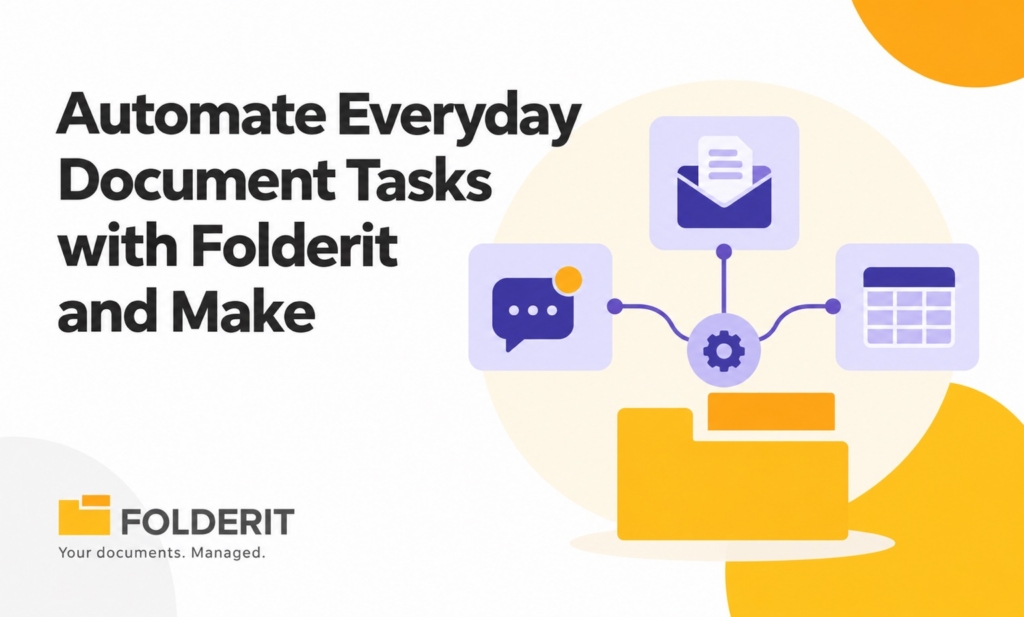
Repeatedly downloading attachments, telling colleagues that a document has arrived, and updating a spreadsheet are useful tasks to automate. Folderit connects with Make, and three ready-made templates give you a practical starting point.
Save selected Gmail attachments in Folderit
Choose which Gmail messages to process and where their attachments belong in Folderit. The template copies attachments into the selected folder, keeping their filenames. Source emails remain in Gmail, and inline media are excluded.
Open the Gmail attachments template
Notify a Slack channel about new files
Watch a selected Folderit folder and send a Slack notification when a new file is detected. Messages contain the filename and File UID; document contents stay in Folderit.
Open the Slack notification template
Log new files in Google Sheets
Build a register of new arrivals with the File UID, filename, folder UID, detection time and source. This template appends rows; it does not synchronize later edits, moves or deletions, or replace Folderit’s audit trail.
Open the Google Sheets template
Choose your accounts, folders and schedule
Each template uses your own connections and destinations. You need Folderit API access, a Make account with available credits, and accounts for the services you connect. Confirm the requirements for your subscription before setup.
Start with a harmless test, check the result, and then choose a schedule appropriate for your work. The templates use scheduled checks. Review the destination before replaying a failed or incomplete run, as replays and ambiguous retries can create duplicates.
Follow the setup guide and choose a template, or contact Folderit for help.